


PRC application form テンプレート
PDF ドキュメントを表示および入力するための従来の一連の機能に、Web アプリケーションおよびレスポンシブ レイアウトの利点を組み合わせることで、数分で PRC application form を完成させることができます。
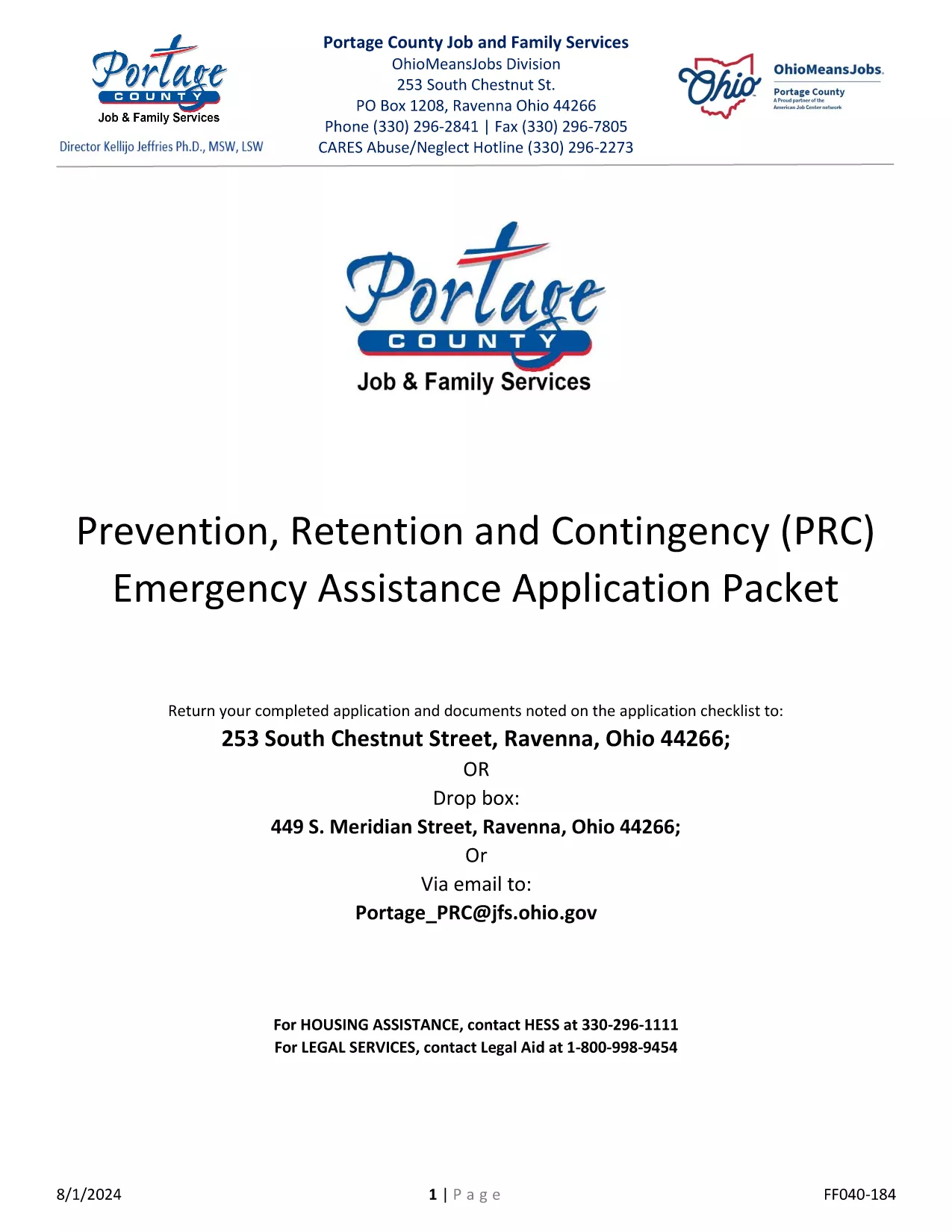
Looking for a fast, secure way to complete the PRC application form? Our fillable PDF lets you enter all required information directly in your browser, eliminate handwritten errors, and submit a clean, printable document.
The fillable version is the exact replica of the official General PRC Application Packet 2024 used by Portage County. It offers:
Just click the "Fill out this form" button below. The Formize PDF Filler app loads instantly, and you can start typing right away.
When you finish, click Save to download a completed PDF, then follow your local licensing office’s submission instructions.
Need help? Review the FAQs below or refer to the step‑by‑step guide in the How‑To section.
Yes. The fillable PDF is provided at no cost. You only need an internet connection and a modern browser.
Absolutely. Open the saved PDF again with the Formize app or any standard PDF editor to make changes.
Most licensing offices accept a digital copy, but check your local requirements. Printing is optional.
The Formize filler highlights fields with issues. Correct the highlighted data, then retry saving.
All data stays on your device; Formize does not store any entered information on a server.
Yes. The fillable PDF works on smartphones and tablets with modern browsers.
PDF ドキュメントを表示および入力するための従来の一連の機能に、Web アプリケーションおよびレスポンシブ レイアウトの利点を組み合わせることで、数分で PRC application form を完成させることができます。
オンラインで PDF フォームに記入する最も簡単な方法
フィルセッションを削除
編集セッションを削除する