
言語を選択する

Free Application Form Editor – Fillable PDF Ready to Use

  1. アメリカ合衆国
  2. 言語 英語
  3. デパートメント Publishing
  4. アクティビティ Application Forms
Free Application Form Editor – Fillable PDF Ready to Use

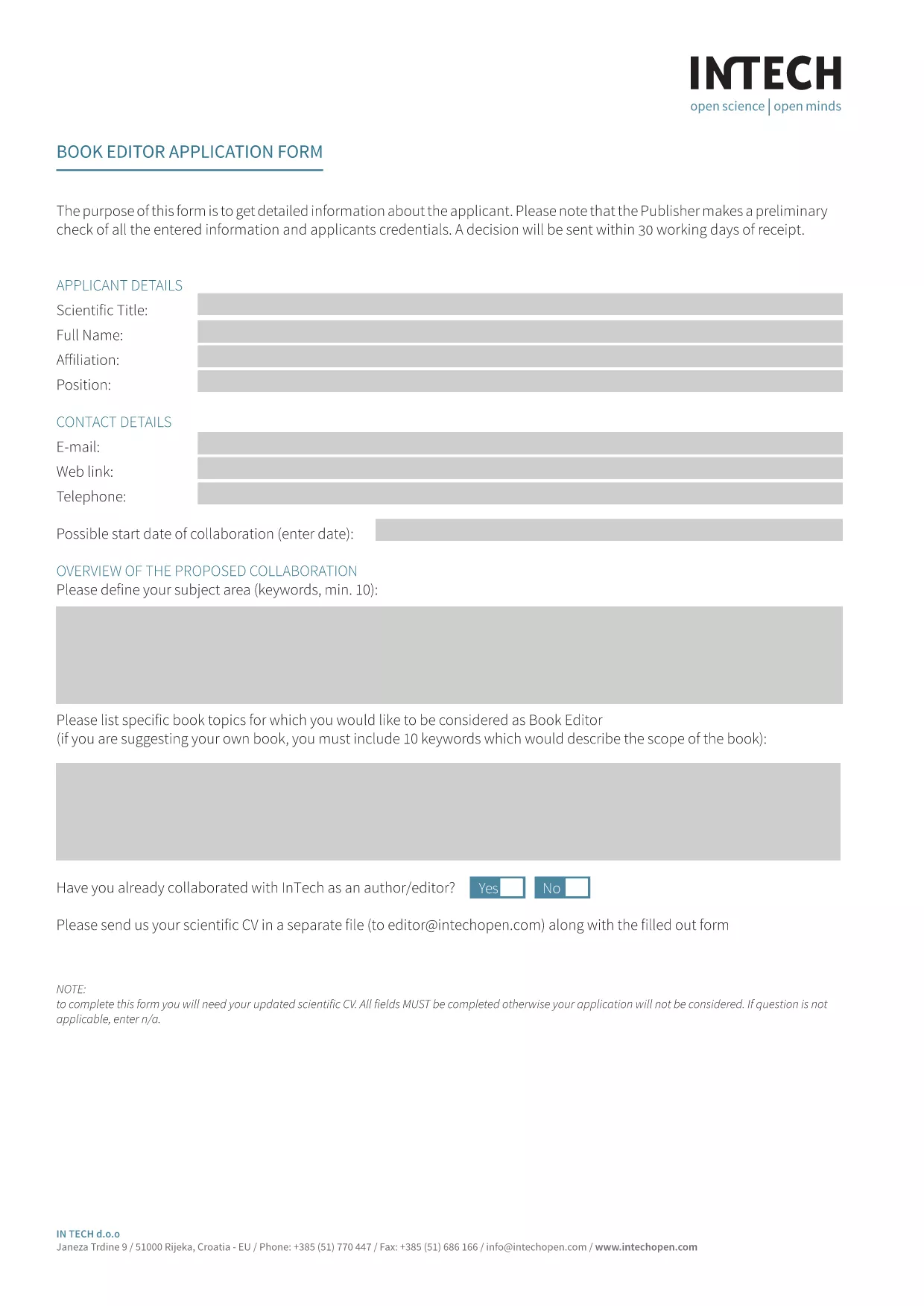
Looking for a fast, secure way to complete the Book Editor Application Form without printing or scanning? Our Application Form Editor turns the PDF into an interactive, fillable document that you can complete directly in your browser.

What Is an Application Form Editor?

An application form editor is a web‑based tool that converts a static PDF into a live, editable form. Users can type into text fields, select checkboxes, and add signatures—all while the original layout stays intact. With Formize, the editor loads instantly, so you never have to download a separate program.

How to Fill Out the Application Form in Seconds

Simply click the "Fill out this form" button below. The Formize PDF Filler app will appear, load the PDF, and you can start typing right away.

  • Step 1: Click "Fill out this form".
  • Step 2: Wait a few seconds while the Formize PDF Filler loads.
  • Step 3: Complete each field – the form guides you with helpful placeholders.
  • Step 4: Click Submit to email a copy to yourself or download the finished PDF.

Key Features of This Fillable PDF

  • All original design elements preserved – looks professional.
  • Auto‑save while you type, so no data is lost.
  • Signature field for electronic signing.
  • Responsive layout works on desktop, tablet, and mobile.
  • One‑click download or email of the completed form.

Common Mistakes to Avoid

  • Do not leave required fields blank – the form will highlight them in red.
  • Avoid using special characters in the "Name" field; stick to letters, hyphens, and apostrophes.
  • Make sure your email address is valid; you’ll receive a copy of the completed form.

Download & Save Your Completed Form

After you submit, you can instantly download a PDF copy for your records or share it with your hiring committee. No extra software, no printing, no scanning – just a clean, professional document.

Ready to get started? Click the button below and let Formize do the heavy lifting.

よくある質問
  • Do I need Adobe Acrobat to fill this form?

    No. The Formize PDF Filler works in any modern browser, so you don’t need Acrobat or any extra software.

  • Can I save my progress and finish later?

    Yes. The editor auto‑saves your entries locally. When you return, simply reload the page and continue where you left off.

  • Is my data secure?

    All data is processed in your browser and only transmitted when you click Submit. Formize uses SSL encryption for every connection.

  • What if I make a mistake?

    You can edit any field at any time before submitting. Use the backspace or delete keys to correct entries.

  • Can I print the completed form?

    Absolutely. After you download the finished PDF, you can print it on any printer.

  • Is there a limit to how many times I can use the editor?

    No. The fillable PDF editor is free and unlimited for this form.

  • Will the formatting change after I fill it out?

    No. The original layout, fonts, and branding stay exactly the same – only the form fields become interactive.

方法

オンラインで 4 回の簡単なステップで application form editor を無料で入力する方法:

  1. 1
    Click the Fill‑Out Button
    Press the "Fill out this form" button on the page. The Formize PDF Filler app will open in a new overlay.
  2. 2
    Wait for the Form to Load
    A few seconds later the fillable PDF appears. All fields are ready for input.
  3. 3
    Enter Your Information
    Type directly into each field, select options, and use the signature pad to sign electronically.
  4. 4
    Submit or Download
    When finished, click Submit to email yourself a copy, or choose Download to save the completed PDF to your device.
Formize PDF Filler アプリ
だいたい

application form editor テンプレート

PDF ドキュメントを表示および入力するための従来の一連の機能に、Web アプリケーションおよびレスポンシブ レイアウトの利点を組み合わせることで、数分で application form editor を完成させることができます。
特徴

PDFフィラー

オンラインで PDF フォームに記入する最も簡単な方法

  • application form editor をすばやく入力してください
    application form editor をオンラインですばやく入力する方法をお探しですか?オンラインの無料 PDF フォーム フィラーを使用すると、この PDF ドキュメントを 1 分以内に編集して入力する方法がわかります。
  • 使いやすいオンライン PDF エディター
    再スキャンして返送する前に、編集できるように PDF ファイルを印刷することにうんざりしていませんか? PDFドキュメントをオンラインで無料で編集.当社のオンライン PDF エディターを使用して、時間と紙を節約してください。
  • 優れたツール、すべてのプラットフォーム
    Mac で application form editor を入力する方法や、PDF フィラーを無料で使用する方法を知りたいですか?当社のオンライン PDF ツールは、すべてのプラットフォームで動作します。
  • 安全なファイル ストレージ
    完成した「application form editor」ファイルは、Amazon クラウド ホスティングが管理する安全なデータベースに保存されます。いつでもシステムからファイルを削除できます。いずれにせよ、これらのファイルは 24 時間後に自動的に削除されます。
  • {キーワード} とチャットする
    無料の PDF リーダー アシスタントである Chatize で「application form editor」とチャットします。質問すると、「application form editor」から回答が得られます。上の [ドキュメントとチャット] ボタンをクリックするだけです。

フィルセッションを削除

選択したフィルセッションを削除しますか?この場合、フォームへの記入の進捗状況は失われます。

編集セッションを削除する

選択した編集セッションを削除しますか?この場合、フォームの作成および編集の進行状況は失われます。