hamburger-menu icon
Აირჩიეთ ენა

Form 717 – Application for Standard Certificate of Airworthiness (Fillable PDF)

  1. ქვეყანა ავსტრალია
  2. Ენა ინგლისური
  3. აქტივობა Aviation Certification
  4. დეპარტამენტი Civil Aviation Safety Authority
Form 717 – Application for Standard Certificate of Airworthiness (Fillable PDF)

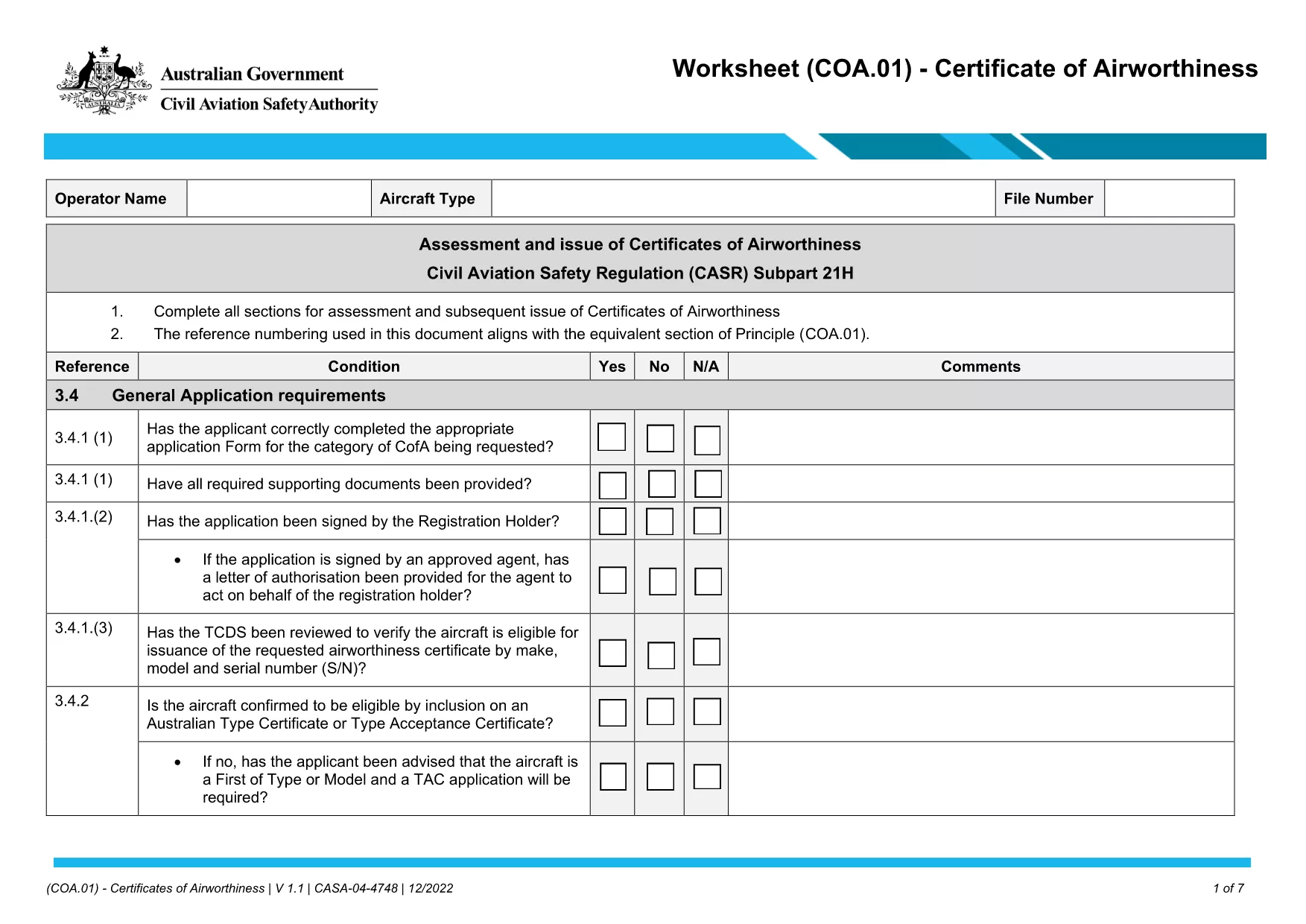
Form 717 is the official Application for a Standard Certificate of Airworthiness used by aircraft owners and operators in Australia. The Civil Aviation Safety Authority (CASA) requires this form to verify that an aircraft meets all airworthiness standards before it can be issued a certificate.

Formize now offers a fillable PDF version of Form 717 that you can complete directly in your browser. No download‑then‑edit workflow – just click, fill, and submit.

What Is Form 717 and Who Needs It?

The form is mandatory for:

  • Newly built aircraft seeking their first standard certificate.
  • Existing aircraft undergoing major modifications that affect airworthiness.
  • Aircraft transferred to a new owner who must obtain a fresh certificate.

Key Features of the Fillable PDF Version

  • All fields are interactive – type, select, or upload supporting documents.
  • Automatic validation helps prevent incomplete or incorrectly formatted entries.
  • Secure encryption ensures your data stays private while you work.
  • One‑click download of the completed PDF for electronic submission to CASA.

Step‑by‑Step Guide to Completing Form 717 Online

Follow the simple steps below to finish your application in minutes.

Common Mistakes & Tips for a Successful Submission

  • Missing signatures: The PDF flags unsigned fields before you can save.
  • Incorrect aircraft registration format: Use the exact format shown on the aircraft registration certificate.
  • Out‑of‑date supporting documents: Ensure all attached manuals and inspection reports are current (no older than 12 months).

Where to Submit the Completed Form

After you’ve saved the filled PDF, email it to airworthiness@casa.gov.au or upload it through CASA’s online portal. Keep a copy for your records.

Need more help? Review CASA’s official guidance or contact your local CASA office.

FAQ
  • Is Form 717 available as a free fillable PDF?

    Yes. Formize provides a free, fully interactive PDF version that you can complete directly in your web browser.

  • Do I need special software to fill out Form 717?

    No special software is required. The Formize PDF Filler works in modern browsers (Chrome, Edge, Firefox, Safari).

  • Can I save my progress and finish later?

    Absolutely. Click the “Save Draft” button at any time to download a partially completed PDF and resume later.

  • What if I make a mistake after saving?

    Open the saved PDF again with the Formize filler, correct the fields, and re‑save. All changes are tracked.

  • How do I know the form is accepted by CASA?

    The PDF includes CASA’s official form number and layout. As long as you provide all required information and signatures, the form meets CASA’s submission standards.

  • Is my data secure while I fill out the form?

    Yes. Formize uses SSL encryption for all data transmitted between your browser and our servers.

  • Can I print the completed form?

    After you save the final PDF, you can print it for your records or for any offline submission requirements.

  • What supporting documents are required with Form 717?

    Typically you need the aircraft registration certificate, recent maintenance log, and any modification approvals. Check CASA’s guidance for a full list.

  • How long does the entire process take?

    Filling the form usually takes 10‑15 minutes. Submission to CASA may take additional processing time, which varies by workload.

  • Who can I contact for help with Form 717?

    For technical issues with the filler, email support@formize.com. For regulatory questions, reach out to CASA’s Airworthiness Division.

ᲠᲝᲒᲝᲠ

როგორ შეავსოთ Form 717 უფასოდ, ონლაინ 5 მარტივი ნაბიჯებით:

  1. 1
    Open the Fillable Form
    Click the “Fill out this form” button on the page. The Formize PDF Filler will load instantly in your browser.
  2. 2
    Enter Your Information
    Complete each field – aircraft details, owner information, and required signatures. The filler validates entries in real time.
  3. 3
    Attach Supporting Documents
    Use the upload icons to add inspection reports, registration certificates, and any other required files.
  4. 4
    Review and Save
    Check the summary screen for any missing data. Click “Save PDF” to download the completed, signed form.
  5. 5
    Submit to CASA
    Email the saved PDF to airworthiness@casa.gov.au or upload it via CASA’s online portal.
PDF შემავსებლის აპლიკაციის ფორმირება
ᲨᲔᲡᲐᲮᲔᲑ

Form 717 შაბლონი

PDF დოკუმენტის სანახავად და შევსების ფუნქციების ტრადიციული ნაკრებით, ვებ აპლიკაციის უპირატესობებთან და საპასუხო განლაგებასთან ერთად, შეგიძლიათ შეავსოთ Form 717 წუთებში.

ᲛᲐᲮᲐᲡᲘᲐᲗᲔᲑᲚᲔᲑᲘ

PDF შემავსებელი

ონლაინ Form 717-ის შევსების უმარტივესი გზა

  • სწრაფად შეავსეთ Form 717
    ეძებთ გზას სწრაფად შეავსოთ Form 717 ონლაინ? ჩვენი ონლაინ უფასო PDF ფორმის შემავსებლით, თქვენ გეცოდინებათ როგორ შეცვალოთ და შეავსოთ ეს pdf დოკუმენტი ერთ წუთზე ნაკლებ დროში.
  • მარტივი გამოსაყენებელი ონლაინ PDF რედაქტორი
    მოგბეზრდათ PDF ფაილების დაბეჭდვა, რათა მათი რედაქტირება შეძლოთ, ხელახლა სკანირებამდე და უკან გაგზავნამდე? შეცვალეთ PDF დოკუმენტები უფასოდ ონლაინ. გამოიყენეთ ჩვენი ონლაინ pdf რედაქტორი დროისა და ქაღალდის დაზოგვისთვის.
  • შესანიშნავი ხელსაწყოები, ყველა პლატფორმა
    გაინტერესებთ როგორ შეავსოთ Form 717 Mac-ზე, ან იქნებ როგორ გამოიყენოთ PDF შემავსებელი უფასოდ? ჩვენი ონლაინ PDF ინსტრუმენტები მუშაობს ყველა პლატფორმაზე.
  • ფაილების უსაფრთხო შენახვა
    დასრულებული „Form 717“ ფაილები ინახება დაცულ მონაცემთა ბაზაში, რომელსაც მართავს Amazon Cloud ჰოსტინგი. თქვენ შეგიძლიათ წაშალოთ თქვენი ფაილები ჩვენი სისტემიდან ნებისმიერ დროს. ნებისმიერ შემთხვევაში, ეს ფაილები ავტომატურად იშლება 24 საათის შემდეგ.
  • ჩატი Form 717-ით
    ესაუბრეთ „Form 717“-ს Chatize-ზე, რომელიც არის PDF წამკითხველის უფასო ასისტენტი. დასვით კითხვები და მიიღეთ პასუხები „Form 717“-დან. უბრალოდ დააწკაპუნეთ ღილაკზე ჩატი დოკუმენტთან ზემოთ.

შევსების სესიის წაშლა

წაშალოთ არჩეული შევსების სესია? ამ შემთხვევაში, თქვენი პროგრესი ფორმის შევსებაში დაიკარგება.

რედაქტირების სესიის წაშლა

წაშალოთ არჩეული რედაქტირების სესია? ამ შემთხვევაში, თქვენი პროგრესი ფორმის შექმნასა და რედაქტირებაში დაიკარგება.