hamburger-menu icon
Აირჩიეთ ენა

Australian Passport Application Form (Fillable PDF)

  1. Ენა ინგლისური
  2. ქვეყანა ავსტრალია
  3. დეპარტამენტი შინაგან საქმეთა და იუსტიციის დეპარტამენტი
  4. აქტივობა Passports
Australian Passport Application Form (Fillable PDF)

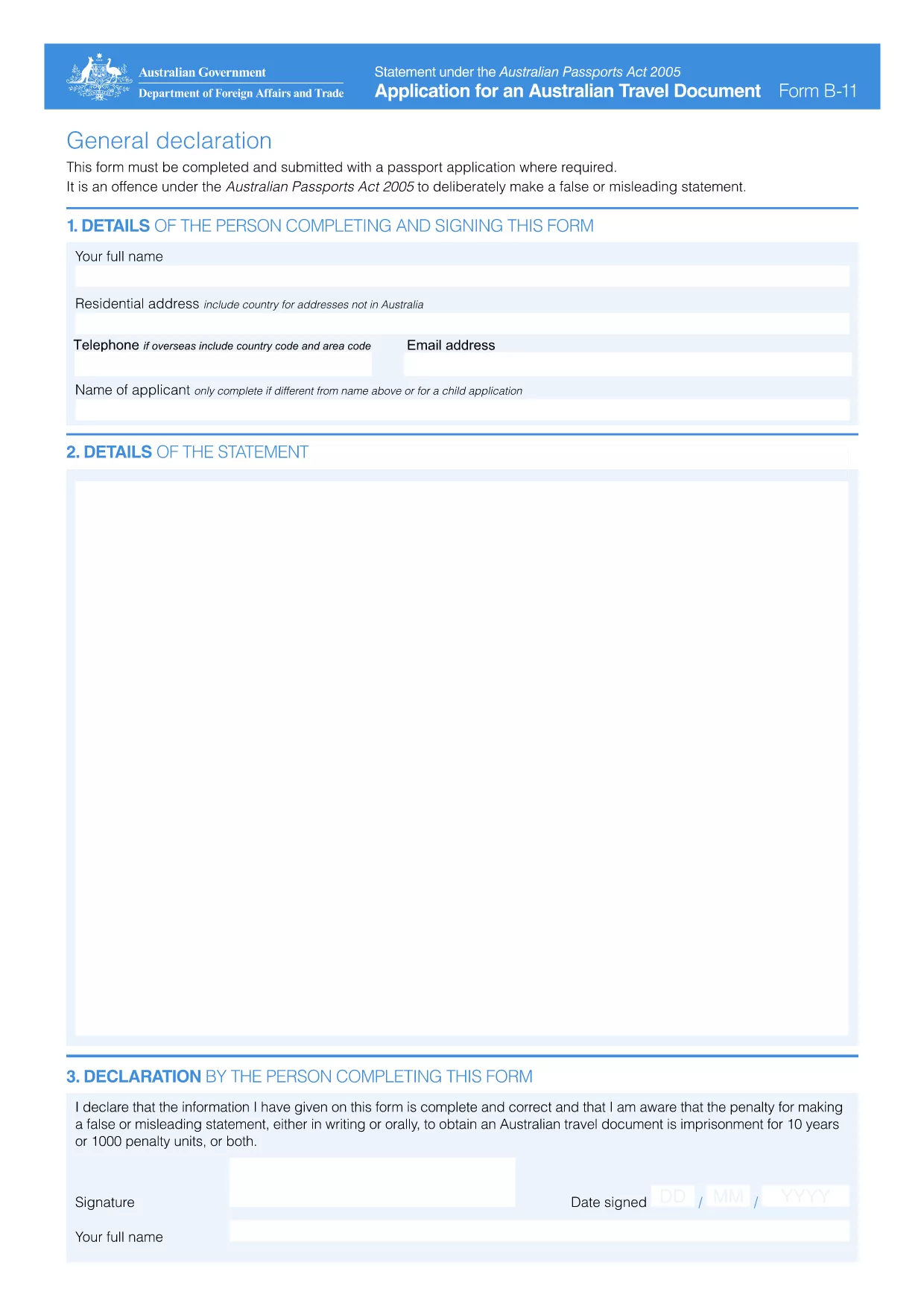
Applying for an Australian passport starts with the correct paperwork. The official General Declaration by Passport Applicant (PDF B11) is the core document you must complete before submitting your passport request.

What Is the Australian Passport Application Form?

This fillable PDF is issued by the Australian Passport Office and collects personal details, citizenship proof, travel history, and a statutory declaration that the information is true. It is required for first‑time applications, renewals, and changes of name.

How to Fill Out the Form Using Formize

Instead of downloading the file and opening a separate PDF editor, you can complete the form directly on our page:

  1. Click the "Fill out this form" button below.
  2. Wait a few seconds while the Formize PDF Filler app loads.
  3. Enter your information in each field. The interface saves your progress automatically.
  4. Review the completed declaration, then click Submit to download a signed copy.
  5. Print the PDF and attach it to your passport application package.

Common Mistakes to Avoid

  • Incorrect spelling of names – even a single letter error can delay processing.
  • Leaving mandatory fields blank – the form will highlight missing data before you can submit.
  • Forgetting the statutory declaration – you must sign electronically in the filler or print and sign the downloaded copy.
  • Using an outdated version – always use the latest PDF (linked below) to comply with the Australian Passports Act 2005.

Where to Submit Your Completed Application

After printing and signing, include the form with your passport photos, identity documents, and the applicable fee. Submit the package to an Australian Passport Office, an Australian Embassy/Consulate, or an authorized Australia Post outlet.

Need the official PDF? Click the button to open the fillable version instantly.

FAQ
  • Do I need to print the form after filling it out online?

    Yes. The passport office requires a printed, signed copy. The online filler only speeds up data entry.

  • Can I save my progress and return later?

    The Formize filler autosaves locally in your browser. Use the same device to continue later.

  • Is the electronic signature accepted?

    For most applications the electronic signature is accepted for the declaration. Some cases still require a wet signature on the printed copy.

  • What if I make a mistake after submitting?

    Download a fresh copy of the form, correct the error, and resubmit the corrected PDF with your application.

  • Is this the latest version of the Australian passport application?

    Yes. The linked PDF (B11) is the current form as of 2024 and complies with the Australian Passports Act 2005.

  • Do I need a separate form for a name change?

    If your passport was issued under a different name, you must attach certified copies of the new passport, the old passport’s bio‑data page, and official name‑change evidence together with this declaration.

  • How long does the online filler take to load?

    Typically under 5 seconds on a standard broadband connection.

ᲠᲝᲒᲝᲠ

როგორ შეავსოთ Australian passport application form უფასოდ, ონლაინ 5 მარტივი ნაბიჯებით:

  1. 1
    Open the Fillable Form
    Click the "Fill out this form" button on the page. The Formize PDF Filler app loads in your browser.
  2. 2
    Enter Your Details
    Complete each field—personal information, citizenship proof, and travel history. The app validates entries in real time.
  3. 3
    Sign and Submit
    Add your electronic signature, review the declaration, then click Submit to download a signed PDF.
  4. 4
    Print and Attach
    Print the completed form, sign it if required, and attach it to your passport application package.
  5. 5
    Send Your Application
    Deliver the package to the nearest Australian Passport Office, embassy, consulate, or authorized Australia Post outlet.
PDF შემავსებლის აპლიკაციის ფორმირება
ᲨᲔᲡᲐᲮᲔᲑ

Australian passport application form შაბლონი

PDF დოკუმენტის სანახავად და შევსების ფუნქციების ტრადიციული ნაკრებით, ვებ აპლიკაციის უპირატესობებთან და საპასუხო განლაგებასთან ერთად, შეგიძლიათ შეავსოთ Australian passport application form წუთებში.

ᲛᲐᲮᲐᲡᲘᲐᲗᲔᲑᲚᲔᲑᲘ

PDF შემავსებელი

ონლაინ Australian passport application form-ის შევსების უმარტივესი გზა

  • სწრაფად შეავსეთ Australian passport application form
    ეძებთ გზას სწრაფად შეავსოთ Australian passport application form ონლაინ? ჩვენი ონლაინ უფასო PDF ფორმის შემავსებლით, თქვენ გეცოდინებათ როგორ შეცვალოთ და შეავსოთ ეს pdf დოკუმენტი ერთ წუთზე ნაკლებ დროში.
  • მარტივი გამოსაყენებელი ონლაინ PDF რედაქტორი
    მოგბეზრდათ PDF ფაილების დაბეჭდვა, რათა მათი რედაქტირება შეძლოთ, ხელახლა სკანირებამდე და უკან გაგზავნამდე? შეცვალეთ PDF დოკუმენტები უფასოდ ონლაინ. გამოიყენეთ ჩვენი ონლაინ pdf რედაქტორი დროისა და ქაღალდის დაზოგვისთვის.
  • შესანიშნავი ხელსაწყოები, ყველა პლატფორმა
    გაინტერესებთ როგორ შეავსოთ Australian passport application form Mac-ზე, ან იქნებ როგორ გამოიყენოთ PDF შემავსებელი უფასოდ? ჩვენი ონლაინ PDF ინსტრუმენტები მუშაობს ყველა პლატფორმაზე.
  • ფაილების უსაფრთხო შენახვა
    დასრულებული „Australian passport application form“ ფაილები ინახება დაცულ მონაცემთა ბაზაში, რომელსაც მართავს Amazon Cloud ჰოსტინგი. თქვენ შეგიძლიათ წაშალოთ თქვენი ფაილები ჩვენი სისტემიდან ნებისმიერ დროს. ნებისმიერ შემთხვევაში, ეს ფაილები ავტომატურად იშლება 24 საათის შემდეგ.
  • ჩატი Australian passport application form-ით
    ესაუბრეთ „Australian passport application form“-ს Chatize-ზე, რომელიც არის PDF წამკითხველის უფასო ასისტენტი. დასვით კითხვები და მიიღეთ პასუხები „Australian passport application form“-დან. უბრალოდ დააწკაპუნეთ ღილაკზე ჩატი დოკუმენტთან ზემოთ.

შევსების სესიის წაშლა

წაშალოთ არჩეული შევსების სესია? ამ შემთხვევაში, თქვენი პროგრესი ფორმის შევსებაში დაიკარგება.

რედაქტირების სესიის წაშლა

წაშალოთ არჩეული რედაქტირების სესია? ამ შემთხვევაში, თქვენი პროგრესი ფორმის შექმნასა და რედაქტირებაში დაიკარგება.