hamburger-menu icon
Აირჩიეთ ენა

Academic Extension Program Application Form (2027) – Fillable PDF

  1. Ენა ინგლისური
  2. ქვეყანა ავსტრალია
  3. აქტივობა Განათლება
  4. დეპარტამენტი School
Academic Extension Program Application Form (2027) – Fillable PDF

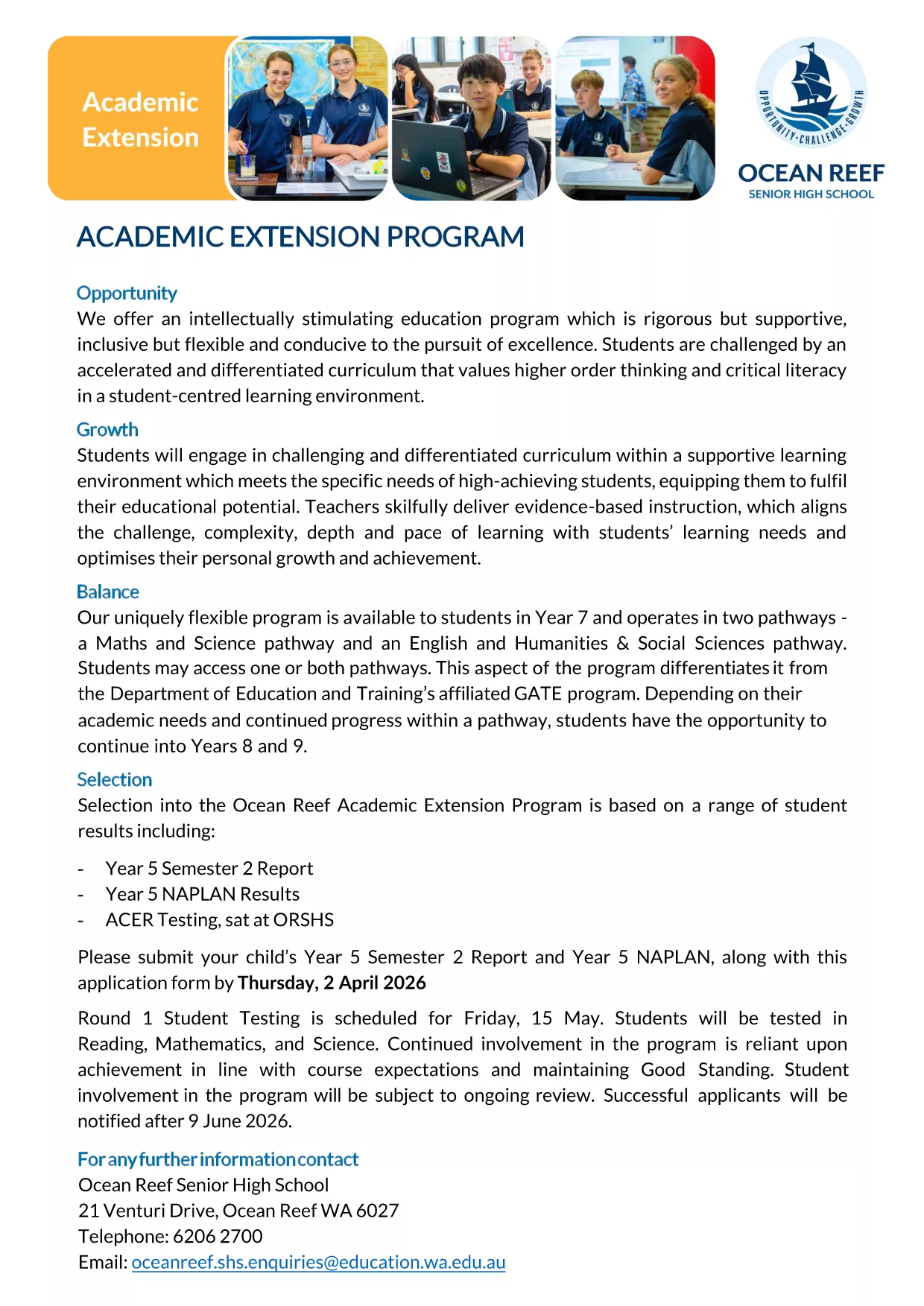
Looking for the official Academic Extension Program application form for 2027? You’re in the right place. This fillable PDF, hosted by Ocean Reef College, lets parents and students submit the required documents quickly and securely.

Why Use the Fillable PDF Form?

The fillable version eliminates the need for printing, scanning, or handwriting. All fields are interactive, data is saved automatically, and you can submit the completed form directly through the Formize PDF Filler app.

Step‑by‑Step Guide to Complete the Form

Follow the simple steps below to finish your application without any hassle.

Common Mistakes & Tips

Avoid these frequent errors: leaving mandatory fields blank, uploading the wrong report year, or using an unsupported file type for attachments.

Download & Print Options

If you prefer a hard copy, you can still download the PDF, print it, and fill it out by hand. However, the online filler is faster and reduces the chance of missing information.

Frequently Asked Questions

Find answers to the most common queries about this application form further down the page.

FAQ
  • Is the PDF truly fillable online?

    Yes. The Formize PDF Filler turns the static PDF into an interactive form that you can complete directly in your browser.

  • Do I need Adobe Acrobat to use this form?

    No. The Formize app works in any modern browser, so you don’t need Adobe Acrobat or any additional software.

  • Can I save a draft and finish later?

    Absolutely. Use the “Save” button to download a copy of your partially completed form and reopen it later.

  • What file types are accepted for attachments?

    The form accepts PDF, JPG, and PNG files up to 5 MB each for reports and NAPLAN results.

  • What is the deadline for submitting the application?

    All applications must be submitted by Thursday, 2 April 2026 (Round 1). Late submissions may not be considered.

  • Who can I contact if I have technical issues?

    If you experience problems with the Formize filler, try refreshing the page or using a different browser. For further assistance, contact Ocean Reef College’s admissions office.

ᲠᲝᲒᲝᲠ

როგორ შეავსოთ Academic Extension Program უფასოდ, ონლაინ 4 მარტივი ნაბიჯებით:

  1. 1
    Click the Fill‑out Button
    On this page, locate the bright “Fill out this form” button and click it. The Formize PDF Filler app will open in a new tab.
  2. 2
    Wait for the Formizer to Load
    The app loads the fillable PDF automatically. This usually takes a few seconds depending on your connection.
  3. 3
    Enter Your Information
    Complete each field using your keyboard. Required fields are marked with an asterisk (*). You can also attach supporting documents such as the Year 5 report and NAPLAN results.
  4. 4
    Save and Submit
    When all sections are filled, click “Save” to store a copy on your device, then press “Submit” to send the form directly to Ocean Reef College.
PDF შემავსებლის აპლიკაციის ფორმირება
ᲨᲔᲡᲐᲮᲔᲑ

Academic Extension Program შაბლონი

PDF დოკუმენტის სანახავად და შევსების ფუნქციების ტრადიციული ნაკრებით, ვებ აპლიკაციის უპირატესობებთან და საპასუხო განლაგებასთან ერთად, შეგიძლიათ შეავსოთ Academic Extension Program წუთებში.

ᲛᲐᲮᲐᲡᲘᲐᲗᲔᲑᲚᲔᲑᲘ

PDF შემავსებელი

ონლაინ Academic Extension Program-ის შევსების უმარტივესი გზა

  • სწრაფად შეავსეთ Academic Extension Program
    ეძებთ გზას სწრაფად შეავსოთ Academic Extension Program ონლაინ? ჩვენი ონლაინ უფასო PDF ფორმის შემავსებლით, თქვენ გეცოდინებათ როგორ შეცვალოთ და შეავსოთ ეს pdf დოკუმენტი ერთ წუთზე ნაკლებ დროში.
  • მარტივი გამოსაყენებელი ონლაინ PDF რედაქტორი
    მოგბეზრდათ PDF ფაილების დაბეჭდვა, რათა მათი რედაქტირება შეძლოთ, ხელახლა სკანირებამდე და უკან გაგზავნამდე? შეცვალეთ PDF დოკუმენტები უფასოდ ონლაინ. გამოიყენეთ ჩვენი ონლაინ pdf რედაქტორი დროისა და ქაღალდის დაზოგვისთვის.
  • შესანიშნავი ხელსაწყოები, ყველა პლატფორმა
    გაინტერესებთ როგორ შეავსოთ Academic Extension Program Mac-ზე, ან იქნებ როგორ გამოიყენოთ PDF შემავსებელი უფასოდ? ჩვენი ონლაინ PDF ინსტრუმენტები მუშაობს ყველა პლატფორმაზე.
  • ფაილების უსაფრთხო შენახვა
    დასრულებული „Academic Extension Program“ ფაილები ინახება დაცულ მონაცემთა ბაზაში, რომელსაც მართავს Amazon Cloud ჰოსტინგი. თქვენ შეგიძლიათ წაშალოთ თქვენი ფაილები ჩვენი სისტემიდან ნებისმიერ დროს. ნებისმიერ შემთხვევაში, ეს ფაილები ავტომატურად იშლება 24 საათის შემდეგ.
  • ჩატი Academic Extension Program-ით
    ესაუბრეთ „Academic Extension Program“-ს Chatize-ზე, რომელიც არის PDF წამკითხველის უფასო ასისტენტი. დასვით კითხვები და მიიღეთ პასუხები „Academic Extension Program“-დან. უბრალოდ დააწკაპუნეთ ღილაკზე ჩატი დოკუმენტთან ზემოთ.

შევსების სესიის წაშლა

წაშალოთ არჩეული შევსების სესია? ამ შემთხვევაში, თქვენი პროგრესი ფორმის შევსებაში დაიკარგება.

რედაქტირების სესიის წაშლა

წაშალოთ არჩეული რედაქტირების სესია? ამ შემთხვევაში, თქვენი პროგრესი ფორმის შექმნასა და რედაქტირებაში დაიკარგება.