
Z83 application form შაბლონი
PDF დოკუმენტის სანახავად და შევსების ფუნქციების ტრადიციული ნაკრებით, ვებ აპლიკაციის უპირატესობებთან და საპასუხო განლაგებასთან ერთად, შეგიძლიათ შეავსოთ Z83 application form წუთებში.


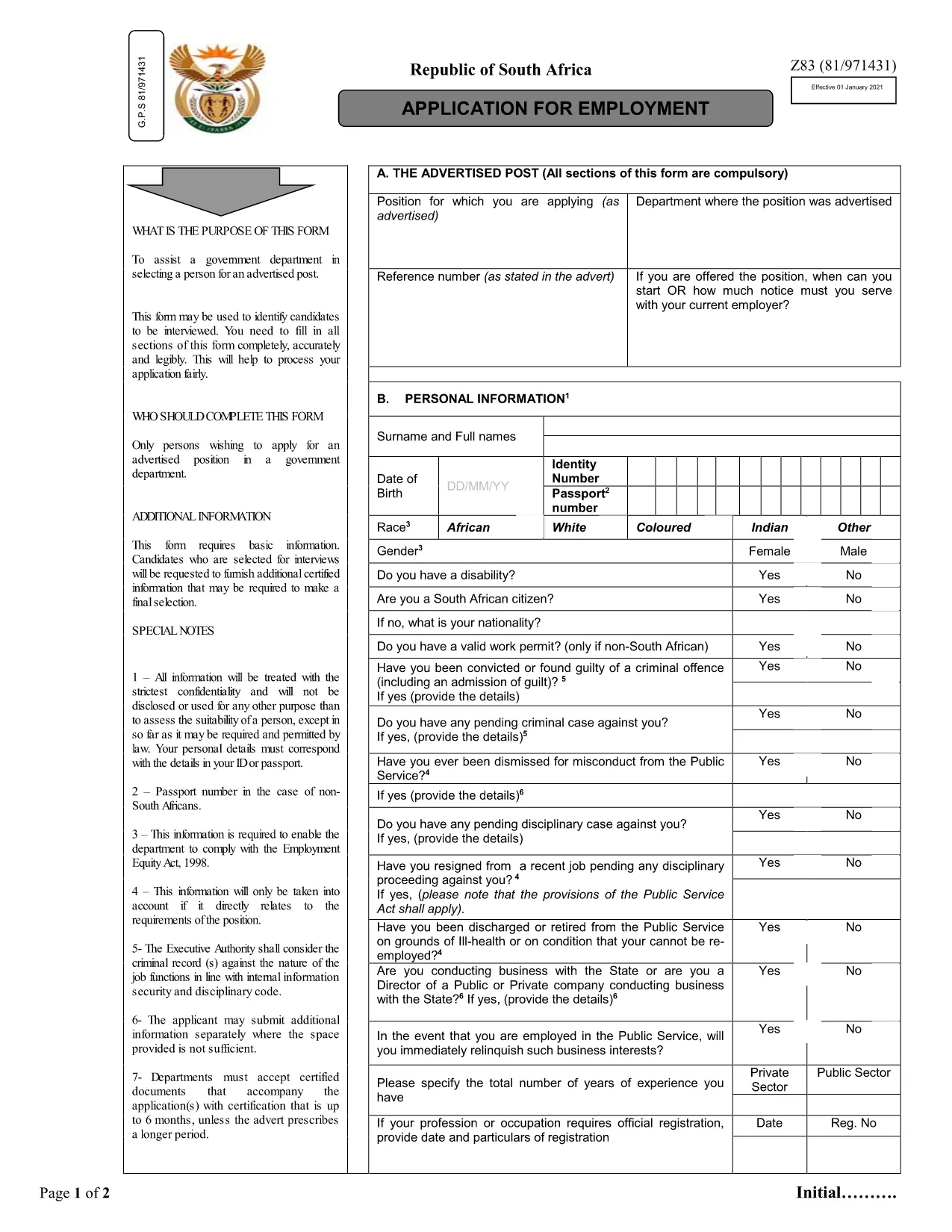
The Z83 application form is the standard document used by South African government departments and many private employers to assess job candidates. With Formize you can open the official PDF directly in your browser, fill every field, and save a clean, printable copy without installing any extra software.
Key benefits of using the fillable PDF:
Below you’ll find step‑by‑step instructions, tips to prevent mistakes, and guidance on where to send your finished application.
Yes. The PDF is provided by the South African government and Formize lets you fill it online at no cost.
No. Formize’s web‑based PDF filler works in any modern browser – no installation required.
Absolutely. Use the “Save” button to store a draft in your browser or download a partially completed PDF to resume later.
Submit the final document as a standard PDF. All signatures and check‑boxes are embedded in the file.
Follow the specific instructions on the job posting – typically via email to the HR department or through the employer’s online portal.
Do not leave any mandatory fields blank, ensure dates are in DD/MM/YYYY format, and double‑check that your signature image is clear.
PDF დოკუმენტის სანახავად და შევსების ფუნქციების ტრადიციული ნაკრებით, ვებ აპლიკაციის უპირატესობებთან და საპასუხო განლაგებასთან ერთად, შეგიძლიათ შეავსოთ Z83 application form წუთებში.
ონლაინ Z83 application form-ის შევსების უმარტივესი გზა
შევსების სესიის წაშლა
რედაქტირების სესიის წაშლა