hamburger-menu icon
Აირჩიეთ ენა

General Power of Attorney Form – Free Fillable PDF Template

  1. Ენა ინგლისური
  2. ქვეყანა აშშ
  3. აქტივობა Legal Documents Power of Attorney
General Power of Attorney Form – Free Fillable PDF Template

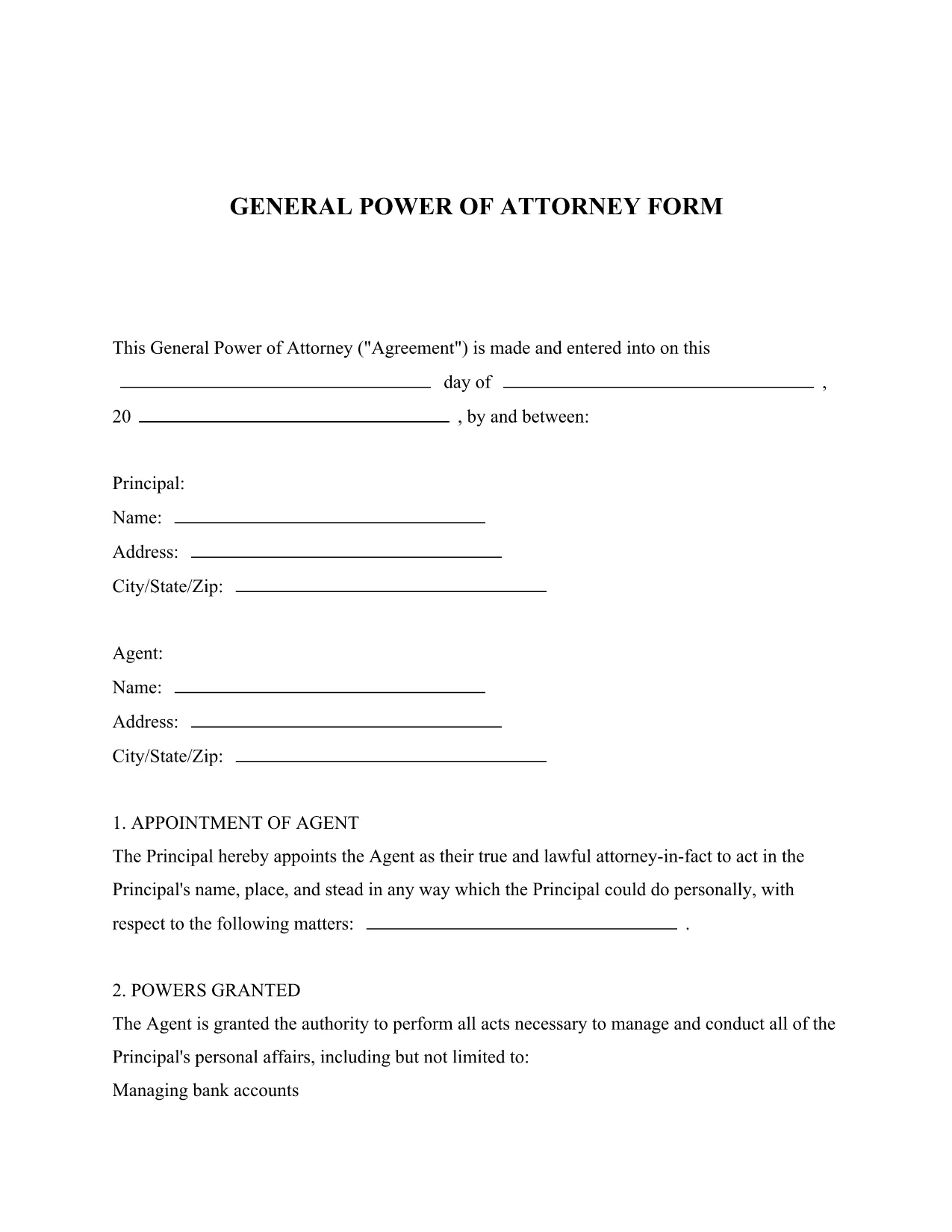
Looking for a reliable legal form template that lets you grant someone authority to act on your behalf? Our General Power of Attorney fillable PDF provides a simple, legally‑compliant way to appoint an attorney‑in‑fact for financial, property, and personal matters.

What Is a General Power of Attorney?

A General Power of Attorney (GPOA) gives a chosen agent broad powers to manage your affairs. It is commonly used when you are unavailable, traveling, or need assistance with day‑to‑day decisions. The form is recognized across all U.S. states when properly executed.

Key Features of Our Fillable PDF Form

  • Fully fillable fields – no printing needed before you start.
  • Clear sections for principal, agent, and notary signatures.
  • Built‑in guidance notes to help you understand each question.
  • Compatible with the Formize PDF Filler for a seamless online experience.

How to Complete the Form in Seconds

Follow the simple steps below to fill, save, and print your Power of Attorney without ever leaving your browser.

Common Mistakes to Avoid

  • Leaving required fields blank – the Formize validator will highlight missing information.
  • Using an unsigned or improperly witnessed form – a notary public is required in most states.
  • Choosing an agent who is not legally capable of acting on your behalf.

Where to Get Help After Submission

If you need legal advice, consult a qualified attorney. Many state bar associations offer free or low‑cost consultations for Power of Attorney questions.

FAQ
  • Is a General Power of Attorney valid in every state?

    Yes, a properly executed General Power of Attorney is recognized nationwide, though some states have specific witnessing or notarization requirements.

  • Do I need a lawyer to fill out this form?

    While you can complete the form yourself, consulting an attorney ensures the agent you choose is appropriate and that all legal requirements are met.

  • Can I revoke the Power of Attorney later?

    Absolutely. You can revoke it at any time by creating a written revocation document, signing it, and notifying your agent and any institutions that rely on the POA.

  • What if I make a mistake while filling the PDF?

    The Formize PDF Filler lets you edit any field before saving. If you download the PDF and notice an error, simply reopen it in the filler, correct the mistake, and save again.

  • Is a notarized signature always required?

    Most states require a notary for a General Power of Attorney to be legally binding. Check your state’s specific rules; some may also accept two witnesses instead of a notary.

  • Can I use this form for a minor’s affairs?

    A General Power of Attorney cannot be granted by a minor. For a child’s affairs, a Guardian‑ad Litem or a specific “Minor’s POA” form is needed.

  • How long does the form stay valid?

    Unless you set an expiration date, a General Power of Attorney remains effective until you revoke it, become incapacitated, or pass away.

  • Can I assign more than one agent?

    Yes, you can name multiple agents. The form includes a section for “Successor Agents” if the primary agent cannot serve.

  • Is there a fee to download the PDF?

    No, the General Power of Attorney template is completely free to download and fill using Formize.

  • What should I do after the form is notarized?

    Provide copies to banks, medical providers, and any institutions that will rely on the POA. Keep the original in a safe place.

ᲠᲝᲒᲝᲠ

როგორ შეავსოთ general power of attorney უფასოდ, ონლაინ 5 მარტივი ნაბიჯებით:

  1. 1
    Click the Fill Out This Form Button
    Locate the bright “Fill out this form” button on the page and click it to launch the Formize PDF Filler.
  2. 2
    Wait for the Formize PDF Filler to Load
    The web‑based filler loads in seconds. All fields become editable directly in your browser.
  3. 3
    Complete Each Section
    Enter the principal’s details, select your agent, and fill in any optional instructions. Required fields are marked with an asterisk.
  4. 4
    Save and Download
    When you’re finished, click “Save” to store a copy in your account, then download the completed PDF for printing and notarization.
  5. 5
    Print, Sign, and Notarize
    Print the saved PDF, sign in the presence of a notary public, and have the notary witness your signature as required by state law.
PDF შემავსებლის აპლიკაციის ფორმირება
ᲨᲔᲡᲐᲮᲔᲑ

general power of attorney შაბლონი

PDF დოკუმენტის სანახავად და შევსების ფუნქციების ტრადიციული ნაკრებით, ვებ აპლიკაციის უპირატესობებთან და საპასუხო განლაგებასთან ერთად, შეგიძლიათ შეავსოთ general power of attorney წუთებში.

ᲛᲐᲮᲐᲡᲘᲐᲗᲔᲑᲚᲔᲑᲘ

PDF შემავსებელი

ონლაინ general power of attorney-ის შევსების უმარტივესი გზა

  • სწრაფად შეავსეთ general power of attorney
    ეძებთ გზას სწრაფად შეავსოთ general power of attorney ონლაინ? ჩვენი ონლაინ უფასო PDF ფორმის შემავსებლით, თქვენ გეცოდინებათ როგორ შეცვალოთ და შეავსოთ ეს pdf დოკუმენტი ერთ წუთზე ნაკლებ დროში.
  • მარტივი გამოსაყენებელი ონლაინ PDF რედაქტორი
    მოგბეზრდათ PDF ფაილების დაბეჭდვა, რათა მათი რედაქტირება შეძლოთ, ხელახლა სკანირებამდე და უკან გაგზავნამდე? შეცვალეთ PDF დოკუმენტები უფასოდ ონლაინ. გამოიყენეთ ჩვენი ონლაინ pdf რედაქტორი დროისა და ქაღალდის დაზოგვისთვის.
  • შესანიშნავი ხელსაწყოები, ყველა პლატფორმა
    გაინტერესებთ როგორ შეავსოთ general power of attorney Mac-ზე, ან იქნებ როგორ გამოიყენოთ PDF შემავსებელი უფასოდ? ჩვენი ონლაინ PDF ინსტრუმენტები მუშაობს ყველა პლატფორმაზე.
  • ფაილების უსაფრთხო შენახვა
    დასრულებული „general power of attorney“ ფაილები ინახება დაცულ მონაცემთა ბაზაში, რომელსაც მართავს Amazon Cloud ჰოსტინგი. თქვენ შეგიძლიათ წაშალოთ თქვენი ფაილები ჩვენი სისტემიდან ნებისმიერ დროს. ნებისმიერ შემთხვევაში, ეს ფაილები ავტომატურად იშლება 24 საათის შემდეგ.
  • ჩატი general power of attorney-ით
    ესაუბრეთ „general power of attorney“-ს Chatize-ზე, რომელიც არის PDF წამკითხველის უფასო ასისტენტი. დასვით კითხვები და მიიღეთ პასუხები „general power of attorney“-დან. უბრალოდ დააწკაპუნეთ ღილაკზე ჩატი დოკუმენტთან ზემოთ.

შევსების სესიის წაშლა

წაშალოთ არჩეული შევსების სესია? ამ შემთხვევაში, თქვენი პროგრესი ფორმის შევსებაში დაიკარგება.

რედაქტირების სესიის წაშლა

წაშალოთ არჩეული რედაქტირების სესია? ამ შემთხვევაში, თქვენი პროგრესი ფორმის შექმნასა და რედაქტირებაში დაიკარგება.