hamburger-menu icon
Აირჩიეთ ენა

Fillable Application Form HTML Code & Live PDF Preview

  1. Ენა ინგლისური
  2. ქვეყანა აშშ
  3. დეპარტამენტი Technology
  4. აქტივობა Web Development
Fillable Application Form HTML Code & Live PDF Preview

Looking for a quick way to add an application form to your website? Our free fillable HTML code gives you a fully functional form that automatically converts to a PDF you can view, fill, and submit directly in the browser.

Why Use a Fillable HTML Application Form?

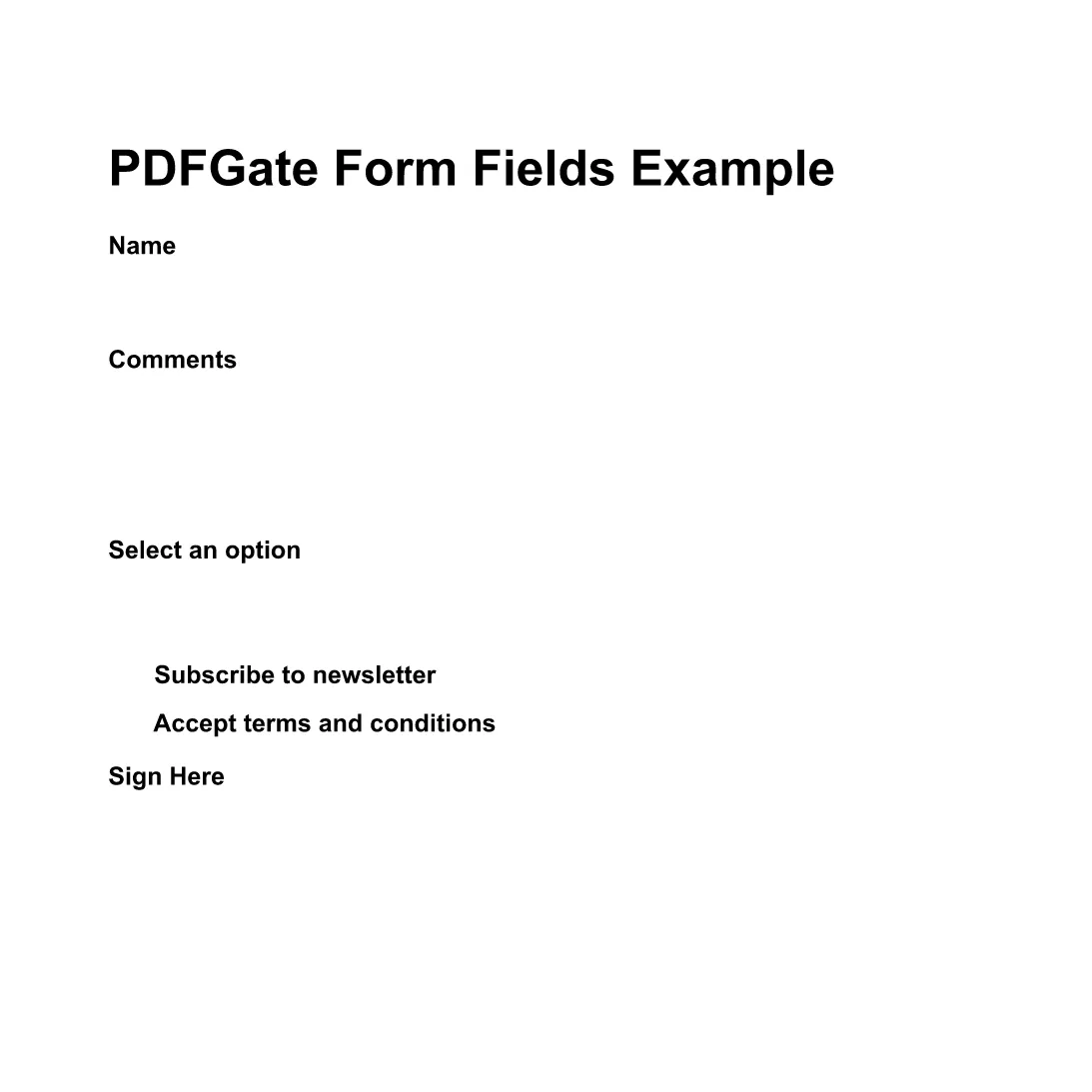
Using HTML for your form means you get instant validation, responsive design, and seamless integration with JavaScript or server‑side processing. When the user clicks Fill out this form, the Formize PDF Filler loads the PDF version (based on the demo file below) so the data can be captured in a standard, printable format.

How to Embed the HTML Code in Your Site

Copy the code snippet below and paste it into any page of your website. The form works with all modern browsers and requires no additional libraries.

<form action="/submit" method="post">
  <label for="name">Full Name:</label>
  <input type="text" id="name" name="name" required><br>

  <label for="email">Email Address:</label>
  <input type="email" id="email" name="email" required><br>

  <label for="position">Position Applied For:</label>
  <select id="position" name="position">
    <option value="developer">Developer</option>
    <option value="designer">Designer</option>
    <option value="manager">Project Manager</option>
  </select><br>

  <label for="resume">Resume (PDF):</label>
  <input type="file" id="resume" name="resume" accept="application/pdf"><br>

  <button type="submit">Submit Application</button>
</form>

Instant PDF Preview with Formize PDF Filler

Instead of downloading the PDF, simply click the Fill out this form button below. The Formize PDF Filler app will load the demo PDF (preview PDF) and let you complete the fields online. All data is saved automatically, ready for you to download or email.

Fill out this form

Common Mistakes & Tips for a Perfect Submission

  • Missing required fields: HTML required attribute prevents empty submissions.
  • Incorrect file type: Accept only PDFs for resume uploads to keep the final document consistent.
  • Responsive layout: Use CSS media queries so the form looks great on mobile devices.
  • Server‑side validation: Always double‑check data on the back end even if the front end validates.

With these tips, your application form will be both user‑friendly and ready for PDF generation.

FAQ
  • Do I need to download any software to fill the form?

    No. The Formize PDF Filler runs completely in the browser, so you can fill the form online without installing anything.

  • Can I edit the HTML code after embedding it?

    Yes. The HTML snippet is fully editable. Just update the markup on your site and the changes will appear instantly.

  • Is the PDF version automatically updated when I change the HTML?

    The Formize PDF Filler maps standard HTML input types to PDF fields each time the form loads, so any HTML changes are reflected in the PDF preview.

  • What file types can I upload with this form?

    The example accepts PDF files for the resume field. You can adjust the accept attribute to allow other types if needed.

  • Is my data secure when I fill out the PDF online?

    Formize uses HTTPS encryption for all communications, and the PDF is processed locally in your browser, keeping your data private.

  • Can I embed this form on a WordPress site?

    Absolutely. Paste the HTML snippet into a Custom HTML block or use a shortcode plugin to render the form.

ᲠᲝᲒᲝᲠ

როგორ შეავსოთ application form html code უფასოდ, ონლაინ 4 მარტივი ნაბიჯებით:

  1. 1
    Open the Formize PDF Filler
    Click the **Fill out this form** button on the page. A new window loads the Formize PDF Filler app.
  2. 2
    Wait for the PDF to Load
    The demo PDF (application form) loads automatically. All HTML fields are mapped to fillable PDF fields.
  3. 3
    Complete the Form
    Enter your information, upload your resume, and use the drop‑down to select the position. The PDF updates in real time.
  4. 4
    Save or Submit
    When finished, click **Save PDF** to download a copy or **Send via Email** to forward the completed application.
PDF შემავსებლის აპლიკაციის ფორმირება
ᲨᲔᲡᲐᲮᲔᲑ

application form html code შაბლონი

PDF დოკუმენტის სანახავად და შევსების ფუნქციების ტრადიციული ნაკრებით, ვებ აპლიკაციის უპირატესობებთან და საპასუხო განლაგებასთან ერთად, შეგიძლიათ შეავსოთ application form html code წუთებში.

ᲛᲐᲮᲐᲡᲘᲐᲗᲔᲑᲚᲔᲑᲘ

PDF შემავსებელი

ონლაინ application form html code-ის შევსების უმარტივესი გზა

  • სწრაფად შეავსეთ application form html code
    ეძებთ გზას სწრაფად შეავსოთ application form html code ონლაინ? ჩვენი ონლაინ უფასო PDF ფორმის შემავსებლით, თქვენ გეცოდინებათ როგორ შეცვალოთ და შეავსოთ ეს pdf დოკუმენტი ერთ წუთზე ნაკლებ დროში.
  • მარტივი გამოსაყენებელი ონლაინ PDF რედაქტორი
    მოგბეზრდათ PDF ფაილების დაბეჭდვა, რათა მათი რედაქტირება შეძლოთ, ხელახლა სკანირებამდე და უკან გაგზავნამდე? შეცვალეთ PDF დოკუმენტები უფასოდ ონლაინ. გამოიყენეთ ჩვენი ონლაინ pdf რედაქტორი დროისა და ქაღალდის დაზოგვისთვის.
  • შესანიშნავი ხელსაწყოები, ყველა პლატფორმა
    გაინტერესებთ როგორ შეავსოთ application form html code Mac-ზე, ან იქნებ როგორ გამოიყენოთ PDF შემავსებელი უფასოდ? ჩვენი ონლაინ PDF ინსტრუმენტები მუშაობს ყველა პლატფორმაზე.
  • ფაილების უსაფრთხო შენახვა
    დასრულებული „application form html code“ ფაილები ინახება დაცულ მონაცემთა ბაზაში, რომელსაც მართავს Amazon Cloud ჰოსტინგი. თქვენ შეგიძლიათ წაშალოთ თქვენი ფაილები ჩვენი სისტემიდან ნებისმიერ დროს. ნებისმიერ შემთხვევაში, ეს ფაილები ავტომატურად იშლება 24 საათის შემდეგ.
  • ჩატი application form html code-ით
    ესაუბრეთ „application form html code“-ს Chatize-ზე, რომელიც არის PDF წამკითხველის უფასო ასისტენტი. დასვით კითხვები და მიიღეთ პასუხები „application form html code“-დან. უბრალოდ დააწკაპუნეთ ღილაკზე ჩატი დოკუმენტთან ზემოთ.

შევსების სესიის წაშლა

წაშალოთ არჩეული შევსების სესია? ამ შემთხვევაში, თქვენი პროგრესი ფორმის შევსებაში დაიკარგება.

რედაქტირების სესიის წაშლა

წაშალოთ არჩეული რედაქტირების სესია? ამ შემთხვევაში, თქვენი პროგრესი ფორმის შექმნასა და რედაქტირებაში დაიკარგება.