


{키워드} 템플릿
PDF 문서를 보고 작성하기 위한 기존 기능 세트와 웹 애플리케이션 및 반응형 레이아웃의 이점을 결합하면 몇 분 만에 application form qualification을(를) 완료할 수 있습니다.
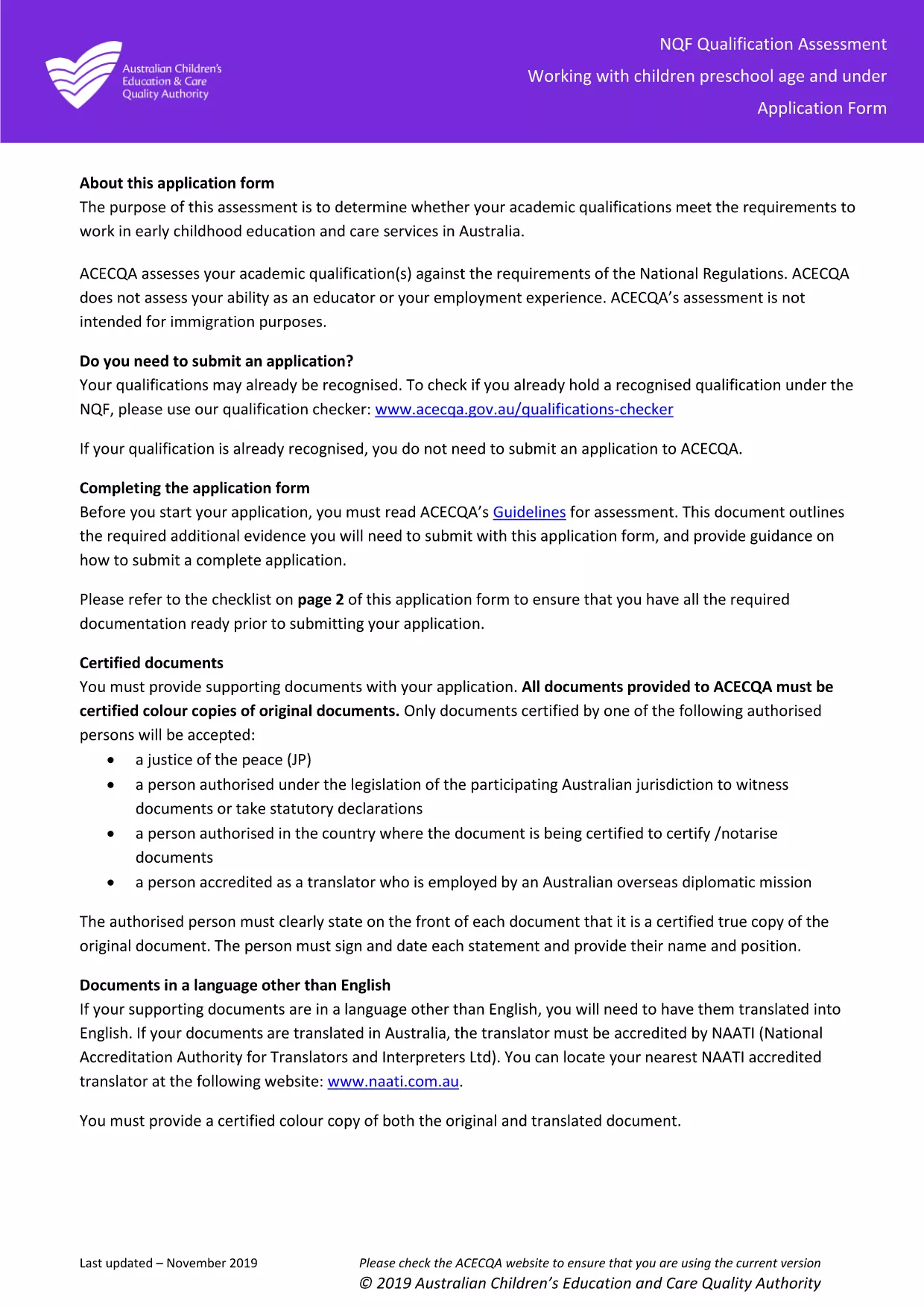
Whether you are applying to work with children in a preschool setting or need to have your academic credentials assessed, the Application Form Qualification is the first step. This official ACECQA form is now available as a fillable PDF, so you can complete it entirely online without printing or scanning.
The form is used by the Australian Children’s Education & Care Quality Authority (ACECQA) to verify that your qualifications meet the national standards for early childhood education and care. It collects personal details, educational history, and supporting documentation.
Simply click the "Fill out this form" button on this page. The Formize PDF Filler app will launch in your browser, loading the fillable PDF automatically. No extra software is required.
After you finish, download the completed PDF and email it to the ACECQA qualifications team, or upload it through the ACECQA portal as instructed in the form’s instructions.
Need help? Review the FAQs below or revisit the step‑by‑step guide.
No. The Formize PDF Filler works entirely in your web browser, so no extra software is required.
Yes. Use the "Save" button in the filler to download a partially completed PDF and reload it later.
PDF, JPG, and PNG are accepted. Each file must be under 5 MB.
Formize uses SSL encryption, and the PDF is stored locally on your device unless you choose to upload it.
Follow the submission instructions on the last page of the form – typically via email to the ACECQA qualifications team or through their online portal.
Contact ACECQA directly to request a correction. You may need to provide a revised PDF with a clear note of the changes.
PDF 문서를 보고 작성하기 위한 기존 기능 세트와 웹 애플리케이션 및 반응형 레이아웃의 이점을 결합하면 몇 분 만에 application form qualification을(를) 완료할 수 있습니다.
온라인에서 PDF 양식을 채우는 가장 쉬운 방법
필링 세션 삭제
편집 세션 삭제