


{키워드} 템플릿
PDF 문서를 보고 작성하기 위한 기존 기능 세트와 웹 애플리케이션 및 반응형 레이아웃의 이점을 결합하면 몇 분 만에 company application form을(를) 완료할 수 있습니다.
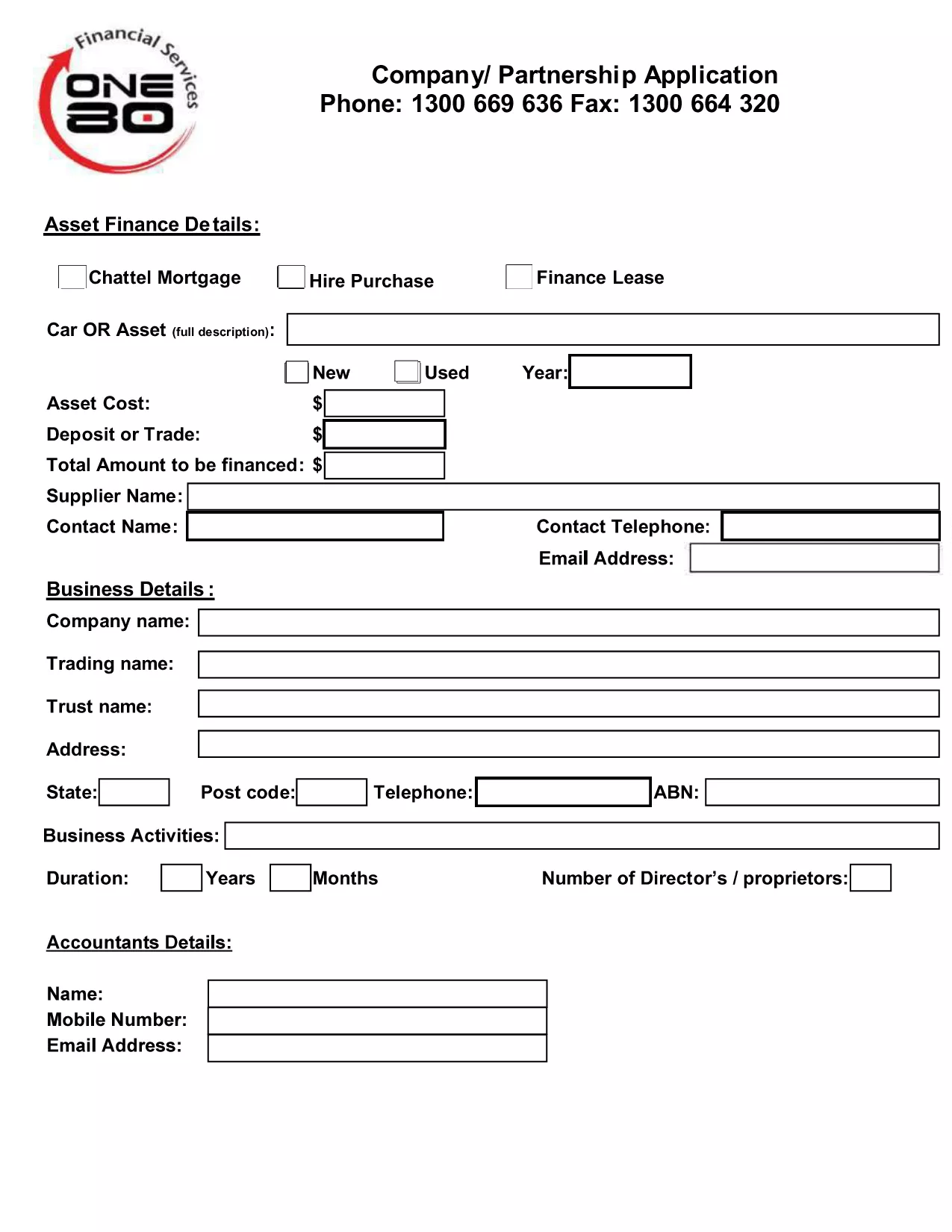
Looking for a quick and error‑free way to submit your company or partnership registration? Our fillable Company or Partnership Application Form lets you complete the required paperwork directly in your browser, then download a clean PDF ready for submission.
Traditional paper forms are slow, prone to mistakes, and often require costly printing. A fillable PDF eliminates these hurdles by providing:
Instead of downloading the PDF and opening it in a separate editor, simply click the "Fill out this form" button on this page. The Formize PDF Filler will load in a few seconds, letting you:
Even with a digital form, some errors can delay approval:
Once you have saved the completed PDF, follow the instructions of your local authority (e.g., Building Commission NSW, state business registry, or tax office). Most agencies accept electronic uploads via their portal or a simple email attachment.
Ready to get started? Click the button below, fill out the form in seconds, and submit with confidence.
No. Click the "Fill out this form" button and the Formize PDF Filler will open the document in your browser.
The form follows the standard layout used by most state business registries, but always verify the specific submission requirements of your state.
Yes. The Formize PDF Filler lets you save a draft locally and reload it at any time.
You can reopen the saved PDF in Formize PDF Filler, correct the error, and re‑download the updated version.
Filling out and downloading the form is free. Any government filing fees are separate and must be paid to the relevant authority.
Only a standard PDF viewer (Adobe Reader, browser PDF viewer, etc.) is required.
PDF 문서를 보고 작성하기 위한 기존 기능 세트와 웹 애플리케이션 및 반응형 레이아웃의 이점을 결합하면 몇 분 만에 company application form을(를) 완료할 수 있습니다.
온라인에서 PDF 양식을 채우는 가장 쉬운 방법
필링 세션 삭제
편집 세션 삭제