


{키워드} 템플릿
PDF 문서를 보고 작성하기 위한 기존 기능 세트와 웹 애플리케이션 및 반응형 레이아웃의 이점을 결합하면 몇 분 만에 model aircraft application form을(를) 완료할 수 있습니다.
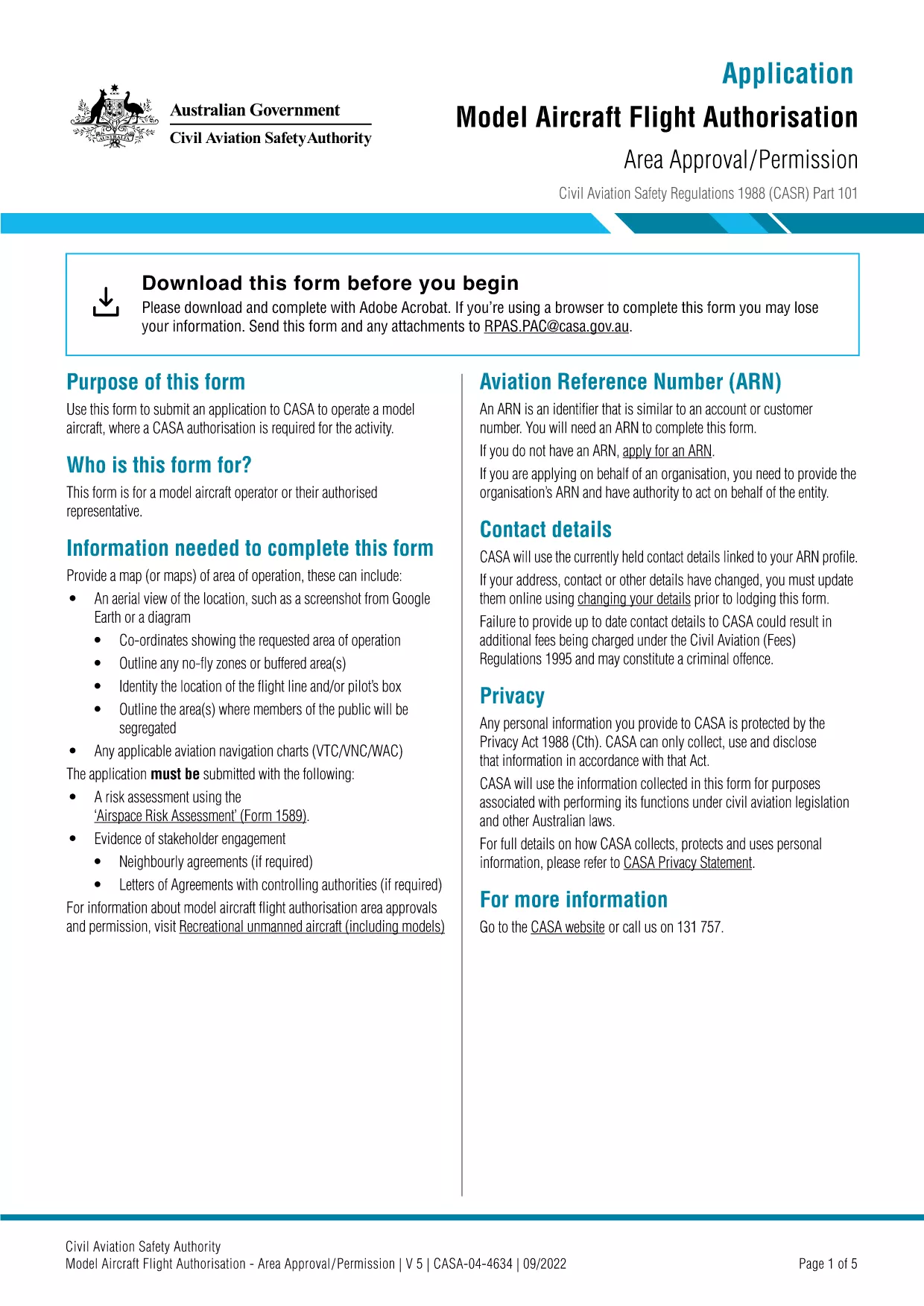
Looking for a fast, reliable way to submit your Model Aircraft Flight Authorisation to CASA? Our online fillable PDF lets you complete the official application form without printing, scanning, or faxing. Simply click the button, fill in the fields, and submit – all within seconds.
Follow the step‑by‑step guide below. The Formize PDF Filler loads directly in your browser, so no extra software is needed.
Even experienced pilots can miss details. Watch out for:
After you submit, CASA will review the application within 5‑7 business days. You will receive an email with the authorisation document or a request for additional information.
Find quick answers to the most common queries about this form below.
No. The fillable PDF can be completed and submitted entirely online through the Formize PDF Filler.
A government‑issued photo ID (passport, driver’s licence, or Australian proof of identity) must be attached as a scanned image.
Typically 5‑7 business days, but processing times may vary during peak periods.
Once submitted, the form is locked. If you need changes, contact CASA and request a new application.
Yes, a standard processing fee applies. Details are listed on the payment page within the form.
The Formize PDF Filler provides real‑time validation. If an error slips through, you can withdraw the submission via your email link and restart.
An automatic email confirmation with a reference number is sent immediately after successful submission.
PDF 문서를 보고 작성하기 위한 기존 기능 세트와 웹 애플리케이션 및 반응형 레이아웃의 이점을 결합하면 몇 분 만에 model aircraft application form을(를) 완료할 수 있습니다.
온라인에서 PDF 양식을 채우는 가장 쉬운 방법
필링 세션 삭제
편집 세션 삭제