


{키워드} 템플릿
PDF 문서를 보고 작성하기 위한 기존 기능 세트와 웹 애플리케이션 및 반응형 레이아웃의 이점을 결합하면 몇 분 만에 YVMS application form을(를) 완료할 수 있습니다.
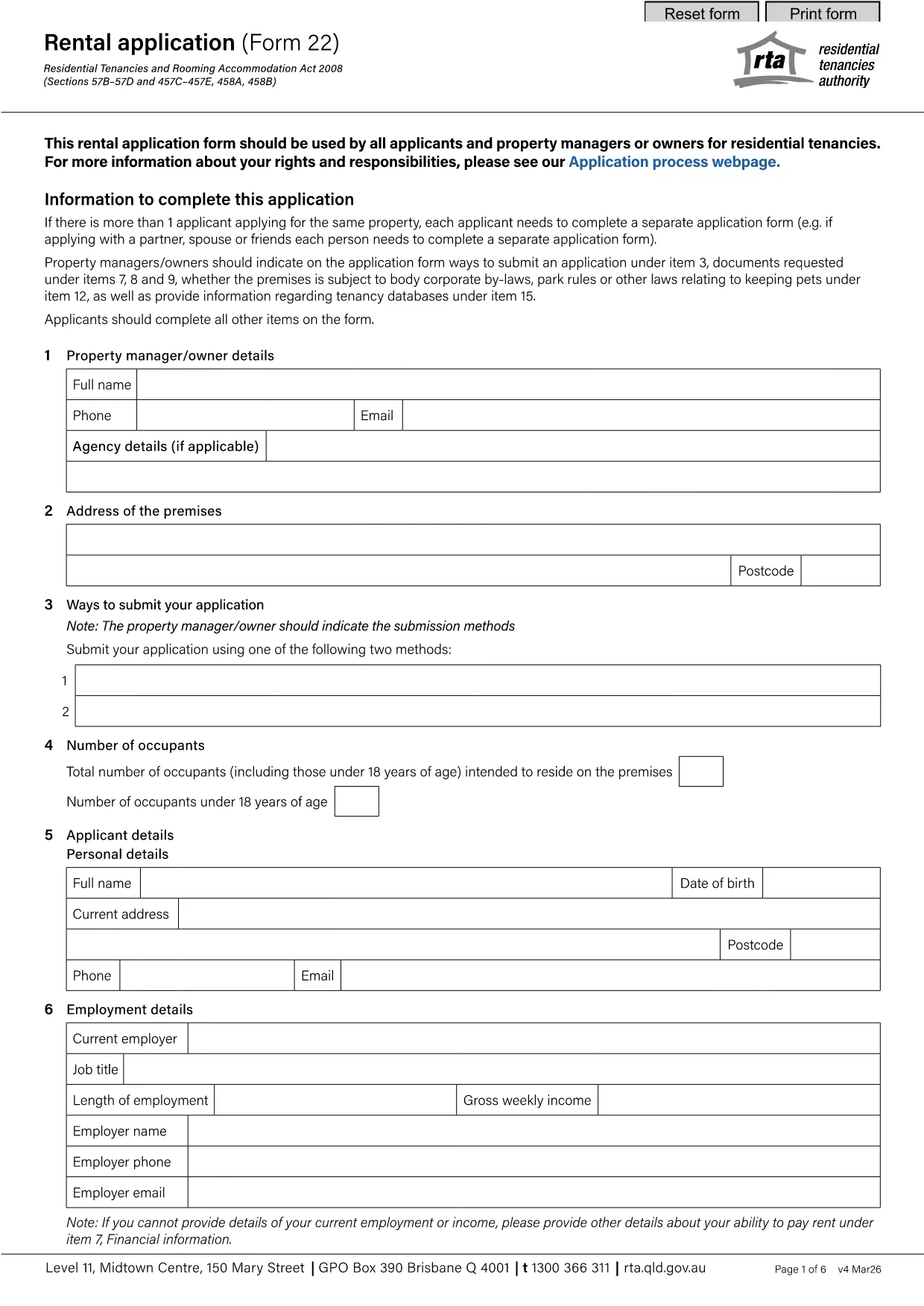
The YVMS (Youth Volunteer Management System) application form is the official document used by organizations to register volunteers, collect personal details, and confirm eligibility for youth‑focused programs. It is available as a fillable PDF, which means you can type directly into the fields, save your progress, and submit it electronically.
Instead of downloading the PDF and opening it in a separate editor, simply click the "Fill out this form" button on this page. The Formize PDF Filler app will load in your browser, letting you complete every field instantly. Follow the on‑screen prompts, save your work, and export the finished form when you’re done.
If you prefer to work offline, you can download the original fillable PDF from the link below. The file is hosted by the Queensland Residential Tenancies Authority, but the layout works perfectly for the YVMS application.
Download YVMS Application Form (PDF)
Below are the most common questions about the YVMS application form and how to use Formize’s online filler.
No. The Formize PDF Filler works in any modern browser, so you don’t need additional software.
Yes. The saved draft can be reopened at any time for further editing before final submission.
Formize uses SSL encryption, and the form never leaves your browser unless you choose to export or email it.
The filler will highlight the incomplete or incorrectly formatted field and prevent you from exporting until it’s corrected.
The online filler only creates a completed PDF. You’ll need to email or upload the PDF to the YVMS portal as instructed by your organization.
An internet connection is required to load the Formize app. Once loaded, you can work offline and export the PDF later.
PDF 문서를 보고 작성하기 위한 기존 기능 세트와 웹 애플리케이션 및 반응형 레이아웃의 이점을 결합하면 몇 분 만에 YVMS application form을(를) 완료할 수 있습니다.
온라인에서 PDF 양식을 채우는 가장 쉬운 방법
필링 세션 삭제
편집 세션 삭제