
언어 선택

Application Form Z – Fillable PDF

  1. 언어 영어
  2. 국가 호주
  3. 부서 내무 및 법무부
  4. 활동 비자
Application Form Z – Fillable PDF

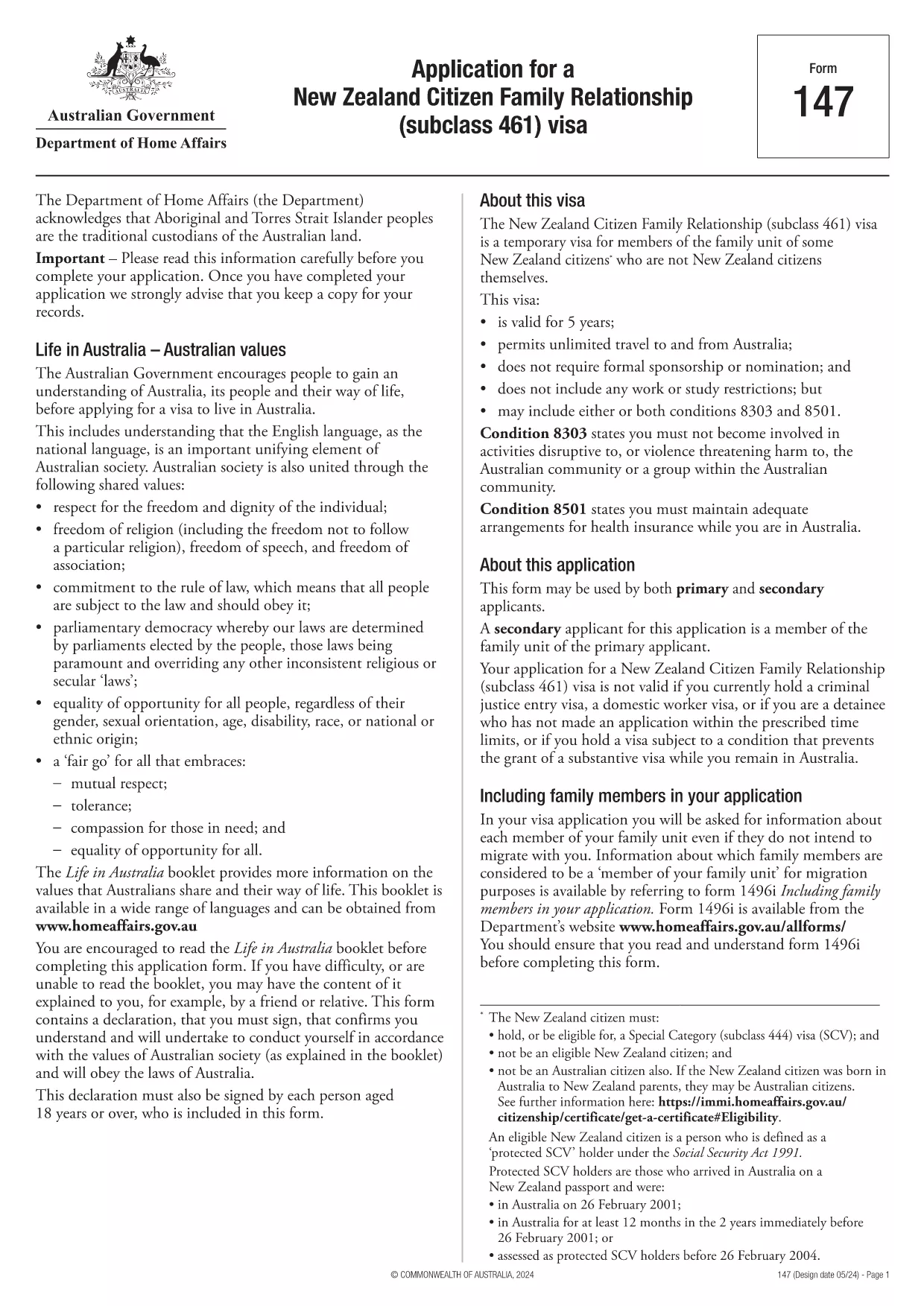
Looking for a quick, secure way to complete Application Form Z? You’ve come to the right place. Our fillable PDF version lets you enter data directly in your browser, sign electronically, and submit without ever printing a single page.

Formize hosts the official PDF from the Department of Home Affairs, so you can be confident you’re using the correct, up‑to‑date version. Below you’ll find everything you need to know – from a brief overview of the form’s purpose to detailed, step‑by‑step instructions on how to fill it out online.

What is Application Form Z?

Application Form Z is the official document used for certain visa and family‑relationship requests in Australia. It captures personal details, relationship information, and supporting evidence required by the Department of Home Affairs.

How to Fill the Form Online with Formize

Instead of downloading the PDF and opening it in a desktop editor, simply click the "Fill out this form" button on this page. The Formize PDF Filler app will load in seconds, presenting you with an intuitive, web‑based interface.

Common Mistakes to Avoid

  • Leaving required fields blank – the filler will highlight missing information before you can submit.
  • Using the wrong date format – the form expects DD/MM/YYYY.
  • Uploading unsupported file types for attachments – stick to PDF, JPG, or PNG.
  • Forgetting to add your electronic signature – the signature field is mandatory.

Download the Fillable PDF

If you prefer to keep a local copy, you can download the official PDF directly from the Department of Home Affairs:

Download Application Form Z (PDF)

After downloading, you can still use Formize’s online filler by uploading the file, but the one‑click option above is the fastest route.

Frequently Asked Questions

Below are the most common questions users have about Application Form Z and how to complete it using Formize.

자주하는 질문
  • Do I need Adobe Acrobat to fill Application Form Z?

    No. Formize’s online filler works in any modern browser, so you don’t need Acrobat or any additional software.

  • Can I save my progress and finish later?

    Yes. The filler lets you save a draft to your device or to your Formize account, then resume whenever you’re ready.

  • Is the electronic signature accepted by the Department of Home Affairs?

    Absolutely. The Department recognises electronic signatures on fillable PDFs submitted through approved platforms like Formize.

  • What file formats are allowed for supporting documents?

    PDF, JPG, and PNG are accepted. Each file must be under 10 MB.

  • How long does it take for the Department to process the form?

    Processing times vary by visa category. Check the latest estimates on the Department of Home Affairs website after you submit.

  • What if I make a mistake after submitting?

    Contact the Department’s case office as soon as possible. You may be asked to submit a corrected form or an amendment letter.

어떻게

5개의 간단한 단계를 통해 온라인으로 application form z를 무료로 작성하는 방법:

  1. 1
    Open the Formizer Filler
    Click the bright "Fill out this form" button on this page. The Formize PDF Filler app will launch in a new window.
  2. 2
    Enter Your Information
    Type directly into each fillable field. Use the Tab key to move quickly between sections.
  3. 3
    Add Attachments
    Upload required supporting documents (PDF, JPG, PNG) using the attachment icons next to each field.
  4. 4
    Sign Electronically
    Click the signature field, draw or type your name, and confirm. The signature is legally binding.
  5. 5
    Review & Submit
    Use the built‑in validator to check for missing fields, then click "Submit". You’ll receive a confirmation email with a copy of your completed form.
Formize PDF 필러 앱
에 대한

비자 양식

application form z는 외국에 입국하기 위해 비자를 신청하는 데 사용되는 문서인 비자 양식 중 하나입니다. 비자는 외국인이 특정 기간 동안 외국에 입국, 체류 및 때때로 일할 수 있도록 허용하는 문서입니다. 비자 취득을 위한 정확한 양식과 요건은 국가와 비자 유형에 따라 다릅니다.

비자 양식에는 일반적으로 이름, 생년월일, 여권 정보와 같은 개인 정보는 물론 여행의 목적과 기간, 목적지, 신청자가 이전에 비자를 거부했거나 국가에서 추방되었는지 여부에 대한 정보가 필요합니다. 양식에는 여권, 사진, 재정 지원 증명서와 같은 지원 문서가 필요할 수도 있습니다.

미국에서 가장 일반적인 비자 양식은 DS-160 및 DS-260 양식입니다. DS-160 양식은 비이민 비자 신청에 사용되는 반면 DS-260 양식은 이민 비자 신청에 사용됩니다. 이러한 양식에는 신청자의 개인 및 여행 이력에 대한 자세한 정보와 여권, 여행 일정 및 재무 기록과 같은 지원 문서가 필요합니다.

다른 국가에서는 다양한 비자 양식과 요구 사항이 있을 수 있지만 기본 프로세스에는 일반적으로 비자 신청서 작성, 증빙 서류 제공, 미국 대사관 또는 영사관의 영사관과의 인터뷰 참석이 포함됩니다. 비자 신청 절차는 복잡하고 시간이 많이 소요될 수 있으므로 비자를 원하는 개인은 이민 변호사 또는 기타 자격을 갖춘 전문가와 상담하여 필요한 모든 양식과 요구 사항이 충족되었는지 확인하는 것이 좋습니다.

특징

PDF 필러

온라인에서 PDF 양식을 채우는 가장 쉬운 방법

  • application form z를 빠르게 작성하세요.
    온라인에서 application form z을(를) 빠르게 채우는 방법을 찾고 계십니까? 온라인 무료 PDF 양식 필러를 사용하면 1분 이내에 이 PDF 문서를 편집하고 채우는 방법을 알 수 있습니다.
  • 사용하기 쉬운 온라인 PDF 편집기
    다시 스캔하여 다시 보내기 전에 편집할 수 있도록 PDF 파일을 인쇄하는 데 지쳤습니까? 온라인에서 무료로 PDF 문서를 편집하세요. 온라인 PDF 편집기를 사용하여 시간과 종이를 절약하십시오.
  • 훌륭한 도구, 모든 플랫폼
    Mac에서 application form z를 채우는 방법이나 PDF 필러를 무료로 사용하는 방법이 궁금하십니까? 당사의 온라인 PDF 도구는 모든 플랫폼에서 작동합니다.
  • 안전한 파일 저장
    완료된 "application form z" 파일은 Amazon 클라우드 호스팅에서 관리하는 보안 데이터베이스에 저장됩니다. 언제든지 시스템에서 파일을 삭제할 수 있습니다. 어쨌든 이러한 파일은 24시간 후에 자동으로 삭제됩니다.
  • application form z님과 채팅
    무료 PDF 리더 도우미인 Chatize에서 "application form z"와 채팅하세요. "application form z"에서 질문하고 답변을 받으세요. 위의 문서와 채팅 버튼을 클릭하세요.

필링 세션 삭제

선택한 필링 세션을 삭제하시겠습니까?이 경우 양식 작성 진행 상황이 손실됩니다.

편집 세션 삭제

선택한 편집 세션을 삭제하시겠습니까? 이 경우 양식 작성 및 편집 진행 상황이 손실됩니다.