언어 선택

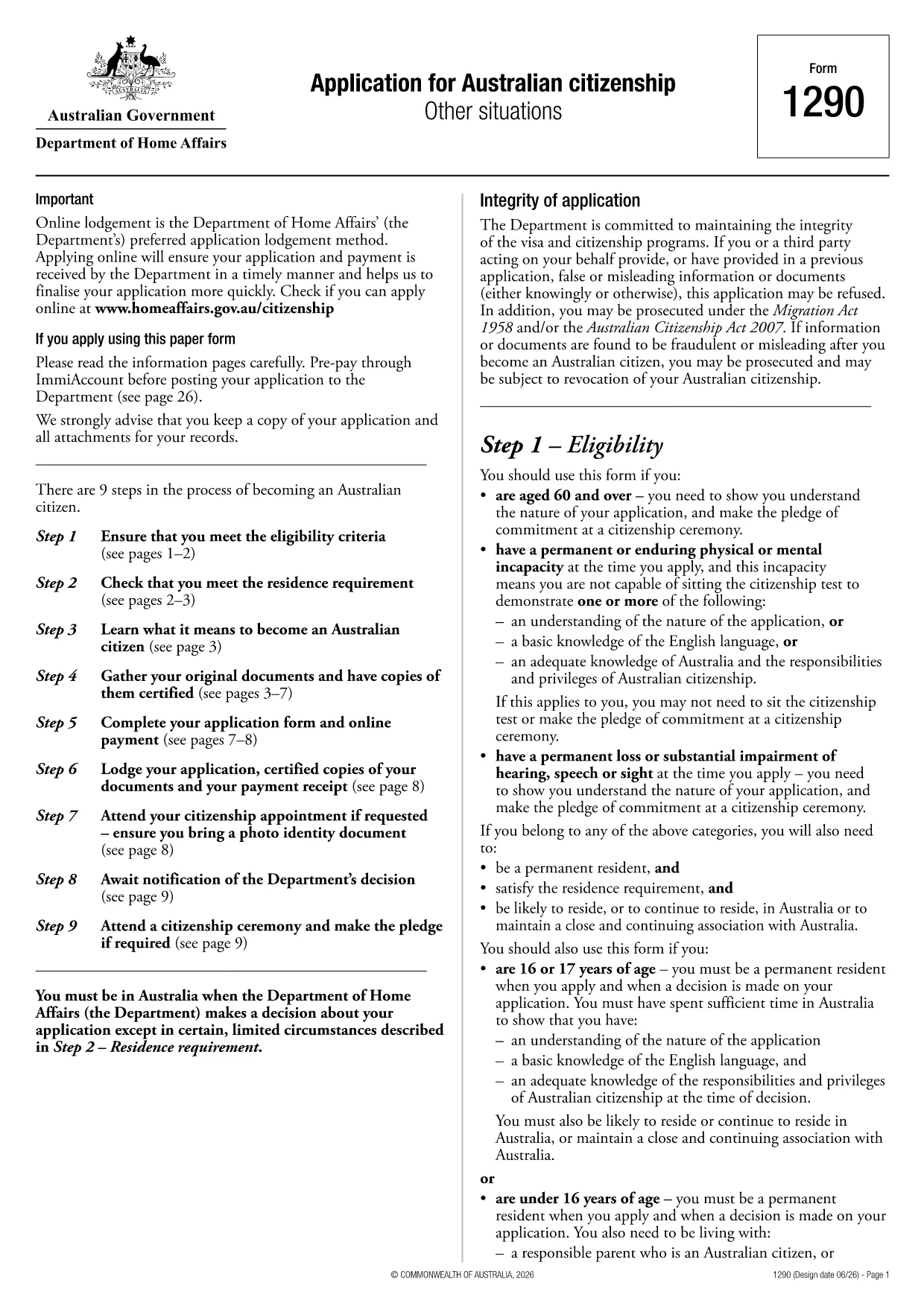
Australian Citizenship Application Form (PDF) – Fill Online

  1. 언어 영어
  2. 국가 호주
  3. 부서 내무 및 법무부
  4. 활동 시민권
Australian Citizenship Application Form (PDF) – Fill Online

Looking for a quick, paper‑free way to apply for Australian citizenship? You’ve come to the right place. The official Australian Citizenship Application Form (PDF) is now available as a fully fillable document through Formize’s online PDF filler.

What is the Australian Citizenship Application?

This form, provided by the Department of Home Affairs, is the primary document you need to complete if you want to become an Australian citizen. It collects personal details, residency history, character information, and your consent for background checks.

How to Complete the Form Online with Formize

Instead of printing, scanning, or using a separate PDF editor, simply click the "Fill out this form" button on this page. The Formize PDF Filler app will load in your browser, allowing you to:

  • Enter data directly into each field
  • Save progress and return later
  • Validate required fields in real time
  • Download a completed, signed PDF ready for submission

Common Mistakes to Avoid

  • Leaving mandatory fields blank: The filler highlights missing information before you can download.
  • Using an outdated version: This page always links to the latest form (PDF ID 1300t).
  • Incorrect date formats: Use DD/MM/YYYY as shown in the form instructions.
  • Forgetting to sign: Add your electronic signature in the designated field before saving.

Eligibility Requirements

Before you start, make sure you meet the basic criteria:

  • At least 4 years of lawful residence in Australia
  • Passed the citizenship test (or exempt)
  • Good character status
  • Intention to reside in Australia

Where to Submit Your Application

After completing the form, download the finished PDF and submit it through your ImmiAccount or mail it to the address listed in the instructions. Keep a copy for your records.

Need help? Review the Department of Home Affairs eligibility guide for detailed information.

자주하는 질문
  • Is this the latest Australian citizenship application form?

    Yes. The link points to PDF ID 1300t, which is the current version published by the Department of Home Affairs.

  • Can I save my progress and finish later?

    Absolutely. The Formize filler lets you save a draft locally and reload it at any time before downloading the final PDF.

  • Do I need to print the form to sign it?

    No. The online filler includes an electronic signature field that complies with Department guidelines.

  • What if I make a mistake after downloading?

    You can reopen the saved draft in Formize, correct the error, and download a new PDF. Keep only the final version for submission.

  • Are there any fees to use Formize?

    Formize’s basic PDF filler is free for public government forms like this citizenship application.

  • How long does it take for the Department to process my application?

    Processing times vary; typically 4–6 months after you submit a complete and correct application.

  • Can I apply for citizenship online instead of using the PDF?

    Yes, you may apply via ImmiAccount. Some applicants prefer the PDF for offline completion or record‑keeping.

  • What documents must I attach to the completed form?

    You’ll need proof of identity, residency, character documents, and any supporting evidence listed in the form’s instruction guide.

어떻게

5개의 간단한 단계를 통해 온라인으로 Australian citizenship application를 무료로 작성하는 방법:

  1. 1
    Click the Fill Button
    Press the "Fill out this form" button on the page. The Formize PDF Filler will open in a new browser tab.
  2. 2
    Enter Your Information
    Complete each field using your keyboard. Required fields are marked with an asterisk and will be validated in real time.
  3. 3
    Review and Sign
    Check all entered data for accuracy, add your electronic signature in the signature field, and confirm the declaration.
  4. 4
    Download the Completed PDF
    Click "Download" to save the filled‑out form to your device. The file is ready for upload to ImmiAccount or mailing.
  5. 5
    Submit Your Application
    Upload the PDF through your ImmiAccount or send it by post to the address provided in the form instructions.
Formize PDF 필러 앱
에 대한

시민권 양식

Australian citizenship application는 한 국가에서 시민권을 신청하는 데 사용되는 문서인 시민권 양식 중 하나입니다. 시민권의 정확한 형식과 요구 사항은 국가마다 다르지만 일반적으로 시민권 자격에 대한 개인 정보 및 증거를 제공하는 과정이 포함됩니다.

미국에서 가장 일반적인 시민권 양식은 N-400 귀화 신청서입니다. 이 양식은 합법적인 영주권자(그린 카드 소지자)가 미국 시민권을 신청할 때 사용합니다. 이 양식은 신청자의 이민 신분, 범죄 기록 및 기타 자격 요건에 대한 정보뿐만 아니라 이름, 생년월일, 연락처 정보와 같은 개인 정보를 요구합니다.

다른 국가에서는 시민권에 대한 형식과 요구 사항이 다를 수 있지만 기본 프로세스에는 일반적으로 지원자의 배경에 대한 정보를 제공하고 특정 자격 기준을 충족하는 것이 포함됩니다. 여기에는 시민권 시험 통과, 해당 국가의 역사 및 정부에 대한 지식 입증, 해당 국가의 언어 능숙도 입증이 포함될 수 있습니다.

시민권을 취득하는 과정은 복잡하고 시간이 오래 걸릴 수 있다는 점에 유의해야 합니다. 시민권을 원하는 개인은 이민 변호사 또는 기타 자격을 갖춘 전문가와 상담하여 절차를 탐색하고 필요한 모든 양식과 요구 사항이 충족되었는지 확인하는 것이 좋습니다.

특징

PDF 필러

온라인에서 PDF 양식을 채우는 가장 쉬운 방법

  • Australian citizenship application를 빠르게 작성하세요.
    온라인에서 Australian citizenship application을(를) 빠르게 채우는 방법을 찾고 계십니까? 온라인 무료 PDF 양식 필러를 사용하면 1분 이내에 이 PDF 문서를 편집하고 채우는 방법을 알 수 있습니다.
  • 사용하기 쉬운 온라인 PDF 편집기
    다시 스캔하여 다시 보내기 전에 편집할 수 있도록 PDF 파일을 인쇄하는 데 지쳤습니까? 온라인에서 무료로 PDF 문서를 편집하세요. 온라인 PDF 편집기를 사용하여 시간과 종이를 절약하십시오.
  • 훌륭한 도구, 모든 플랫폼
    Mac에서 Australian citizenship application를 채우는 방법이나 PDF 필러를 무료로 사용하는 방법이 궁금하십니까? 당사의 온라인 PDF 도구는 모든 플랫폼에서 작동합니다.
  • 안전한 파일 저장
    완료된 "Australian citizenship application" 파일은 Amazon 클라우드 호스팅에서 관리하는 보안 데이터베이스에 저장됩니다. 언제든지 시스템에서 파일을 삭제할 수 있습니다. 어쨌든 이러한 파일은 24시간 후에 자동으로 삭제됩니다.
  • Australian citizenship application님과 채팅
    무료 PDF 리더 도우미인 Chatize에서 "Australian citizenship application"와 채팅하세요. "Australian citizenship application"에서 질문하고 답변을 받으세요. 위의 문서와 채팅 버튼을 클릭하세요.

필링 세션 삭제

선택한 필링 세션을 삭제하시겠습니까?이 경우 양식 작성 진행 상황이 손실됩니다.

편집 세션 삭제

선택한 편집 세션을 삭제하시겠습니까? 이 경우 양식 작성 및 편집 진행 상황이 손실됩니다.