


{키워드} 템플릿
PDF 문서를 보고 작성하기 위한 기존 기능 세트와 웹 애플리케이션 및 반응형 레이아웃의 이점을 결합하면 몇 분 만에 request form pdf을(를) 완료할 수 있습니다.
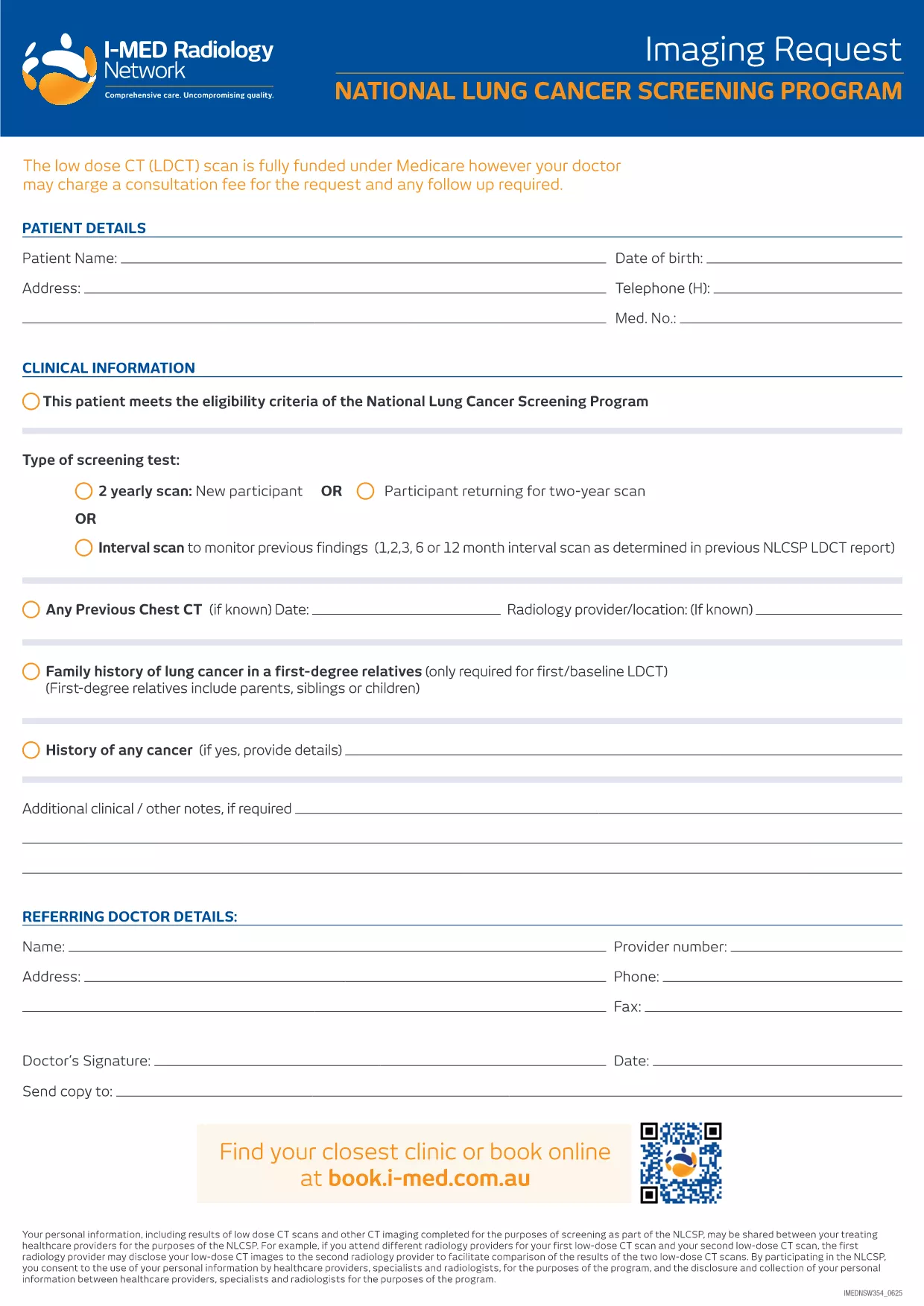
Looking for a reliable request form PDF that you can fill out anywhere, anytime? Our editable request form is designed for quick data entry, whether you’re in the office or on the go. With Formize’s built‑in PDF filler, you can complete the form directly in your browser—no extra software required.
Fillable PDFs combine the professionalism of a printed document with the convenience of digital entry. Benefits include:
Follow the simple steps below and you’ll have a completed request form in minutes.
Even with a user‑friendly form, a few pitfalls can delay processing:
Click the button below to open the fillable version of the request form. The Formize PDF Filler will load automatically, letting you start entering information right away.
Find quick answers to the most common questions below.
No. The Formize PDF Filler runs entirely in your web browser, so you don’t need Adobe Acrobat or any other program.
Yes. Use the “Save Draft” button to download a partially completed PDF, then reopen it later with Formize to continue.
All data is processed locally in your browser and never stored on our servers unless you choose to submit it to a connected portal.
Contact the receiving organization to request a corrected version. You can also download a new copy of the form and resubmit.
Absolutely. After saving the filled PDF, you can print it using any standard printer.
Yes. The downloadable PDF and the online filler are completely free.
PDF 문서를 보고 작성하기 위한 기존 기능 세트와 웹 애플리케이션 및 반응형 레이아웃의 이점을 결합하면 몇 분 만에 request form pdf을(를) 완료할 수 있습니다.
온라인에서 PDF 양식을 채우는 가장 쉬운 방법
필링 세션 삭제
편집 세션 삭제