


{키워드} 템플릿
PDF 문서를 보고 작성하기 위한 기존 기능 세트와 웹 애플리케이션 및 반응형 레이아웃의 이점을 결합하면 몇 분 만에 application form QR code을(를) 완료할 수 있습니다.
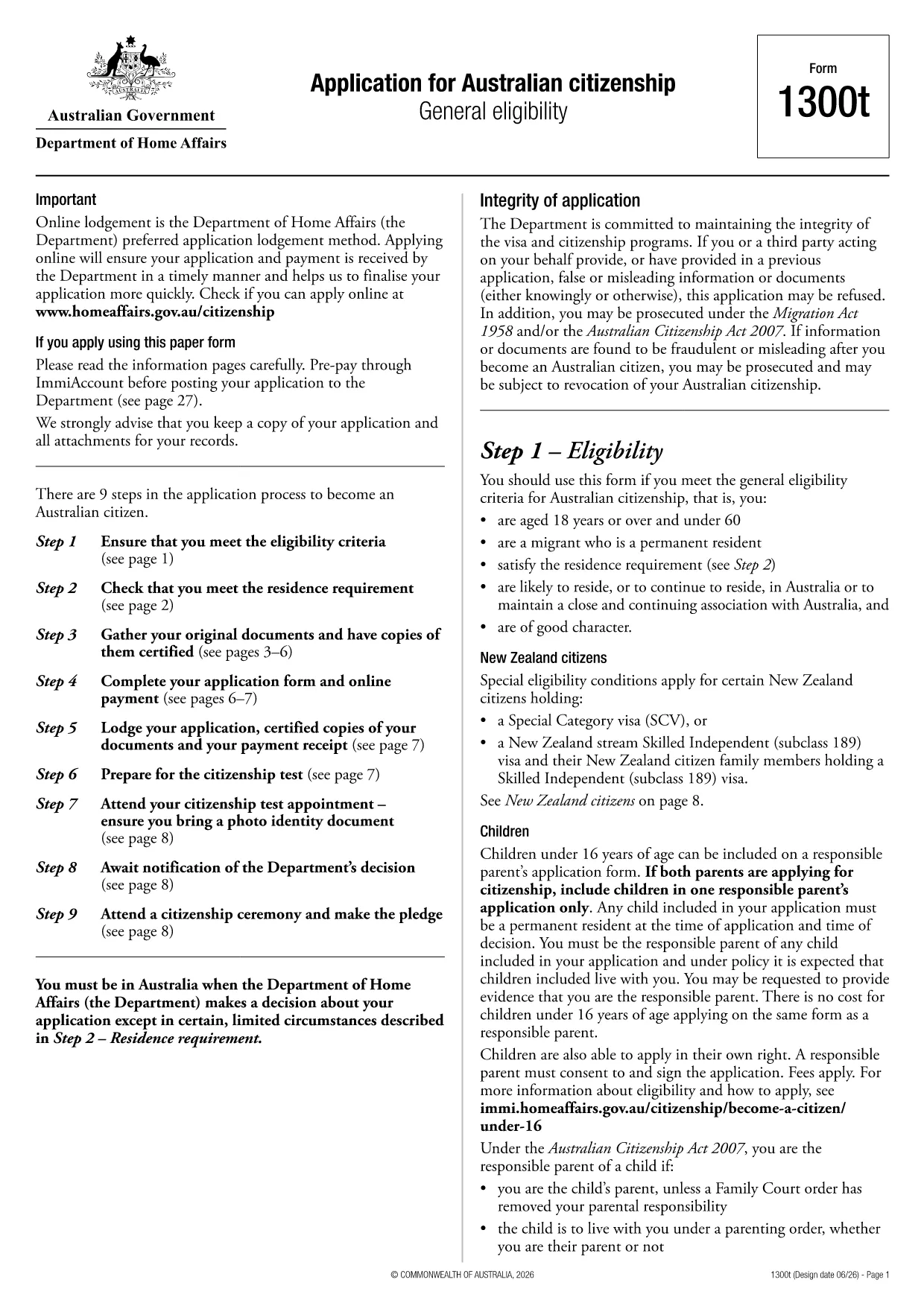
The Application Form QR Code is a modern, fillable PDF that lets you submit your details quickly while generating a scannable QR code for easy tracking. Hosted by Australia’s Department of Home Affairs, this form (1300t) is used for various visa and immigration applications.
With Formize’s instant PDF filler, you no longer need a desktop editor. Simply click the button on this page, and the form loads directly in your browser. All fields are interactive, and the QR code is automatically created once you finish the required sections.
Using a QR‑enabled form speeds up processing, reduces paperwork errors, and gives you a digital receipt you can store or print. Whether you’re applying for a visitor visa, a work permit, or any other immigration service, this fillable PDF ensures your information is captured accurately.
Below you’ll find step‑by‑step instructions, tips to avoid common pitfalls, and answers to the most frequently asked questions about this form.
No. Formize’s online PDF filler works in any modern browser, so you can complete the form without installing any software.
The QR code stores a unique reference that links your application to the Department’s processing system, allowing faster verification and status checks.
Yes. Once you finish, click the “Download PDF” button to save a printable version that retains the QR code and all your data.
Formize uses SSL encryption for all data transmitted between your browser and our servers. Your information is never stored permanently on our side.
You can edit any field at any time before saving. Simply click the field, correct the entry, and the QR code will update automatically.
The form includes a digital signature field. Use your mouse, touchpad, or stylus to add a signature before submitting.
After saving, upload the PDF to the Department of Home Affairs online portal or follow the submission instructions provided in your visa application guide.
PDF 문서를 보고 작성하기 위한 기존 기능 세트와 웹 애플리케이션 및 반응형 레이아웃의 이점을 결합하면 몇 분 만에 application form QR code을(를) 완료할 수 있습니다.
온라인에서 PDF 양식을 채우는 가장 쉬운 방법
필링 세션 삭제
편집 세션 삭제