


{키워드} 템플릿
PDF 문서를 보고 작성하기 위한 기존 기능 세트와 웹 애플리케이션 및 반응형 레이아웃의 이점을 결합하면 몇 분 만에 GMT000을(를) 완료할 수 있습니다.
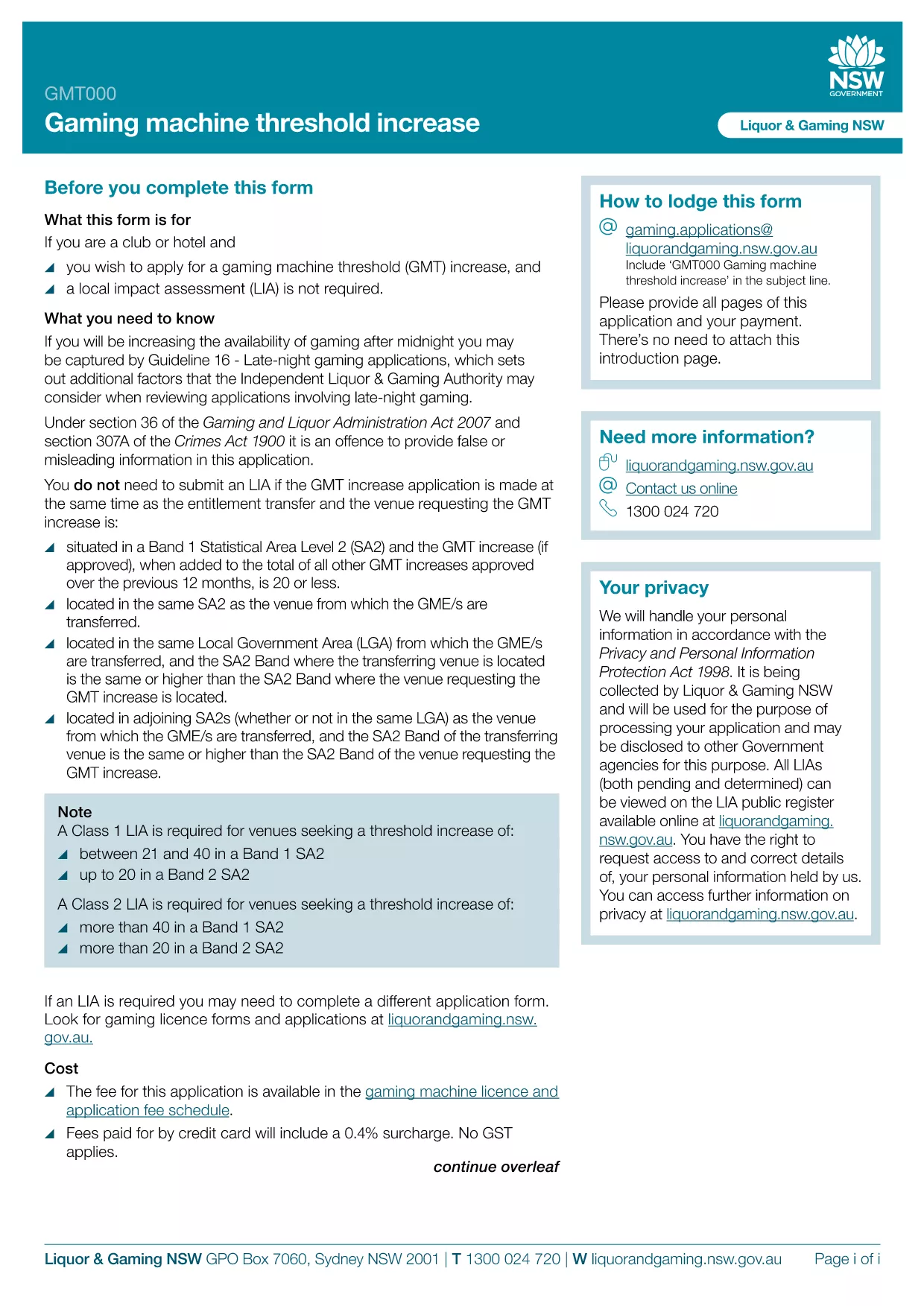
The GMT000 Gaming Machine Threshold Increase form is required when a licensee wants to raise the monetary limit on a gaming machine in New South Wales. This fillable PDF lets you submit the request quickly, without printing or scanning.
Increasing the threshold allows higher‑value wagers, which can boost revenue and improve player experience. The regulator, Liquor & Gaming NSW, must approve any change, and the GMT000 form is the official channel.
Instead of downloading the PDF to a desktop editor, simply click the "Fill out this form" button on this page. The Formize PDF Filler app will load in your browser, presenting an intuitive, field‑by‑field interface.
After you click Submit, you will receive an automated acknowledgement email. The regulator typically reviews the request within 10‑15 business days. Keep the confirmation number handy for any follow‑up inquiries.
Need more help? Review the FAQs below or contact Liquor & Gaming NSW directly.
It is the official request to increase the monetary threshold limit on a gaming machine in NSW.
Yes. The Formize PDF Filler works on modern smartphones and tablets.
An electronic signature is required. The form will not accept a blank signature field.
Liquor & Gaming NSW typically reviews threshold increase requests within 10‑15 business days.
Attach a copy of the current licence, a financial justification for the increase, and any relevant audit reports.
Contact Liquor & Gaming NSW with your reference number. They may allow a corrected resubmission.
Yes, a processing fee applies. Check the latest fee schedule on the Liquor & Gaming NSW website.
The Formize app lets you save a draft locally. Return to the saved file, reopen it in the filler, and continue.
PDF 문서를 보고 작성하기 위한 기존 기능 세트와 웹 애플리케이션 및 반응형 레이아웃의 이점을 결합하면 몇 분 만에 GMT000을(를) 완료할 수 있습니다.
온라인에서 PDF 양식을 채우는 가장 쉬운 방법
필링 세션 삭제
편집 세션 삭제