


{키워드} 템플릿
PDF 문서를 보고 작성하기 위한 기존 기능 세트와 웹 애플리케이션 및 반응형 레이아웃의 이점을 결합하면 몇 분 만에 application form a을(를) 완료할 수 있습니다.
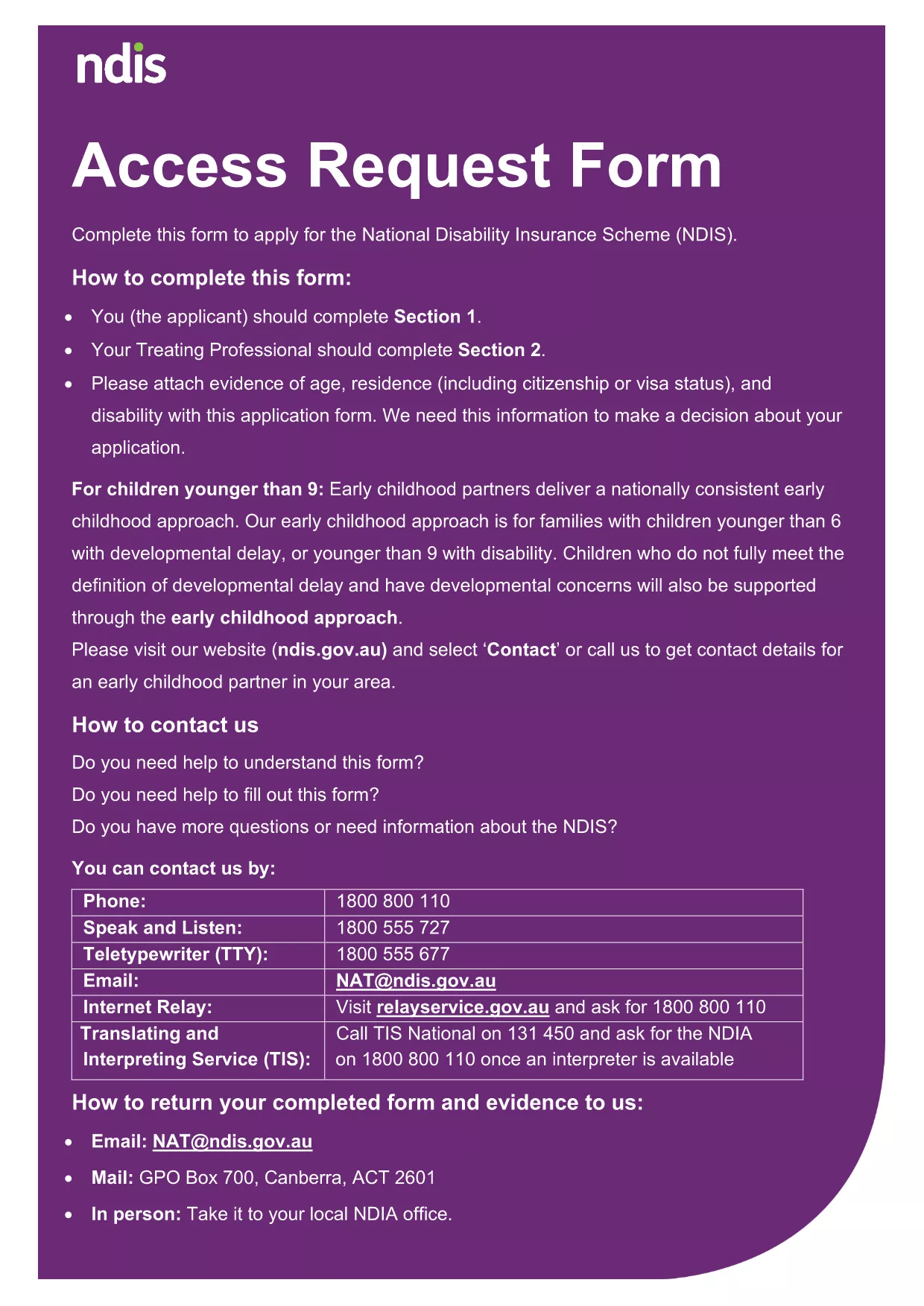
Looking for a quick, secure way to fill out Application Form A? Our fillable PDF lets you complete the entire form directly in your browser—no printing, scanning, or faxing required. Powered by Formize’s PDF Filler app, the form is fully interactive, auto‑saves your progress, and ensures every required field is completed before you submit.
Follow the simple steps in the How‑To section below. The Formize PDF Filler loads automatically when you click the button, guiding you through each field.
Once you’ve filled out Application Form A, you can either download the completed PDF for mailing or submit it directly through the relevant agency’s online portal (e.g., NDIA). Keep a copy for your records.
No. The Formize PDF Filler works in your browser, so you don’t need Adobe Acrobat or any other editor.
Yes. All data is encrypted during the session, and the form never stores information on our servers unless you choose to save or submit it.
Absolutely. The fillable PDF is responsive and works on smartphones, tablets, and computers.
Contact the agency that received the form (e.g., NDIA) to request a correction. Keep a copy of the submitted PDF for reference.
No. Downloading and filling out the PDF with Formize is completely free.
An internet connection is required to load the Formize filler. Once loaded, you can continue offline and save the file locally.
You will receive a fully completed PDF that you can download, print, or upload as needed.
PDF 문서를 보고 작성하기 위한 기존 기능 세트와 웹 애플리케이션 및 반응형 레이아웃의 이점을 결합하면 몇 분 만에 application form a을(를) 완료할 수 있습니다.
온라인에서 PDF 양식을 채우는 가장 쉬운 방법
필링 세션 삭제
편집 세션 삭제