


{키워드} 템플릿
PDF 문서를 보고 작성하기 위한 기존 기능 세트와 웹 애플리케이션 및 반응형 레이아웃의 이점을 결합하면 몇 분 만에 DAS enrollment application을(를) 완료할 수 있습니다.
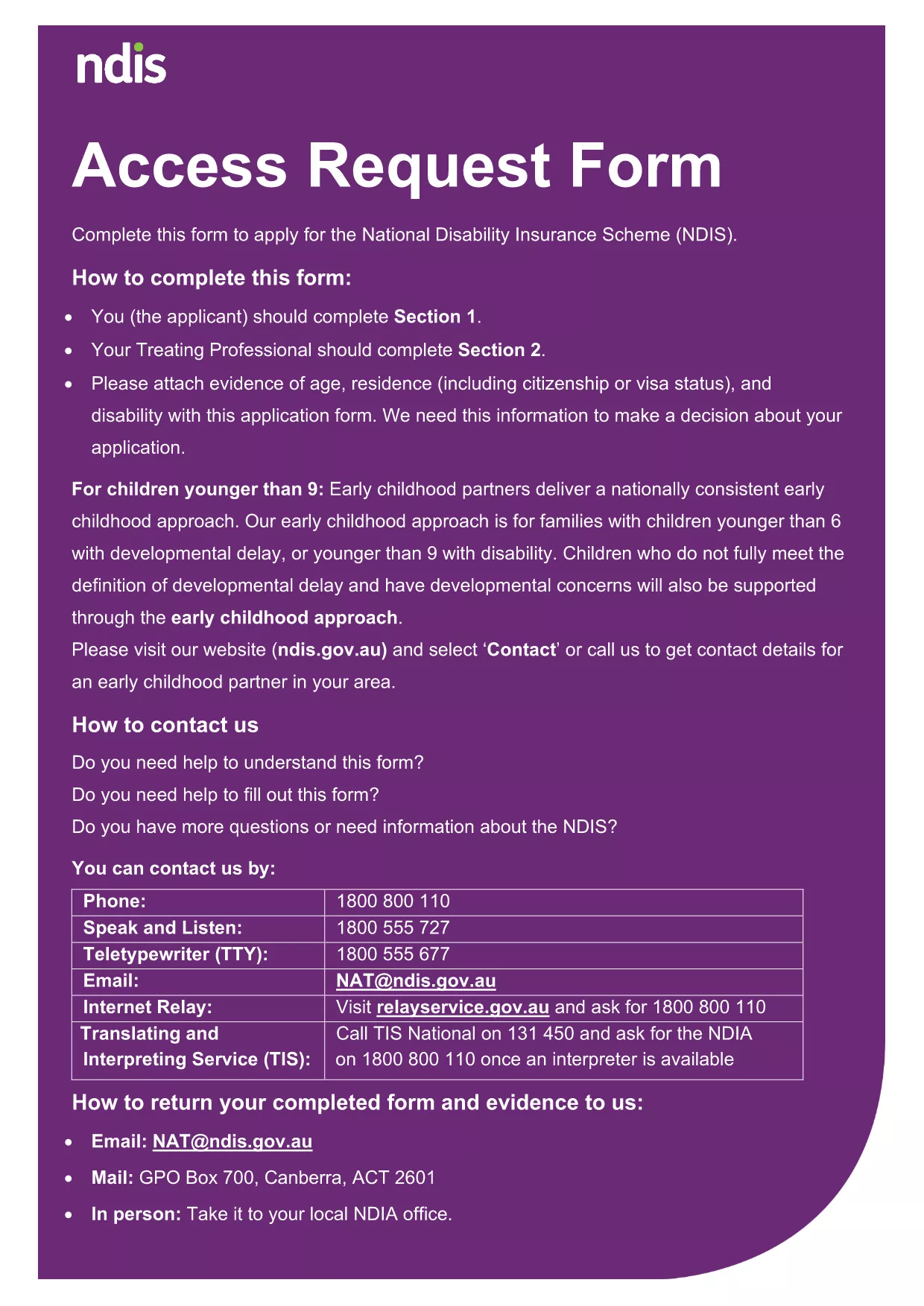
The DAS enrollment application is the official form used to apply for the Disability Assistance Scheme in Australia. Our page provides a direct link to the fillable PDF version and a seamless online experience powered by the Formize PDF Filler app.
Instead of downloading the PDF and opening it in a separate editor, simply click the "Fill out this form" button on this page. The Formize PDF Filler loads instantly in your browser, allowing you to enter data, add signatures, and save progress without any software installation.
Once you have filled out every section, click "Submit". The completed PDF is encrypted and sent directly to the National Disability Insurance Agency’s enrollment inbox. You will receive an automatic confirmation email with a reference number for tracking.
Formize provides a fast, secure, and fully‑accessible environment. No downloads, no printer, and no need to certify documents manually. Your data is stored temporarily in a secure session and never retained after submission.
No. With Formize you can complete, sign, and submit the entire form online without printing.
PDF, JPG, and PNG files are accepted. Each file must be under 10 MB.
Yes. The Formize filler lets you download a partially completed PDF to resume later.
All data is transmitted over SSL encryption and is not stored after the submission is completed.
Contact the NDIA’s enrollment help desk with your reference number to request a correction.
No. Formize’s built‑in e‑signature complies with Australian government electronic signing standards.
After submission you can download a read‑only copy of the completed PDF for your records.
PDF 문서를 보고 작성하기 위한 기존 기능 세트와 웹 애플리케이션 및 반응형 레이아웃의 이점을 결합하면 몇 분 만에 DAS enrollment application을(를) 완료할 수 있습니다.
온라인에서 PDF 양식을 채우는 가장 쉬운 방법
필링 세션 삭제
편집 세션 삭제