


{키워드} 템플릿
PDF 문서를 보고 작성하기 위한 기존 기능 세트와 웹 애플리케이션 및 반응형 레이아웃의 이점을 결합하면 몇 분 만에 fillable application form을(를) 완료할 수 있습니다.
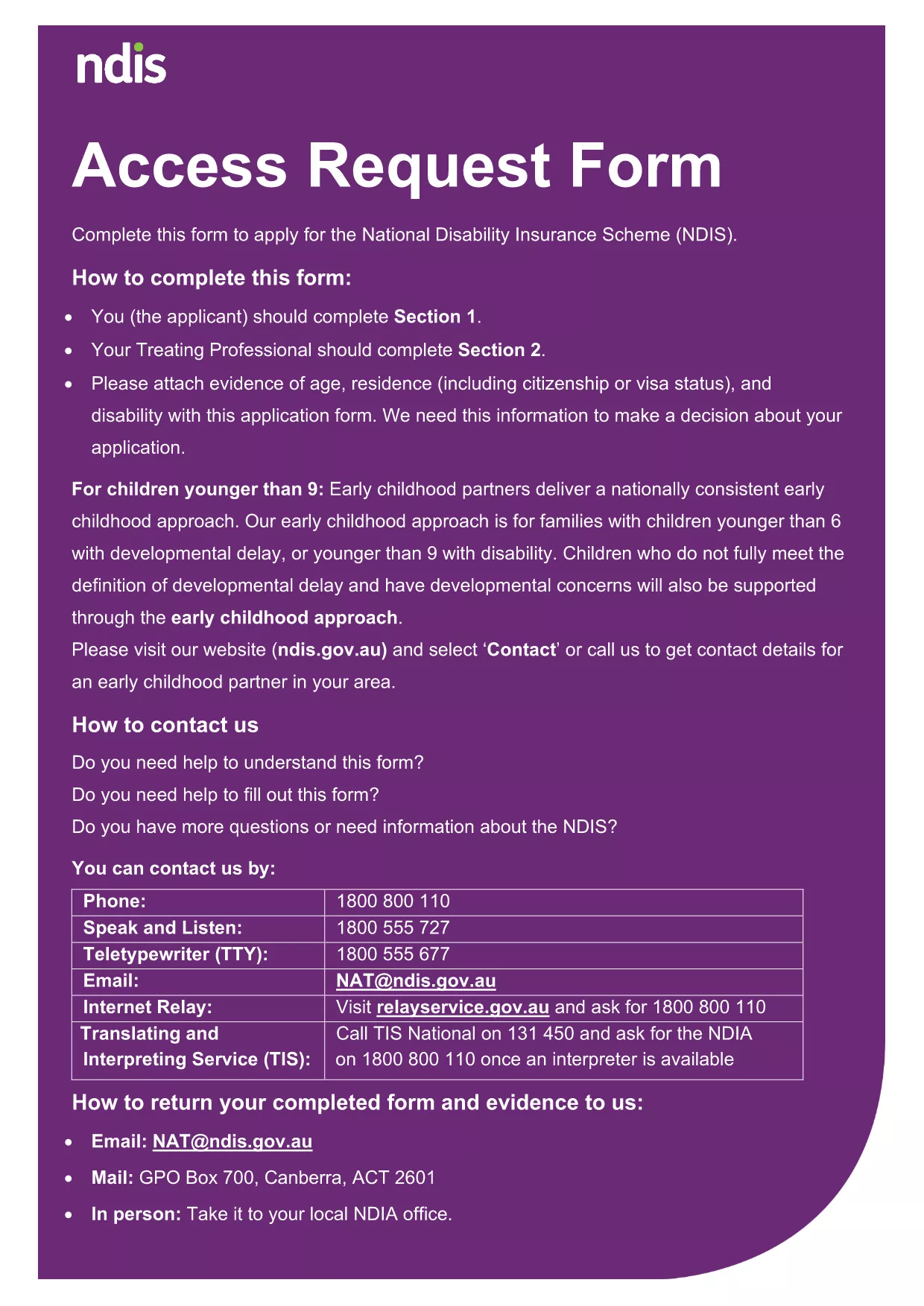
Looking for a quick way to submit your application without printing, scanning, or faxing? Our fillable application form lets you complete every field directly in your browser. Powered by Formize’s secure PDF Filler, the form saves your data in real time and lets you download a clean, printable PDF once you’re done.
Whether you need an application form for a government program, a licence, or any other official request, this page provides a single, hassle‑free solution. No extra software is required—just click, fill, and download.
Key benefits:
Ready to get started? Simply click the button below to launch the Formize PDF Filler and begin filling out the application right away.
No. The Formize PDF Filler works in any modern browser, so you don’t need Acrobat or any extra software.
Yes. All data is transmitted over an encrypted HTTPS connection and is not stored on our servers after you download the completed PDF.
The filler auto‑saves while you work, but to resume later you’ll need to keep the browser tab open. For a full pause, download the partially completed PDF and re‑upload it later.
You can edit any field at any time before you submit. Just click the field again and correct the information.
No. The fillable PDF and the Formize online filler are completely free.
Yes. Once you’ve completed the form, click the "Download" button and print the PDF from your computer.
The filler works on Chrome, Firefox, Edge, Safari, and most up‑to‑date browsers.
PDF 문서를 보고 작성하기 위한 기존 기능 세트와 웹 애플리케이션 및 반응형 레이아웃의 이점을 결합하면 몇 분 만에 fillable application form을(를) 완료할 수 있습니다.
온라인에서 PDF 양식을 채우는 가장 쉬운 방법
필링 세션 삭제
편집 세션 삭제