


{키워드} 템플릿
PDF 문서를 보고 작성하기 위한 기존 기능 세트와 웹 애플리케이션 및 반응형 레이아웃의 이점을 결합하면 몇 분 만에 NDIA application form을(를) 완료할 수 있습니다.
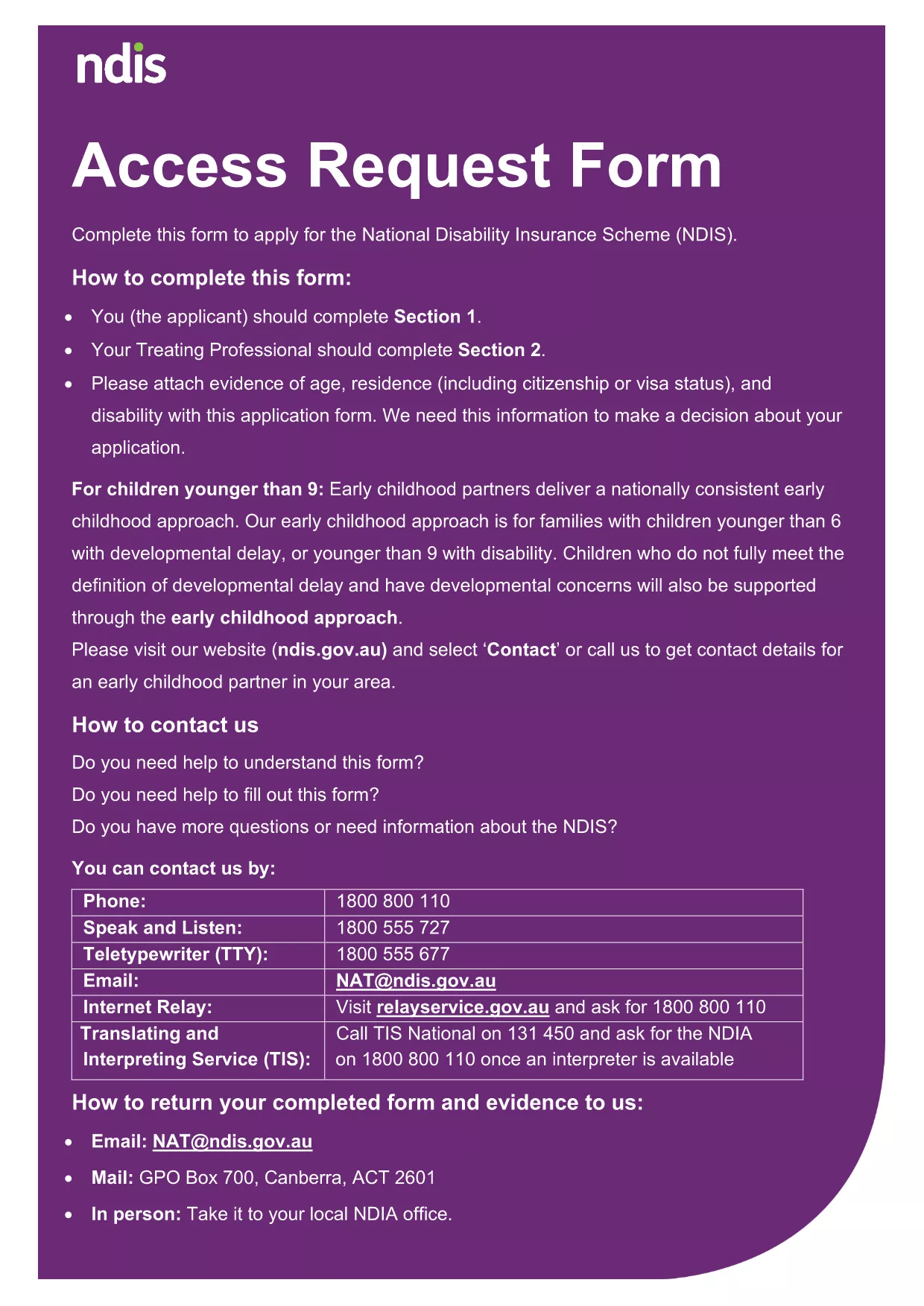
Searching for a quick, reliable way to complete your National Disability Insurance Agency (NDIA) application? Our online landing page lets you open the official NDIA form as a fillable PDF, edit it instantly, and submit without printing or scanning.
A fillable PDF preserves the exact layout required by the agency while allowing you to type directly into each field. This reduces transcription errors, speeds up processing, and keeps your data secure.
Follow our simple instructions to finish the form in minutes:
Even a small typo can delay approval. Make sure to:
If you prefer to work offline, you can download the original PDF from the government site. The file is fully compatible with Formize, so you can switch between offline and online editing without any loss of formatting.
No. The Formize PDF Filler works in any modern browser—no download or installation required.
Yes. Use the **Save** button to download a copy of your partially completed form and reload it later.
Formize processes the PDF locally in your browser, so your data never leaves your computer unless you choose to upload it.
Contact the NDIA directly. You can also download a fresh copy of the PDF, correct the error, and resubmit.
Absolutely. After completing the form, click **Print** to generate a hard‑copy version for your records.
PDF 문서를 보고 작성하기 위한 기존 기능 세트와 웹 애플리케이션 및 반응형 레이아웃의 이점을 결합하면 몇 분 만에 NDIA application form을(를) 완료할 수 있습니다.
온라인에서 PDF 양식을 채우는 가장 쉬운 방법
필링 세션 삭제
편집 세션 삭제