


{키워드} 템플릿
PDF 문서를 보고 작성하기 위한 기존 기능 세트와 웹 애플리케이션 및 반응형 레이아웃의 이점을 결합하면 몇 분 만에 request form template을(를) 완료할 수 있습니다.
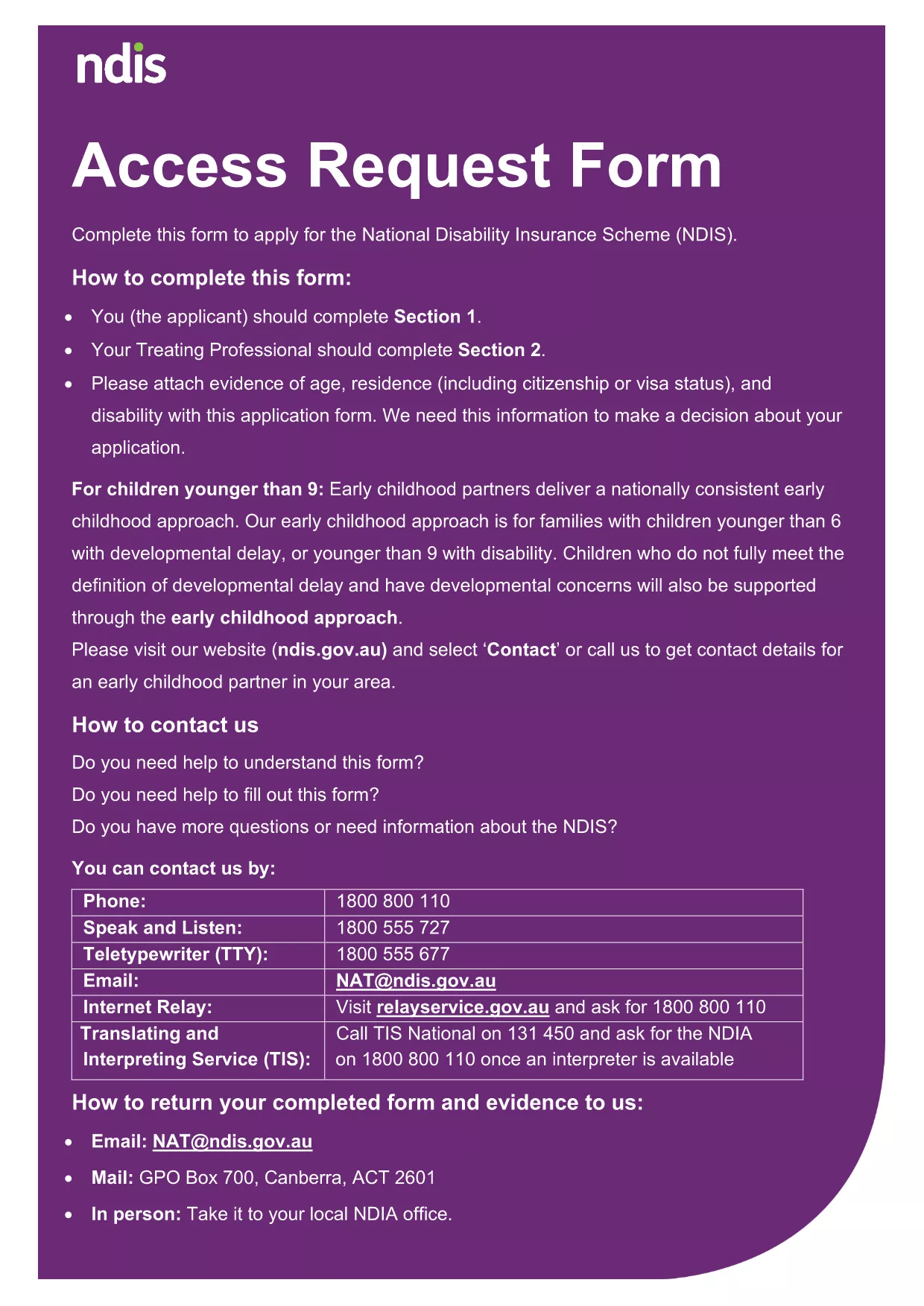
Looking for a professional request form word template that you can edit instantly without installing any software? Our fillable PDF version of the Access Request Form lets you complete the document directly in your browser using the Formize PDF Filler app.
Follow the simple steps below to complete the form in seconds.
When you click the button below, the Formize PDF Filler loads automatically. No plugins, no Adobe Reader, just a smooth, browser‑based experience.
No. The Formize PDF Filler works in any modern browser, so you can complete the form without installing Acrobat.
Yes. The filler is responsive and works on smartphones and tablets.
All data is encrypted during the session and stored only on your device unless you choose to export it.
Use the built‑in “Undo” button or simply delete the text and re‑enter the correct information.
Absolutely. After saving, click the “Print” icon to produce a hard‑copy version.
Yes. The layout mirrors the official Word version, so you can switch between the PDF and Word formats if needed.
PDF 문서를 보고 작성하기 위한 기존 기능 세트와 웹 애플리케이션 및 반응형 레이아웃의 이점을 결합하면 몇 분 만에 request form template을(를) 완료할 수 있습니다.
온라인에서 PDF 양식을 채우는 가장 쉬운 방법
필링 세션 삭제
편집 세션 삭제