
언어 선택

Form TR-102 – Plumbing Tradesperson Licence (Western Australia)

  1. 국가 호주
  2. 언어 영어
  3. 활동 Licensing
  4. 부서 Plumbers Licensing Board
Form TR-102 – Plumbing Tradesperson Licence (Western Australia)

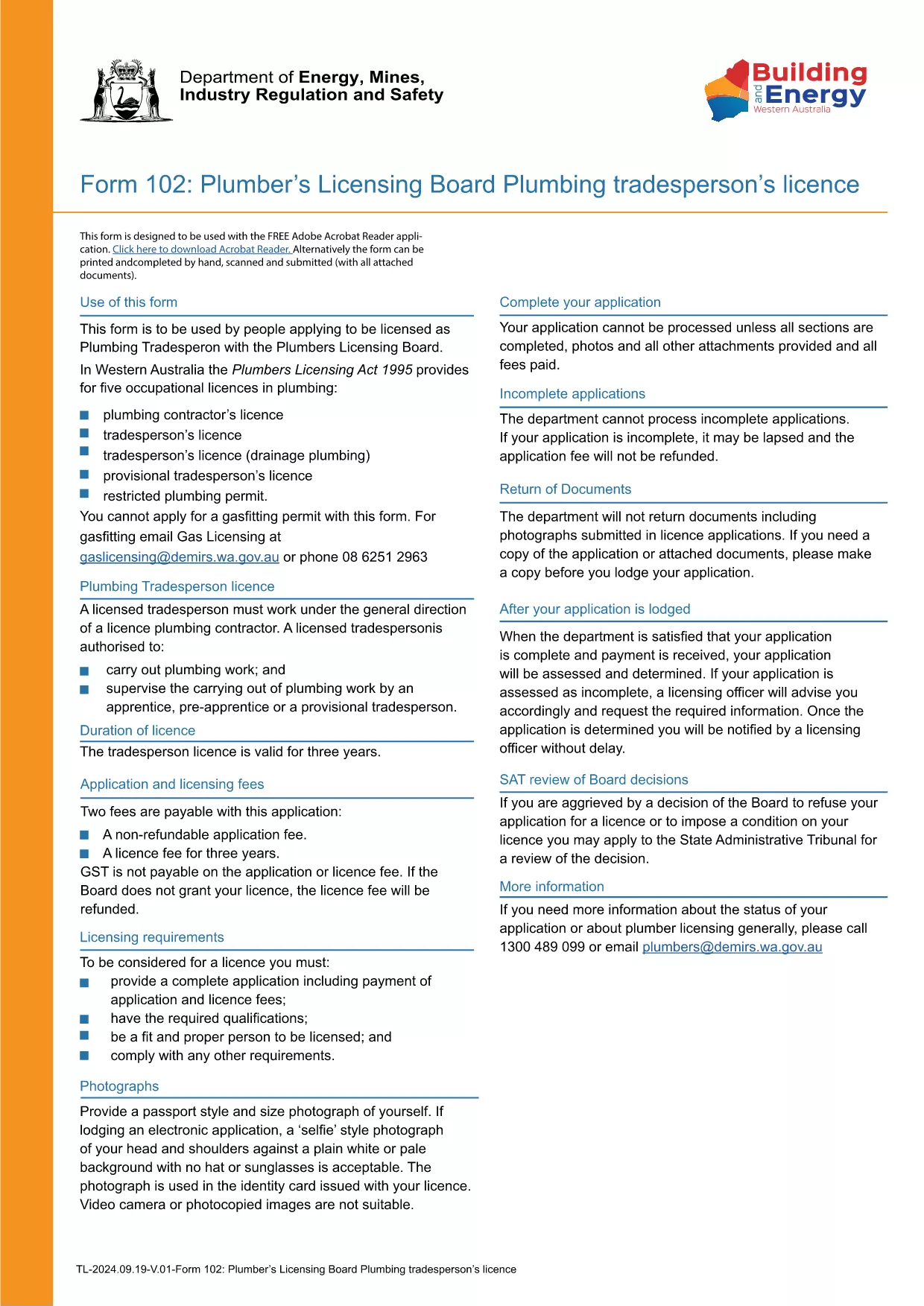
Form TR-102 is the official application used by individuals in Western Australia who want to obtain a new Plumbing Tradesperson Licence. The form is available as a fillable PDF, making it easy to complete on any device.

What is Form TR-102?

This form is issued by the Plumbers Licensing Board under the Plumbers Licensing Act 1995. It captures personal details, qualifications, work experience, and authorisations needed for a licence to practice plumbing trades in WA.

How to Fill Form TR-102 Online

Instead of downloading the PDF and editing it with a separate editor, simply click the "Fill out this form" button on this page. The Formize PDF Filler app will load the document directly in your browser, allowing you to:

  • Enter data into each field with keyboard or touch input.
  • Save progress and return later.
  • Validate entries in real‑time (e.g., date formats, numeric limits).
  • Download the completed, signed PDF for submission.

Common Mistakes to Avoid

  • Leaving required fields blank – the filler will highlight missing information before you can save.
  • Using the wrong licence class – ensure you select the correct trade (e.g., drainage, gas).
  • Incorrect dates or licence numbers – double‑check all numbers against your certificates.
  • Submitting an unsigned PDF – sign electronically in the Formize app or print and sign before sending.

Where to Submit Your Application

After completing the form, you can either:

Processing times vary, but most applications are reviewed within 10‑15 business days.

자주하는 질문
  • What does the "TR-102" code mean?

    "TR-102" is the reference number for the Plumbing Tradesperson Licence application used by the Western Australian Plumbers Licensing Board.

  • Can I edit the PDF on a mobile device?

    Yes. The Formize PDF Filler works on smartphones and tablets, allowing you to fill the form on any device.

  • Do I need to pay a fee when I submit Form TR-102?

    A licence application fee is required. The exact amount is listed on the Plumbers Licensing Board website and must be paid when you submit the form.

  • How long does it take to get the licence after submission?

    Processing typically takes 10‑15 business days, provided all required information and supporting documents are included.

  • What if I make a mistake after I’ve submitted the form?

    Contact the Plumbers Licensing Board immediately. You may need to submit a corrected form or provide additional documentation.

  • Is an electronic signature accepted?

    Yes. The Formize PDF Filler allows you to add a legally accepted electronic signature, which the Board accepts for most applications.

어떻게

5개의 간단한 단계를 통해 온라인으로 Form TR-102를 무료로 작성하는 방법:

  1. 1
    Click the Fill Out Button
    Press the "Fill out this form" button on this page to launch the Formize PDF Filler.
  2. 2
    Wait for the Filler to Load
    The app loads the fillable PDF in your browser; this usually takes a few seconds.
  3. 3
    Complete Each Section
    Enter your personal details, qualifications, and licence preferences in the highlighted fields.
  4. 4
    Review and Sign
    Use the built‑in validation to check for errors, then add an electronic signature or print to sign.
  5. 5
    Download or Submit
    Save the completed PDF to your device or submit it directly through the Plumbers Licensing Board portal.
Formize PDF 필러 앱
에 대한

{키워드} 템플릿

PDF 문서를 보고 작성하기 위한 기존 기능 세트와 웹 애플리케이션 및 반응형 레이아웃의 이점을 결합하면 몇 분 만에 Form TR-102을(를) 완료할 수 있습니다.
특징

PDF 필러

온라인에서 PDF 양식을 채우는 가장 쉬운 방법

  • Form TR-102를 빠르게 작성하세요.
    온라인에서 Form TR-102을(를) 빠르게 채우는 방법을 찾고 계십니까? 온라인 무료 PDF 양식 필러를 사용하면 1분 이내에 이 PDF 문서를 편집하고 채우는 방법을 알 수 있습니다.
  • 사용하기 쉬운 온라인 PDF 편집기
    다시 스캔하여 다시 보내기 전에 편집할 수 있도록 PDF 파일을 인쇄하는 데 지쳤습니까? 온라인에서 무료로 PDF 문서를 편집하세요. 온라인 PDF 편집기를 사용하여 시간과 종이를 절약하십시오.
  • 훌륭한 도구, 모든 플랫폼
    Mac에서 Form TR-102를 채우는 방법이나 PDF 필러를 무료로 사용하는 방법이 궁금하십니까? 당사의 온라인 PDF 도구는 모든 플랫폼에서 작동합니다.
  • 안전한 파일 저장
    완료된 "Form TR-102" 파일은 Amazon 클라우드 호스팅에서 관리하는 보안 데이터베이스에 저장됩니다. 언제든지 시스템에서 파일을 삭제할 수 있습니다. 어쨌든 이러한 파일은 24시간 후에 자동으로 삭제됩니다.
  • Form TR-102님과 채팅
    무료 PDF 리더 도우미인 Chatize에서 "Form TR-102"와 채팅하세요. "Form TR-102"에서 질문하고 답변을 받으세요. 위의 문서와 채팅 버튼을 클릭하세요.

필링 세션 삭제

선택한 필링 세션을 삭제하시겠습니까?이 경우 양식 작성 진행 상황이 손실됩니다.

편집 세션 삭제

선택한 편집 세션을 삭제하시겠습니까? 이 경우 양식 작성 및 편집 진행 상황이 손실됩니다.