


{키워드} 템플릿
PDF 문서를 보고 작성하기 위한 기존 기능 세트와 웹 애플리케이션 및 반응형 레이아웃의 이점을 결합하면 몇 분 만에 RTA Form 22을(를) 완료할 수 있습니다.
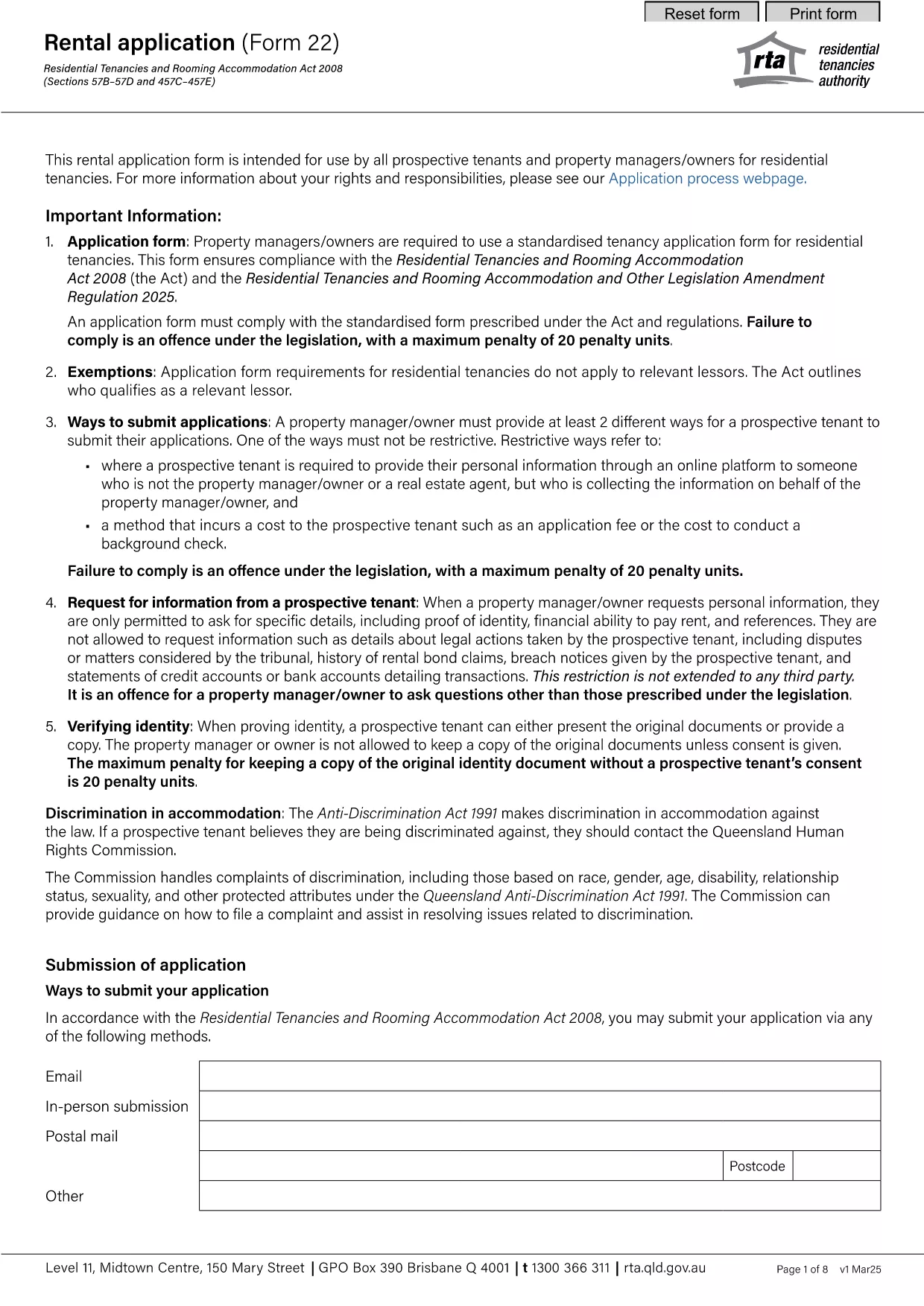
The RTA Form 22 is the standard rental application used by property managers and landlords across Australia. This fillable PDF lets prospective tenants provide personal details, rental history, references, and consent in a single, easy‑to‑complete document.
Form 22 is issued by the Residential Tenancies Authority (RTA) and is required for most residential tenancy agreements. It captures essential information such as:
Instead of downloading the PDF and opening a separate editor, simply click the "Fill out this form" button on this page. The Formize PDF Filler will load in your browser, allowing you to type directly into each field.
Avoid delays by following these best practices:
Once you have filled and saved the form, you can:
Using the online fillable version speeds up the process and reduces the chance of errors.
No. The Formize PDF Filler works in any modern browser, so you can complete the form without installing additional software.
Yes. The filler auto‑saves your entries locally. Use the "Download" button to export a partially completed PDF and resume later.
All data stays on your device unless you choose to email or upload it. Formize does not store your personal information.
Open the saved PDF again with the Formize filler, correct the fields, and re‑save the document.
Only if the landlord specifically requests a hard copy. Otherwise, an emailed PDF is usually sufficient.
Yes. The linked PDF is the current 2025 RTA Form 22, approved by the Residential Tenancies Authority.
PDF 문서를 보고 작성하기 위한 기존 기능 세트와 웹 애플리케이션 및 반응형 레이아웃의 이점을 결합하면 몇 분 만에 RTA Form 22을(를) 완료할 수 있습니다.
온라인에서 PDF 양식을 채우는 가장 쉬운 방법
필링 세션 삭제
편집 세션 삭제