


{키워드} 템플릿
PDF 문서를 보고 작성하기 위한 기존 기능 세트와 웹 애플리케이션 및 반응형 레이아웃의 이점을 결합하면 몇 분 만에 Form 1542을(를) 완료할 수 있습니다.
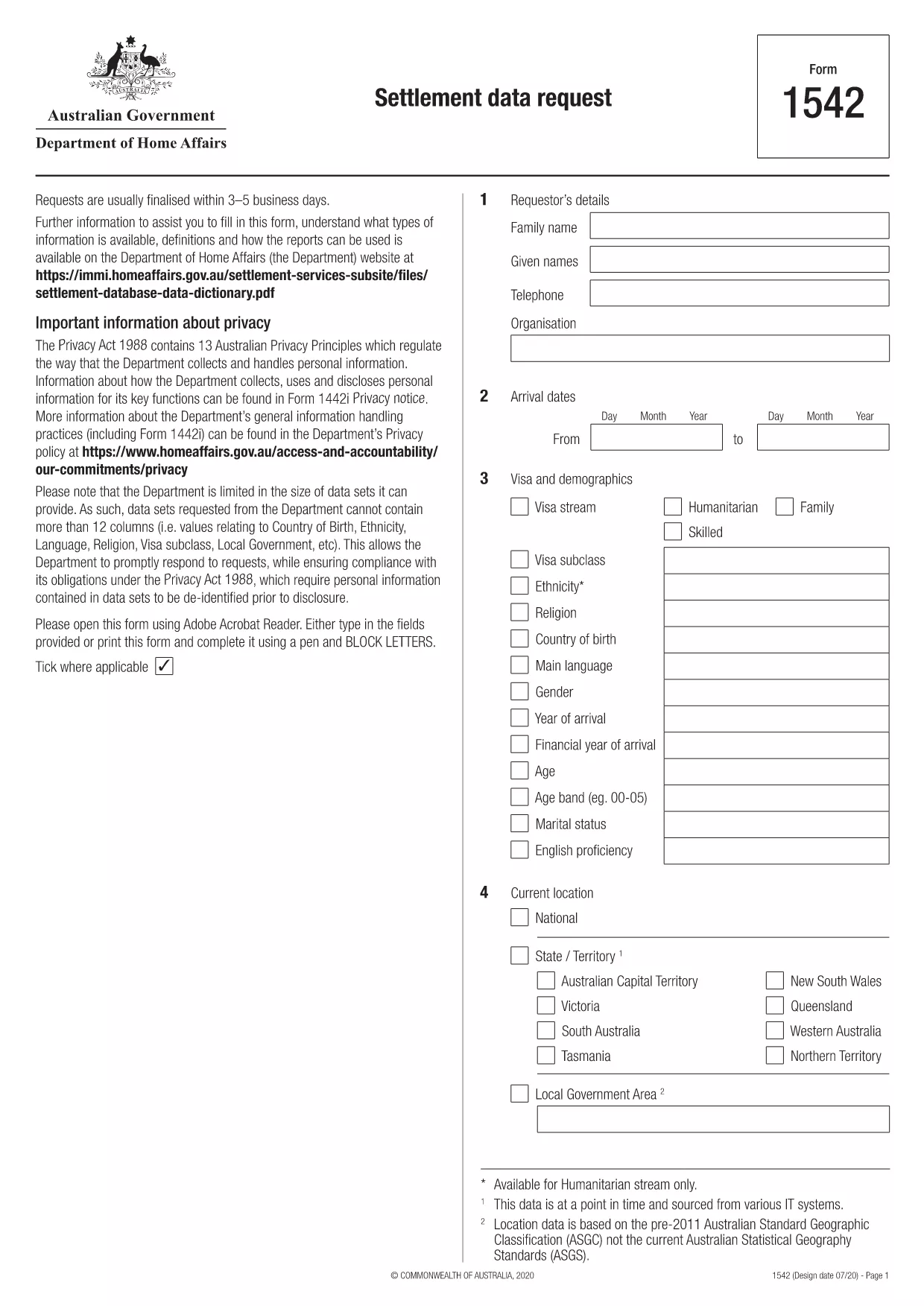
The Australian Department of Home Affairs requires Form 1542 for settlement data requests. This form collects information about how personal data will be used, who will access it, and any additional requirements.
Our fillable PDF version lets you complete the form directly in your browser – no Adobe Acrobat needed. Simply click the “Fill out this form” button, let the Formize PDF Filler load, and start entering your details.
Key benefits of using the online filler:
After you finish, you can print, email, or upload the PDF to the Department’s portal as instructed on the form.
Need a quick reference? Below you’ll find step‑by‑step instructions, common pitfalls, and answers to the most frequently asked questions.
Form 1542 is a settlement data request used by the Australian Department of Home Affairs to gather information about how personal data will be used and who will have access to it.
Yes. The official PDF is fillable and can be completed online with Formize’s PDF filler, eliminating the need for separate PDF editing software.
Absolutely. The Formize PDF Filler runs entirely in your web browser. Just click the “Fill out this form” button and start typing.
Once the PDF is filled and downloaded, submission can be immediate – either by uploading it to the online portal or by emailing/ mailing it as instructed on the form.
Avoid leaving required fields blank, entering dates in the wrong format, and misspelling agency names. The online filler highlights missing or incorrect entries before you download.
The form requires a handwritten signature. After downloading the completed PDF, print it, sign where indicated, and then scan or photograph the signed copy for electronic submission.
Submission details are provided on the last page of the form. Typically, you will email or upload the signed PDF to the Department of Home Affairs address listed in the instructions.
No – the PDF is provided free of charge by the Australian government.
PDF 문서를 보고 작성하기 위한 기존 기능 세트와 웹 애플리케이션 및 반응형 레이아웃의 이점을 결합하면 몇 분 만에 Form 1542을(를) 완료할 수 있습니다.
온라인에서 PDF 양식을 채우는 가장 쉬운 방법
필링 세션 삭제
편집 세션 삭제