


{키워드} 템플릿
PDF 문서를 보고 작성하기 위한 기존 기능 세트와 웹 애플리케이션 및 반응형 레이아웃의 이점을 결합하면 몇 분 만에 application form download을(를) 완료할 수 있습니다.
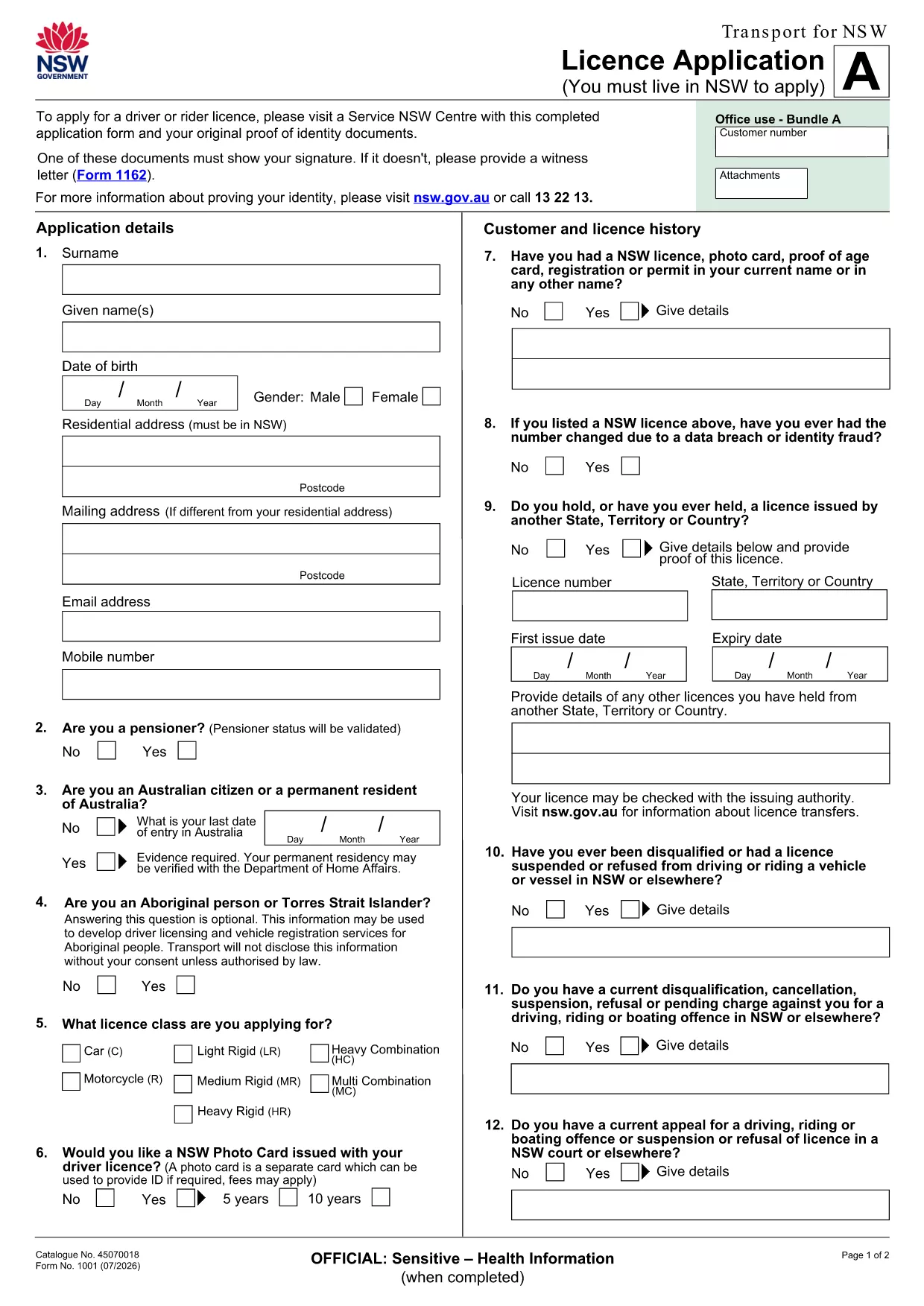
Looking for a quick way to download and complete an official application form? Our fillable PDF lets you enter data directly in your browser, eliminating the need for printing, scanning, or costly software.
Fillable PDFs preserve the exact layout required by the issuing agency while giving you the flexibility of a digital form. Benefits include:
Our Formize PDF Filler loads the document in seconds. Follow the simple steps below to finish your application in minutes.
Even digital forms can cause delays if filled incorrectly. Avoid these pitfalls:
Ready to get started? Click the button below to open the fillable form and begin your application today.
No. The Formize PDF Filler works in any modern web browser, so you don’t need additional software.
Yes. The filler auto‑saves locally. You can close the browser and reopen the form to continue where you left off.
The PDF is fully fillable online. All text fields, checkboxes, and signature boxes are interactive.
You can edit any field at any time before finalizing. Simply click the field and type the correct information.
After completing, download the PDF and follow the agency’s submission instructions (mail, email, or upload portal).
All data stays on your device while you fill the form. Formize does not store any personal information.
PDF 문서를 보고 작성하기 위한 기존 기능 세트와 웹 애플리케이션 및 반응형 레이아웃의 이점을 결합하면 몇 분 만에 application form download을(를) 완료할 수 있습니다.
온라인에서 PDF 양식을 채우는 가장 쉬운 방법
필링 세션 삭제
편집 세션 삭제