


{키워드} 템플릿
PDF 문서를 보고 작성하기 위한 기존 기능 세트와 웹 애플리케이션 및 반응형 레이아웃의 이점을 결합하면 몇 분 만에 LTO application form을(를) 완료할 수 있습니다.
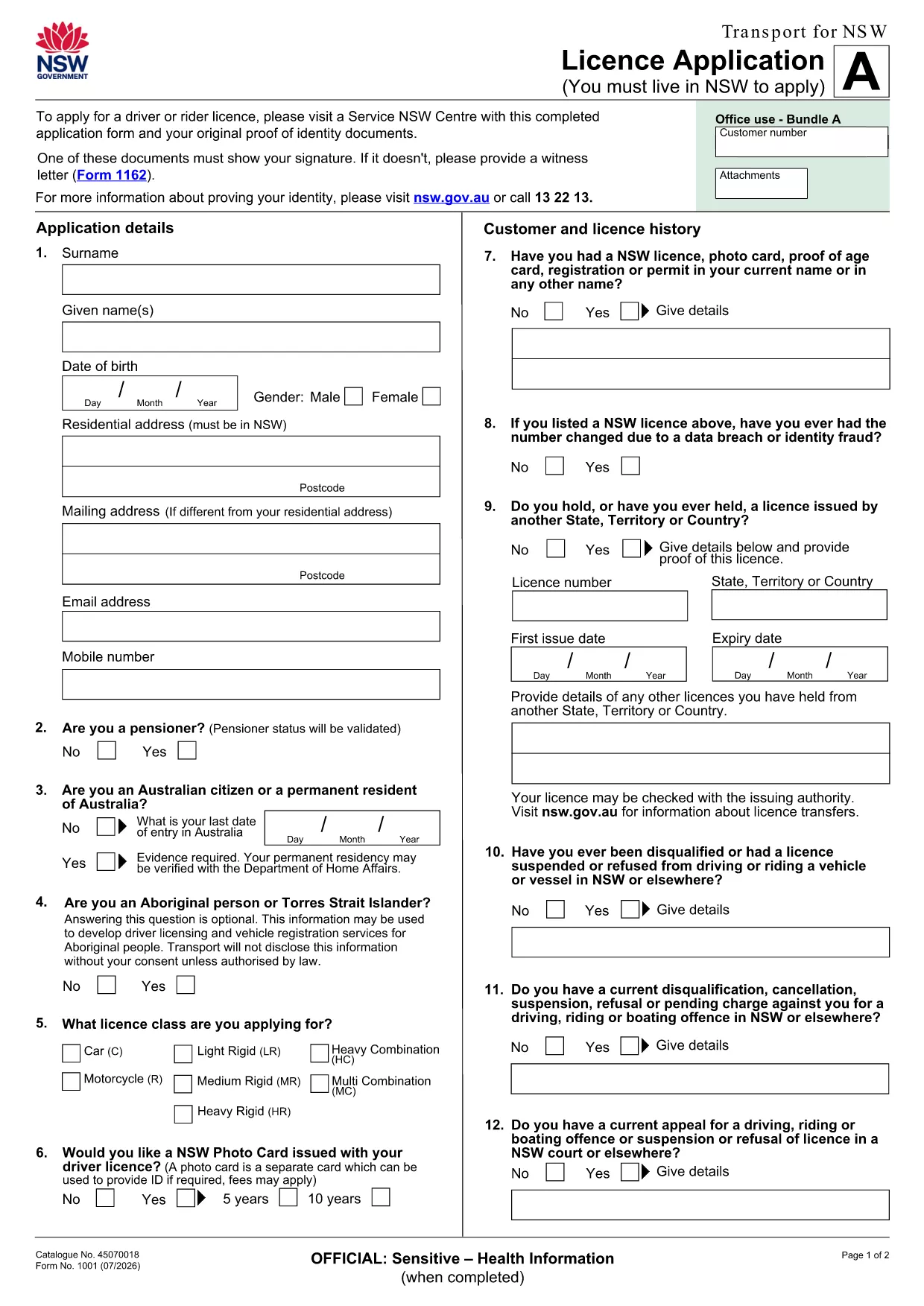
Looking for the official LTO application form that you can fill out digitally? You’re in the right place. This page provides a direct download of the fillable PDF used for driver licence applications in New South Wales and a step‑by‑step guide to complete it instantly with the Formize PDF Filler.
Skip the print‑and‑pen routine. With Formize you simply click the Fill out this form button, wait a few seconds for the web‑based PDF editor to load, and start entering your information directly in your browser.
If you prefer to work offline, click the button below to download the official PDF. The file opens in any standard PDF viewer and retains fillable fields.
Download LTO Licence Application (PDF)
Formize provides a secure, browser‑based environment that saves your progress automatically, validates entries in real time, and lets you export a completed PDF ready for submission. No software installation required.
Yes. The PDF includes interactive fields that can be completed directly in the Formize PDF Filler without printing.
No. Formize works in any modern browser, and the PDF can also be opened with free readers like Adobe Acrobat Reader.
Formize automatically saves your work locally. You can close the browser and reopen the form to continue.
Typically a proof of identity, residence, and any medical certificates. You can attach these files in Formize before submitting.
Formize uses SSL encryption and stores data only on your device unless you choose to upload it to the Transport for NSW portal.
Absolutely. Once you finish, click “Download” and print the PDF for any required hard‑copy submission.
PDF 문서를 보고 작성하기 위한 기존 기능 세트와 웹 애플리케이션 및 반응형 레이아웃의 이점을 결합하면 몇 분 만에 LTO application form을(를) 완료할 수 있습니다.
온라인에서 PDF 양식을 채우는 가장 쉬운 방법
필링 세션 삭제
편집 세션 삭제