


{키워드} 템플릿
PDF 문서를 보고 작성하기 위한 기존 기능 세트와 웹 애플리케이션 및 반응형 레이아웃의 이점을 결합하면 몇 분 만에 application form image을(를) 완료할 수 있습니다.
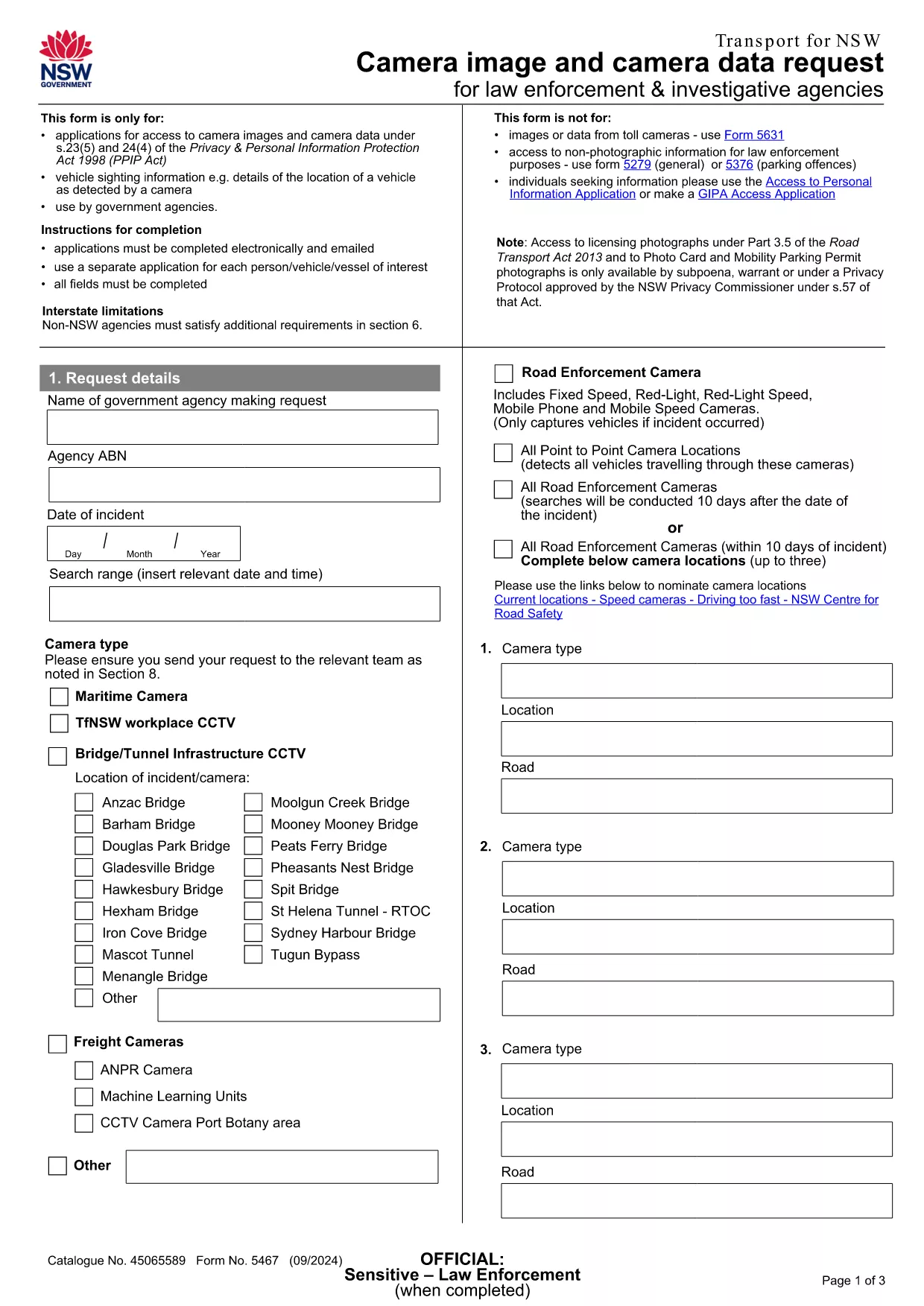
Looking for a quick way to submit an Application Form Image to Transport NSW? Our fillable PDF version lets you enter all required details directly in your browser, eliminating the hassle of printing, scanning, or emailing a static document.
This form is officially used for camera‑image requests, road‑transport enforcement sightings, and related inquiries. By using Formize’s online PDF filler, you benefit from real‑time validation, auto‑save, and a secure submission process.
Below you’ll find everything you need to know about the form, step‑by‑step instructions, and tips to avoid common errors.
Simply click the “Fill out this form” button on this page. The Formize PDF Filler app will load, presenting you with a clean, user‑friendly interface. Fill in each field, attach any supporting images, and click **Submit** when you’re ready.
After you click **Submit**, your application is automatically routed to the Transport NSW Customer Resolution Team at compliance.operations@transport.nsw.gov.au. You’ll receive a confirmation email with a reference number for future follow‑up.
Need help? Review the FAQ section below or contact the NSW Transport support email directly.
No. The Formize PDF Filler works entirely in your browser, so no extra software is required.
Yes. The filler automatically saves your entries. When you reopen the form, you’ll be prompted to continue where you left off.
Only JPG, PNG, and PDF files are accepted. Each file must be under 5 MB.
All data is encrypted in transit and stored securely on Formize’s servers until it is forwarded to Transport NSW.
Typically, you’ll receive a confirmation email within minutes and a formal response within 5‑7 business days.
Contact the Customer Resolution Team at compliance.operations@transport.nsw.gov.au with your reference number to request a correction.
PDF 문서를 보고 작성하기 위한 기존 기능 세트와 웹 애플리케이션 및 반응형 레이아웃의 이점을 결합하면 몇 분 만에 application form image을(를) 완료할 수 있습니다.
온라인에서 PDF 양식을 채우는 가장 쉬운 방법
필링 세션 삭제
편집 세션 삭제