


{키워드} 템플릿
PDF 문서를 보고 작성하기 위한 기존 기능 세트와 웹 애플리케이션 및 반응형 레이아웃의 이점을 결합하면 몇 분 만에 DL-711C을(를) 완료할 수 있습니다.
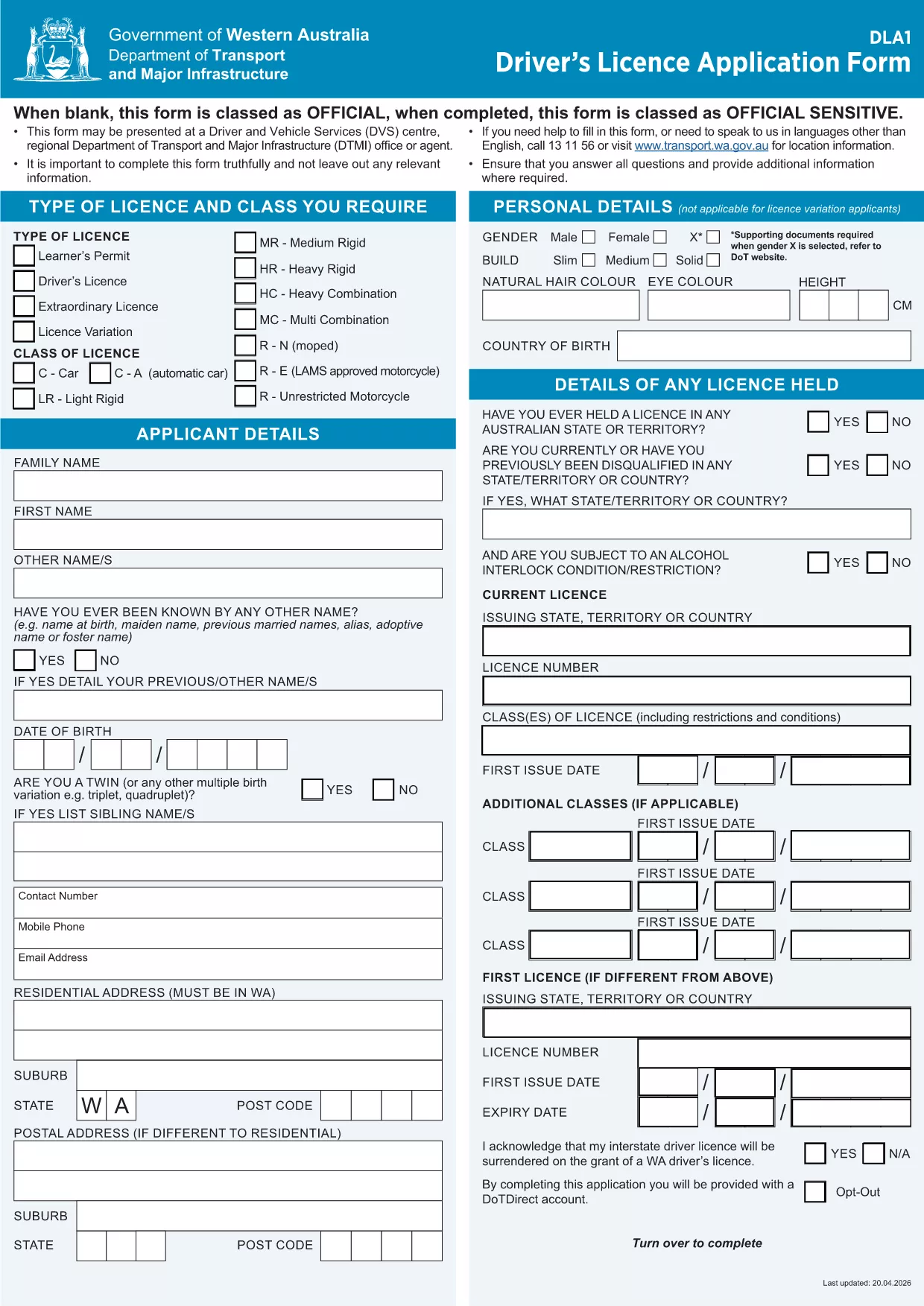
The DL-711C is an official Australian driver‑licence application form used for various licensing changes. Instead of printing, scanning, or hand‑filling, you can now work with a fully fillable PDF that loads directly in the Formize PDF Filler app.
This form is required when you need to update personal details, apply for a new licence class, or request special conditions on an Australian driver licence. It is issued by state transport agencies and must be completed accurately before submission.
Follow the simple steps below to fill the form without leaving your browser:
After you download the completed DL-711C, submit it to your local transport authority either by mail, in‑person, or via the agency’s online portal (if accepted). Always keep a copy for your records.
Below you’ll find quick answers to the most common questions about this form.
Yes. Formize provides a free, secure fillable version that you can complete directly in your browser.
The Formize PDF Filler auto‑saves your entries locally, allowing you to close the browser and return later without losing data.
No. The Formize web app handles all fillable fields, so no additional software is required.
After completion, the form is saved as a standard PDF that can be printed or uploaded.
You can edit the PDF as many times as needed before finalizing and downloading it.
Use the "Attach File" button inside the Formize filler to upload additional PDFs or images.
All data stays on your device; Formize does not store any information on its servers.
PDF 문서를 보고 작성하기 위한 기존 기능 세트와 웹 애플리케이션 및 반응형 레이아웃의 이점을 결합하면 몇 분 만에 DL-711C을(를) 완료할 수 있습니다.
온라인에서 PDF 양식을 채우는 가장 쉬운 방법
필링 세션 삭제
편집 세션 삭제