


{키워드} 템플릿
PDF 문서를 보고 작성하기 위한 기존 기능 세트와 웹 애플리케이션 및 반응형 레이아웃의 이점을 결합하면 몇 분 만에 UTS application form을(를) 완료할 수 있습니다.
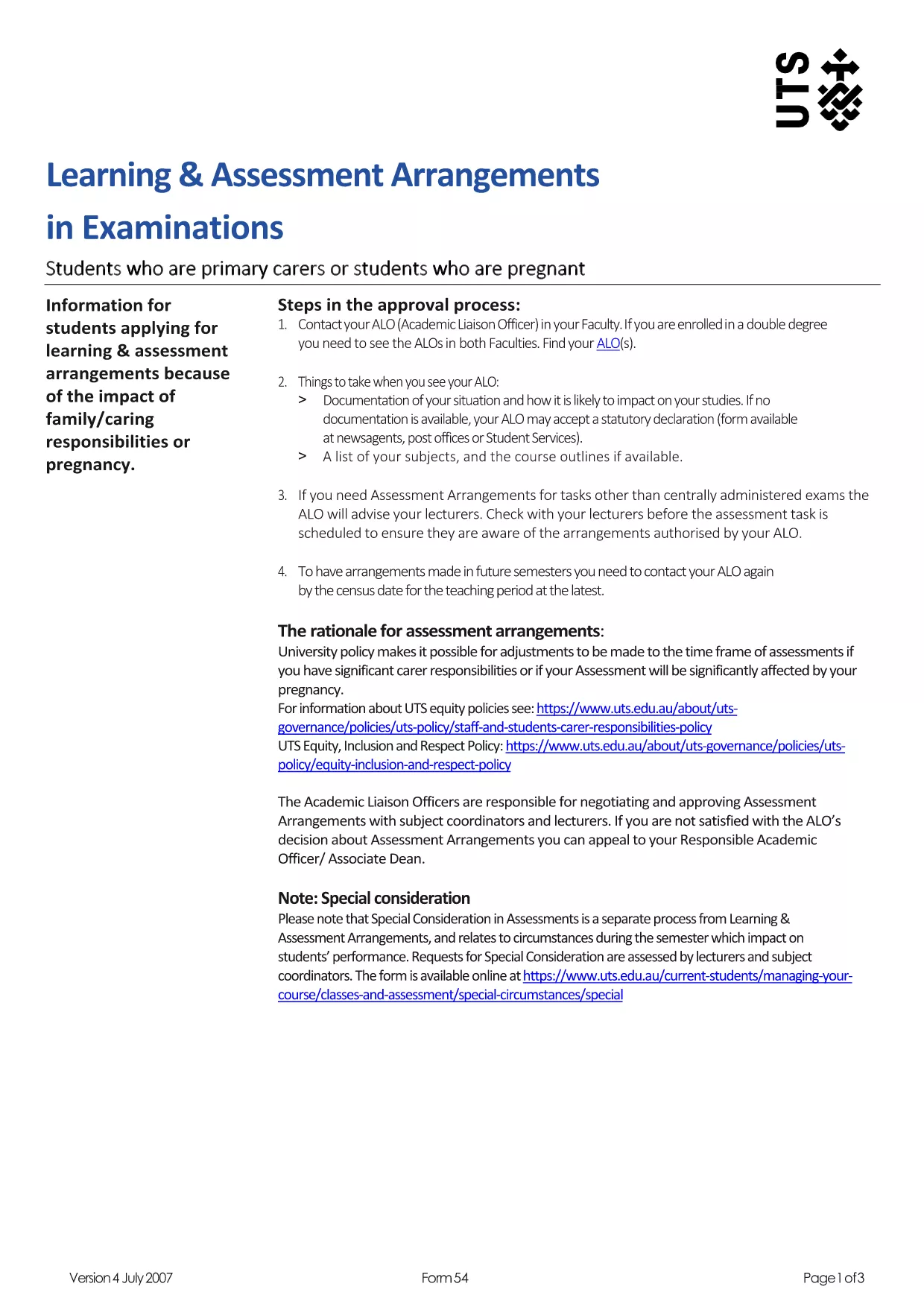
Looking for the official UTS application form in a convenient, fillable format? Formize hosts the latest PDF version from the University of Technology Sydney, so you can complete your admission paperwork directly in your browser—no Adobe Acrobat required.
The fillable PDF combines the authenticity of an official university document with the ease of an online form. Benefits include:
Follow these simple steps to finish your application without downloading any software.
Even with a user‑friendly PDF, it’s easy to overlook details. Watch out for:
After you finish, the Formize platform lets you download a completed PDF or email it directly to the UTS admissions office. Check the Submission Instructions section of the form for the correct email address.
Below you’ll find answers to the most common questions from prospective students.
No. The Formize PDF Filler works entirely in your web browser, so you can complete the form without any additional software.
Yes. The filler automatically saves your entries locally. When you return, simply reopen the form and continue where you left off.
UTS accepts PDF, JPG, and PNG files up to 5 MB each. Upload them directly within the relevant sections of the fillable form.
All data entered in the Formize PDF Filler is encrypted in your browser session and never stored on our servers.
After you click **Submit**, you’ll receive a confirmation screen with a downloadable receipt. Keep this receipt for your records.
Absolutely. Once you’ve submitted, click **Download PDF** and print the file using any standard printer.
Refresh the page and reopen the form. If the problem persists, clear your browser cache or try a different browser.
PDF 문서를 보고 작성하기 위한 기존 기능 세트와 웹 애플리케이션 및 반응형 레이아웃의 이점을 결합하면 몇 분 만에 UTS application form을(를) 완료할 수 있습니다.
온라인에서 PDF 양식을 채우는 가장 쉬운 방법
필링 세션 삭제
편집 세션 삭제