


{키워드} 템플릿
PDF 문서를 보고 작성하기 위한 기존 기능 세트와 웹 애플리케이션 및 반응형 레이아웃의 이점을 결합하면 몇 분 만에 TC application form을(를) 완료할 수 있습니다.
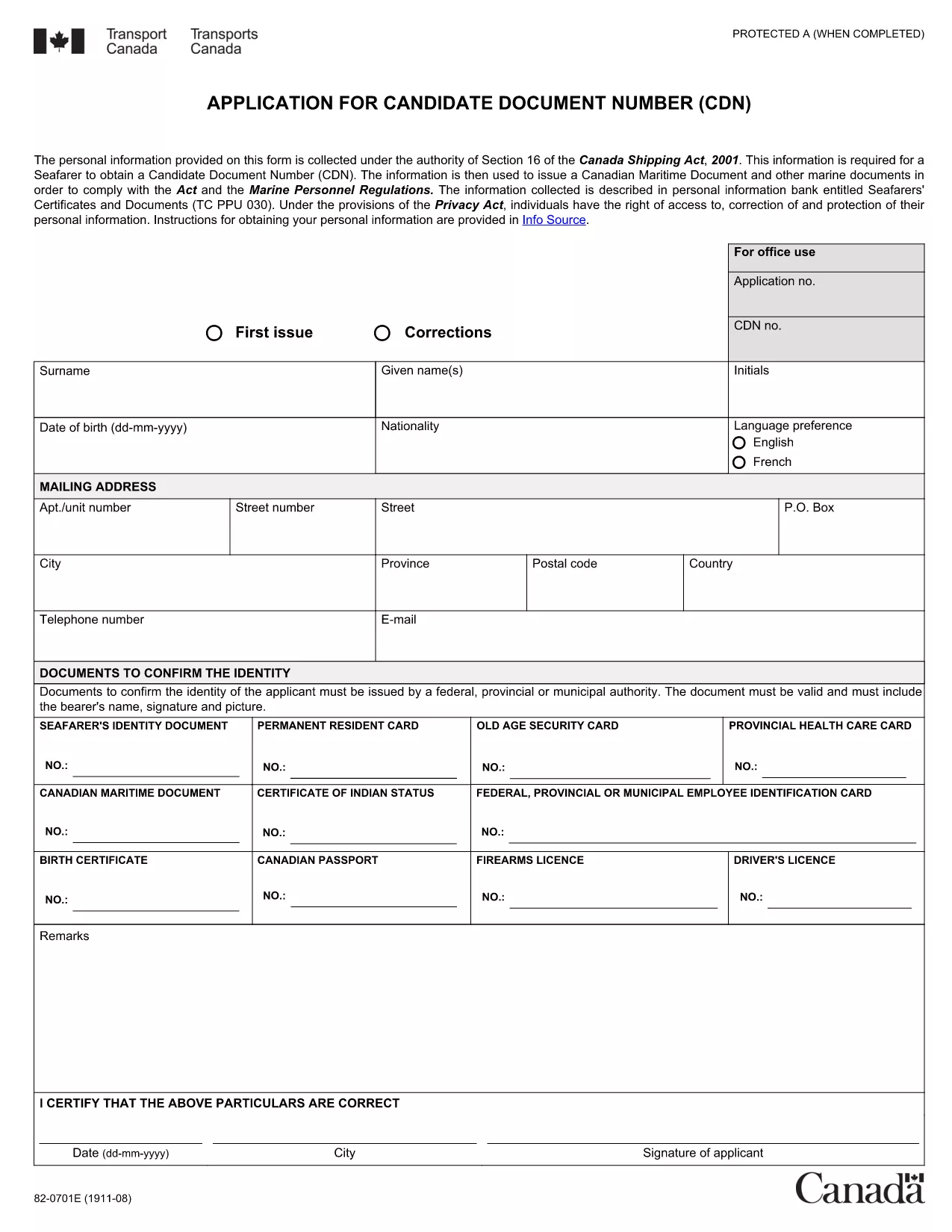
Looking for a quick way to complete your Transport Canada (TC) application? Our fillable PDF version lets you enter data directly in your browser, eliminate printing hassles, and submit a clean, error‑free document.
The TC application, known as Form 82‑0600, is required for anyone who wants to sit for a Transport Canada examination or obtain a marine certificate. The form captures personal details, certification history, and the specific exam you intend to take.
Instead of downloading the PDF and opening a separate editor, simply click the "Fill out this form" button on this page. The Formize PDF Filler app will load the document in seconds, allowing you to:
After saving the filled PDF, email it to the Transport Canada Examination Centre you plan to attend, or upload it through the centre’s online portal if available. Remember to submit at least two weeks before your scheduled exam date.
Ready to start? Click the button below to launch the Formize filler and complete your TC application instantly.
No. The Formize filler works in any modern browser—no additional software is required.
Yes. Open the saved PDF again with the Formize filler and make any necessary changes.
Simply use the backspace or delete key to correct the entry, then continue filling the rest of the form.
The filler is free for all users; any fees are charged by Transport Canada for the examination itself.
Click the signature field, then either type your name or draw your signature with the mouse/touchpad.
Transport Canada requires the DD/MM/YYYY format for all date fields.
Yes. Most Transport Canada Examination Centres accept emailed PDFs; confirm with your centre before sending.
PDF 문서를 보고 작성하기 위한 기존 기능 세트와 웹 애플리케이션 및 반응형 레이아웃의 이점을 결합하면 몇 분 만에 TC application form을(를) 완료할 수 있습니다.
온라인에서 PDF 양식을 채우는 가장 쉬운 방법
필링 세션 삭제
편집 세션 삭제