


{키워드} 템플릿
PDF 문서를 보고 작성하기 위한 기존 기능 세트와 웹 애플리케이션 및 반응형 레이아웃의 이점을 결합하면 몇 분 만에 FC application form을(를) 완료할 수 있습니다.
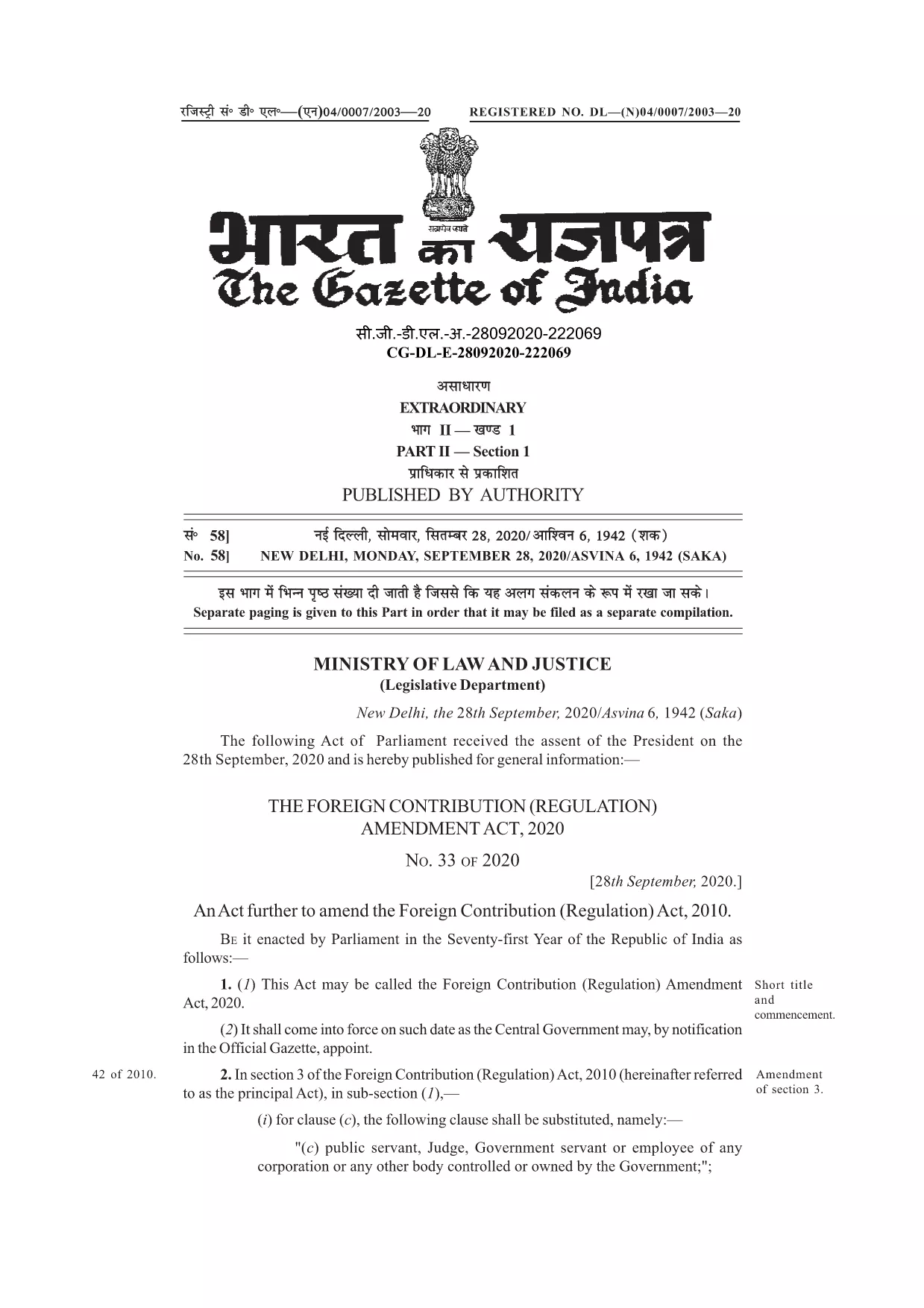
Many organisations and individuals encounter the phrase “application form confirmed by FC” while dealing with foreign contributions in India. In the context of the Foreign Contribution Regulation Act (FCRA), FC stands for Foreign Contribution. A form that is “confirmed by FC” indicates that the submission has been reviewed and validated by the authorities overseeing foreign contributions.
Understanding this meaning is crucial before you start filling out the official form. The PDF linked below is the authentic, fillable version used for seeking prior permission, registration, or renewal under the FCRA.
With Formize’s online PDF filler, you can complete the form without downloading any software. Just click the button, let the Formize app load, and start typing directly into the fields.
Below you’ll find a concise guide, tips to avoid common errors, and resources for further assistance.
FC stands for Foreign Contribution, referring to any donation or grant from a foreign source that is regulated under India’s FCRA.
You can fill it directly online using Formize’s free PDF filler – no Adobe Acrobat required.
Yes. After completing the fields, use the “Save” button in the Formize app to download a copy for your records.
Do not leave mandatory fields blank, ensure the bank account details match the designated FC account, and double‑check dates and signatures.
Typically, supporting documents (e.g., bank letters, project proposals) are submitted separately as per the FCRA guidelines.
Refer to the FCRA official website or consult a legal professional experienced in foreign contribution regulations.
PDF 문서를 보고 작성하기 위한 기존 기능 세트와 웹 애플리케이션 및 반응형 레이아웃의 이점을 결합하면 몇 분 만에 FC application form을(를) 완료할 수 있습니다.
온라인에서 PDF 양식을 채우는 가장 쉬운 방법
필링 세션 삭제
편집 세션 삭제