


{키워드} 템플릿
PDF 문서를 보고 작성하기 위한 기존 기능 세트와 웹 애플리케이션 및 반응형 레이아웃의 이점을 결합하면 몇 분 만에 railway application form을(를) 완료할 수 있습니다.
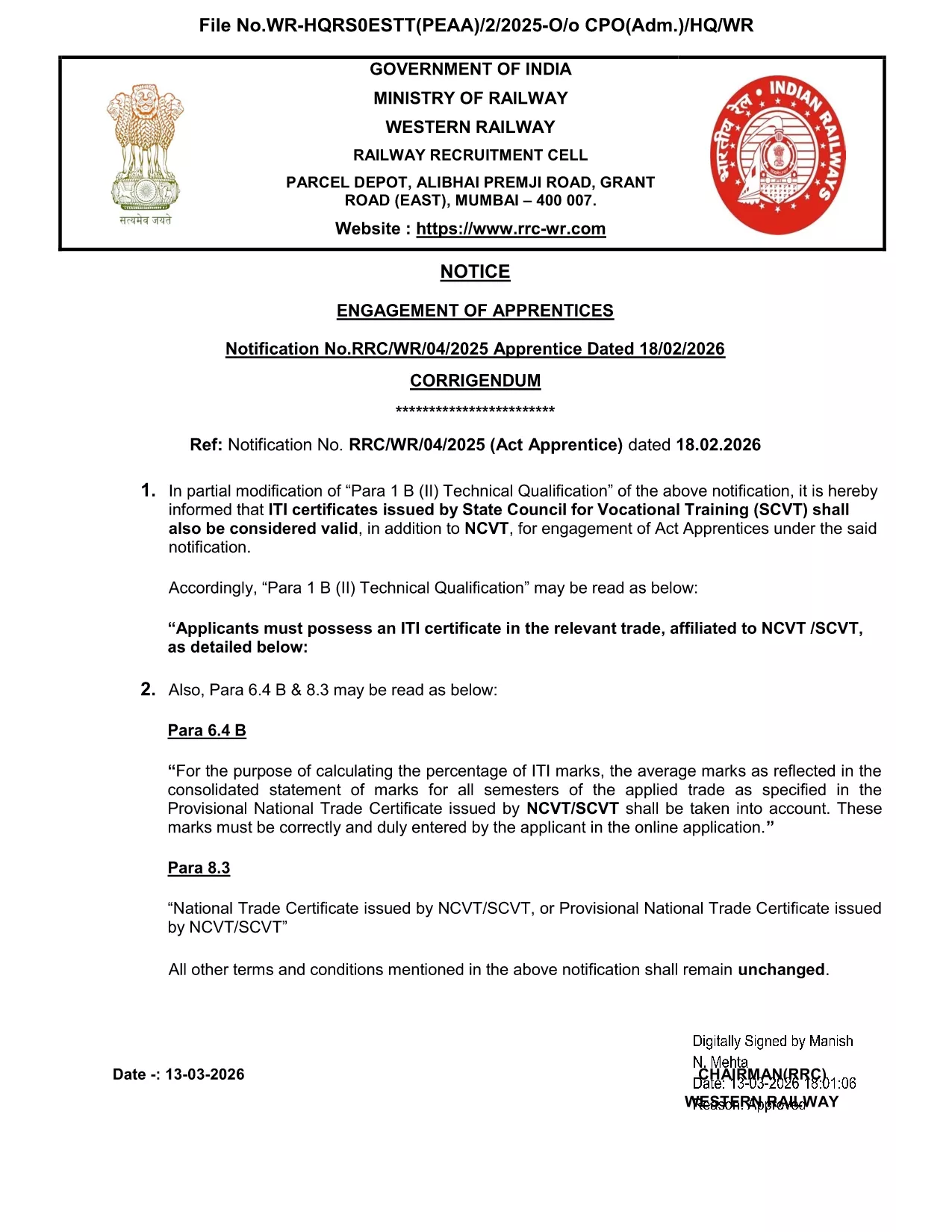
Looking for a fast, paper‑free way to submit your railway application? Our Railway Application Form is available as a fully fillable PDF that you can complete directly in your browser with Formize’s PDF Filler app.
Simply click the Fill out this form button on this page. The Formize PDF Filler will load the document, and you can start entering your information immediately—no download, no extra software.
If you prefer to work offline, you can download the Railway Application Form PDF and open it later with any PDF viewer that supports form fields.
Ready to start? Click the button below and let Formize handle the rest.
No. Formize’s online PDF Filler works in any modern browser, so you don’t need Acrobat or any additional plug‑ins.
Yes. The filler auto‑saves locally. When you return, simply reload the page and continue where you left off.
All data entered in the Formize app is encrypted in transit and never stored on our servers unless you choose to download or submit the file.
Contact the railway office that received your application. They can advise whether a corrected PDF needs to be re‑submitted.
Absolutely. After you finish, click **Save PDF** and print the document using any standard printer.
The form is the standard application used by many Indian railway recruitment cells. Always verify the specific posting to ensure it matches the required form.
PDF 문서를 보고 작성하기 위한 기존 기능 세트와 웹 애플리케이션 및 반응형 레이아웃의 이점을 결합하면 몇 분 만에 railway application form을(를) 완료할 수 있습니다.
온라인에서 PDF 양식을 채우는 가장 쉬운 방법
필링 세션 삭제
편집 세션 삭제