


{키워드} 템플릿
PDF 문서를 보고 작성하기 위한 기존 기능 세트와 웹 애플리케이션 및 반응형 레이아웃의 이점을 결합하면 몇 분 만에 application form PDF을(를) 완료할 수 있습니다.
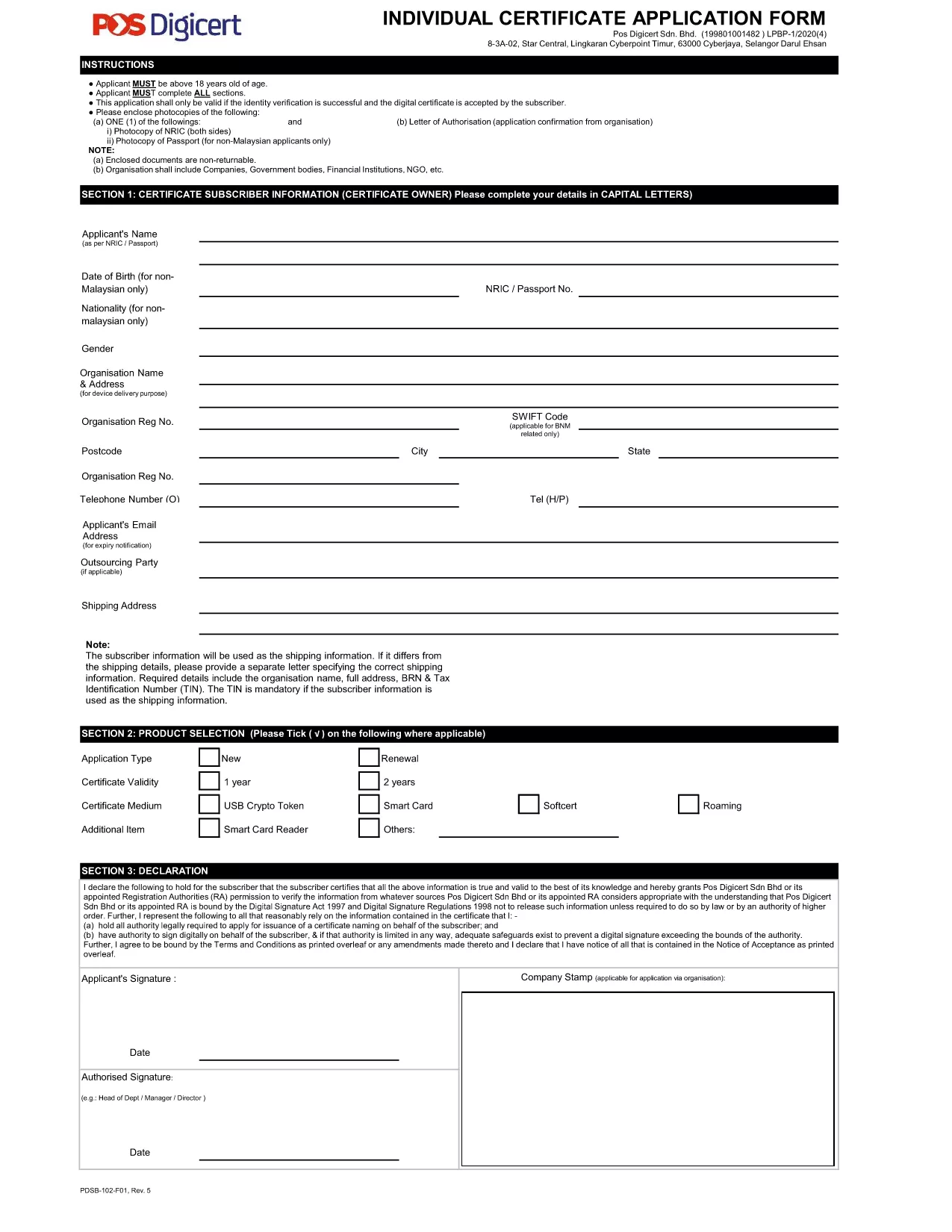
Looking for a fast, secure way to complete your application form? Our fillable PDF version lets you edit the document directly in your browser—no Adobe Acrobat or other editors required. Simply click the "Fill out this form" button, wait for the Formize PDF Filler app to load, and start entering your information.
The form is compatible with all major browsers and automatically saves your progress, so you can return later if needed. Once completed, download the finished PDF or submit it electronically, depending on the requirements of the requesting organization.
Our solution is ideal for individuals, businesses, and agencies that need a reliable, paper‑less workflow. The PDF is fully searchable, supports digital signatures, and complies with security standards.
Below you’ll find step‑by‑step instructions, tips to avoid common errors, and answers to the most frequently asked questions.
No. The form is completely editable through the Formize PDF Filler web app, which works in any modern browser.
Yes. Use the "Save" button in the filler to download a partially completed PDF, then reopen it with Formize to continue.
All data stays in your browser until you choose to download or submit. Formize uses HTTPS encryption for the session.
Contact the organization that received the form. Most accept a corrected PDF re‑submission if you explain the error.
Yes. The filler includes a signature field that lets you draw or upload a scanned signature.
The provided application form is a single‑page PDF, but Formize supports multi‑page documents as well.
No account is required for basic filling and downloading. An account is only needed for advanced features like cloud storage.
Yes. After filling, click the "Print" button to send the finished PDF to your printer.
PDF 문서를 보고 작성하기 위한 기존 기능 세트와 웹 애플리케이션 및 반응형 레이아웃의 이점을 결합하면 몇 분 만에 application form PDF을(를) 완료할 수 있습니다.
온라인에서 PDF 양식을 채우는 가장 쉬운 방법
필링 세션 삭제
편집 세션 삭제