


{키워드} 템플릿
PDF 문서를 보고 작성하기 위한 기존 기능 세트와 웹 애플리케이션 및 반응형 레이아웃의 이점을 결합하면 몇 분 만에 QCU application form을(를) 완료할 수 있습니다.
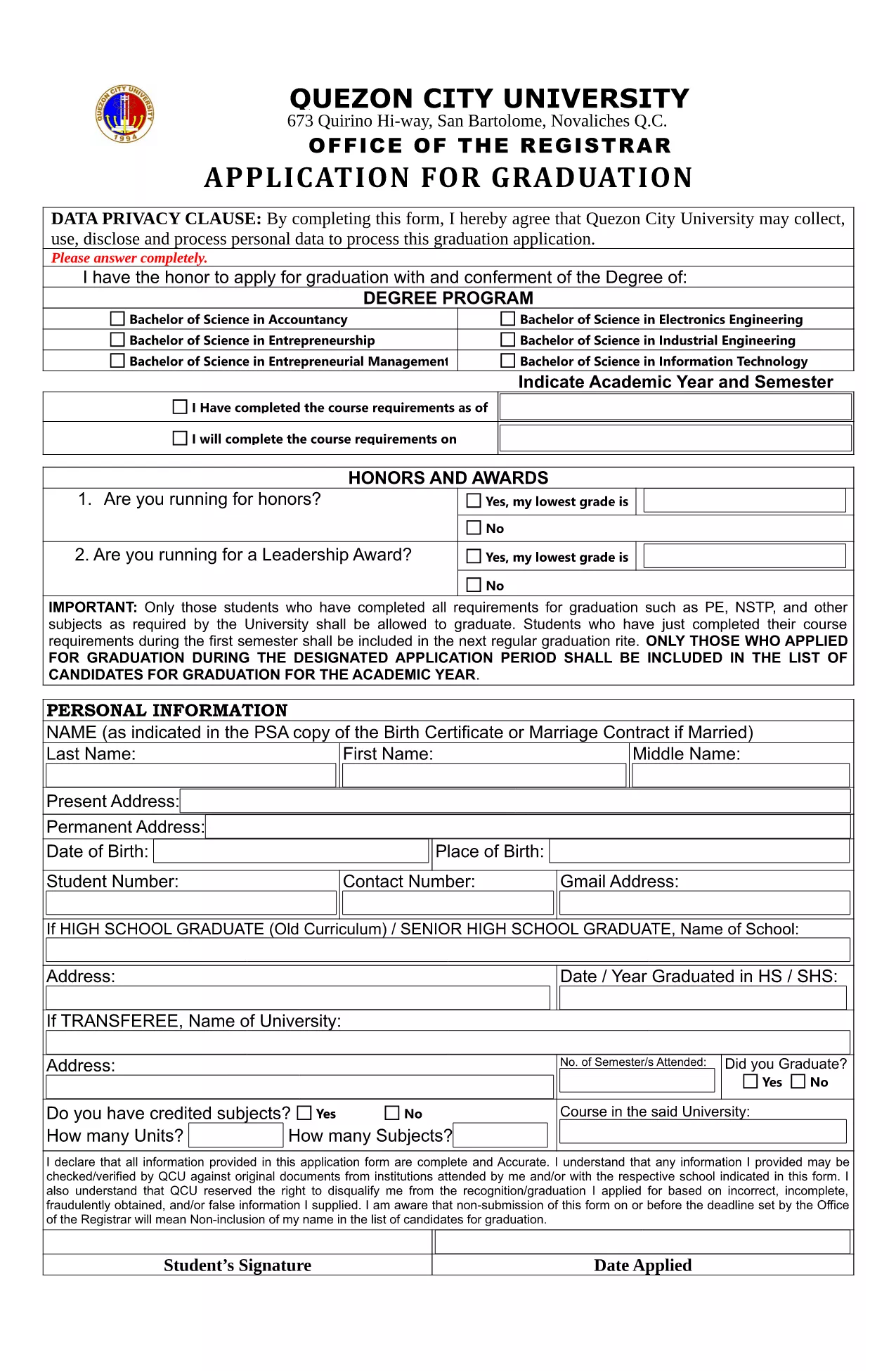
Looking for the official QCU application form to graduate from Quezon City University? You’ve come to the right place. Our fillable PDF lets you complete the entire Application for Graduation directly in your browser—no extra software required.
Follow the simple steps below to fill out the form quickly and accurately.
Once you finish, you can download a PDF copy, email it to the QCU Registrar, or print it for in‑person submission. The fillable version ensures that all data is legible and correctly formatted.
Scroll down to find answers to the most common queries about the QCU application process.
Yes. The PDF is fully interactive via the Formize PDF Filler, so you can type, select, and sign without printing.
No. The form works in any modern browser through Formize, eliminating the need for separate PDF software.
You can download a partially completed PDF at any time, then re‑upload it to the Formize filler to continue.
You will receive a standard PDF file that retains all your entered data and signatures.
Formize processes the PDF locally in your browser and does not store any data on external servers.
Printing is optional. The university accepts a digitally signed PDF, but you may print if you prefer a hard copy.
Refresh the page and reload the PDF. If the issue persists, download the PDF, fill it offline, and contact the QCU Registrar.
PDF 문서를 보고 작성하기 위한 기존 기능 세트와 웹 애플리케이션 및 반응형 레이아웃의 이점을 결합하면 몇 분 만에 QCU application form을(를) 완료할 수 있습니다.
온라인에서 PDF 양식을 채우는 가장 쉬운 방법
필링 세션 삭제
편집 세션 삭제