


{키워드} 템플릿
PDF 문서를 보고 작성하기 위한 기존 기능 세트와 웹 애플리케이션 및 반응형 레이아웃의 이점을 결합하면 몇 분 만에 Pag-IBIG application form을(를) 완료할 수 있습니다.
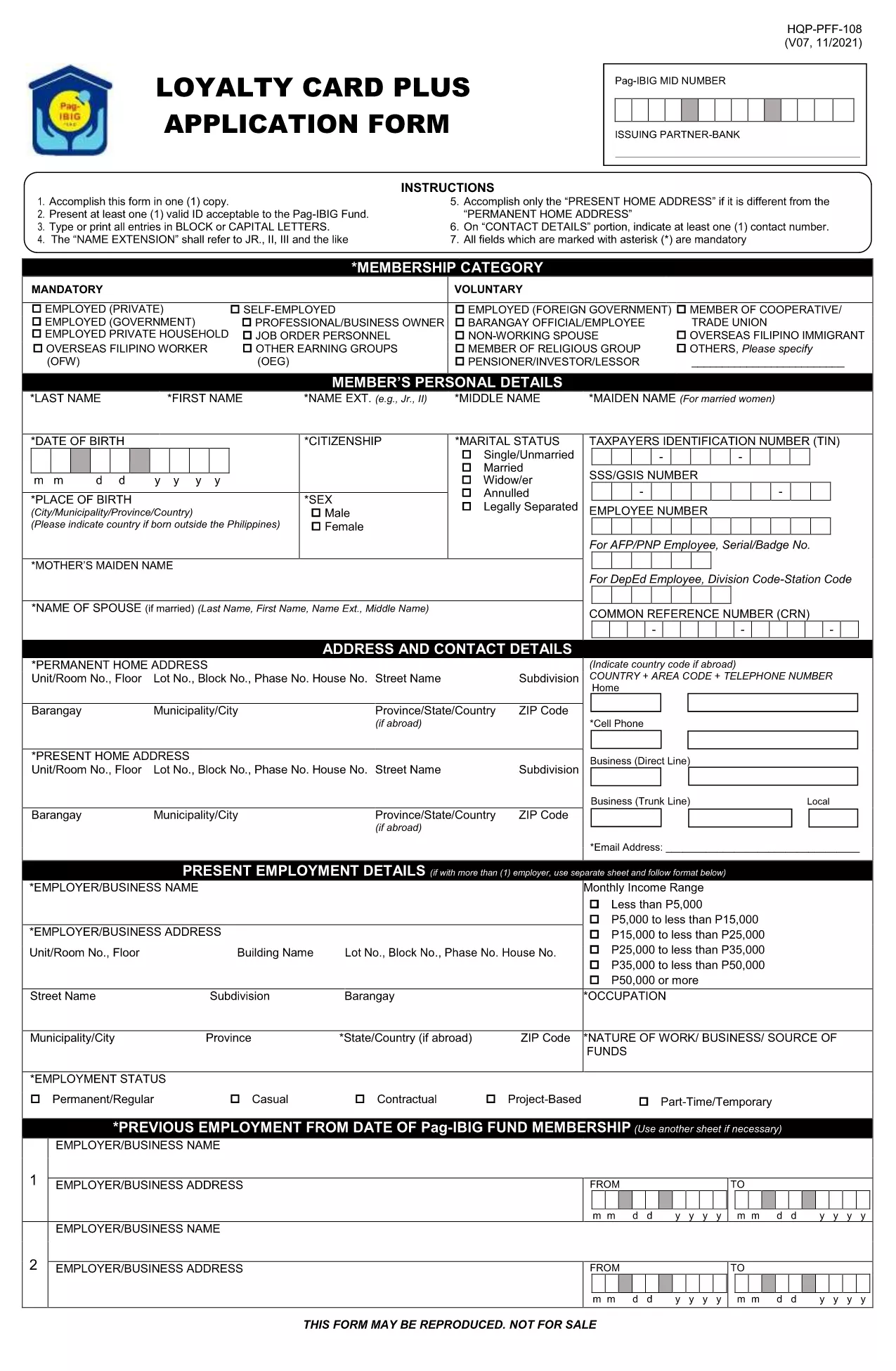
The Pag‑IBIG Fund (Home Development Mutual Fund) requires a standard application form for new members, housing‑loan requests, and benefit claims. Our fillable PDF version lets you complete the form directly in your browser—no printer, no scanner.
• Instant editing: Click any field, type your answer, and move on.
• Auto‑save: Your data stays in the browser until you download or submit.
• Secure & compliant: Formize’s PDF Filler meets e‑signature standards for government documents.
Follow the simple steps below to fill out the form, download a copy, and submit it to Pag‑IBIG.
Avoid these pitfalls to ensure your application is processed without delay:
After downloading the filled PDF, you can:
Need more help? Visit the Pag‑IBIG website or your local branch for assistance.
Yes. The fillable PDF is provided at no cost. You only need an internet connection to use Formize’s online filler.
Absolutely. The Formize PDF Filler works on all modern browsers, including mobile devices, so you can complete the form anywhere.
Printing is optional. You can submit the electronic PDF through the Pag‑IBIG online portal, or print a hard copy if your local branch requires it.
The PDF remains editable until you finalize it with a digital signature. Simply reopen the file in Formize and correct the fields.
Processing time varies by request type, but most standard membership applications are reviewed within 7‑10 business days after submission.
Formize uses SSL encryption and complies with e‑signature regulations, ensuring that your data is protected during the entire filling process.
PDF 문서를 보고 작성하기 위한 기존 기능 세트와 웹 애플리케이션 및 반응형 레이아웃의 이점을 결합하면 몇 분 만에 Pag-IBIG application form을(를) 완료할 수 있습니다.
온라인에서 PDF 양식을 채우는 가장 쉬운 방법
필링 세션 삭제
편집 세션 삭제