


{키워드} 템플릿
PDF 문서를 보고 작성하기 위한 기존 기능 세트와 웹 애플리케이션 및 반응형 레이아웃의 이점을 결합하면 몇 분 만에 NSFAS consent form을(를) 완료할 수 있습니다.
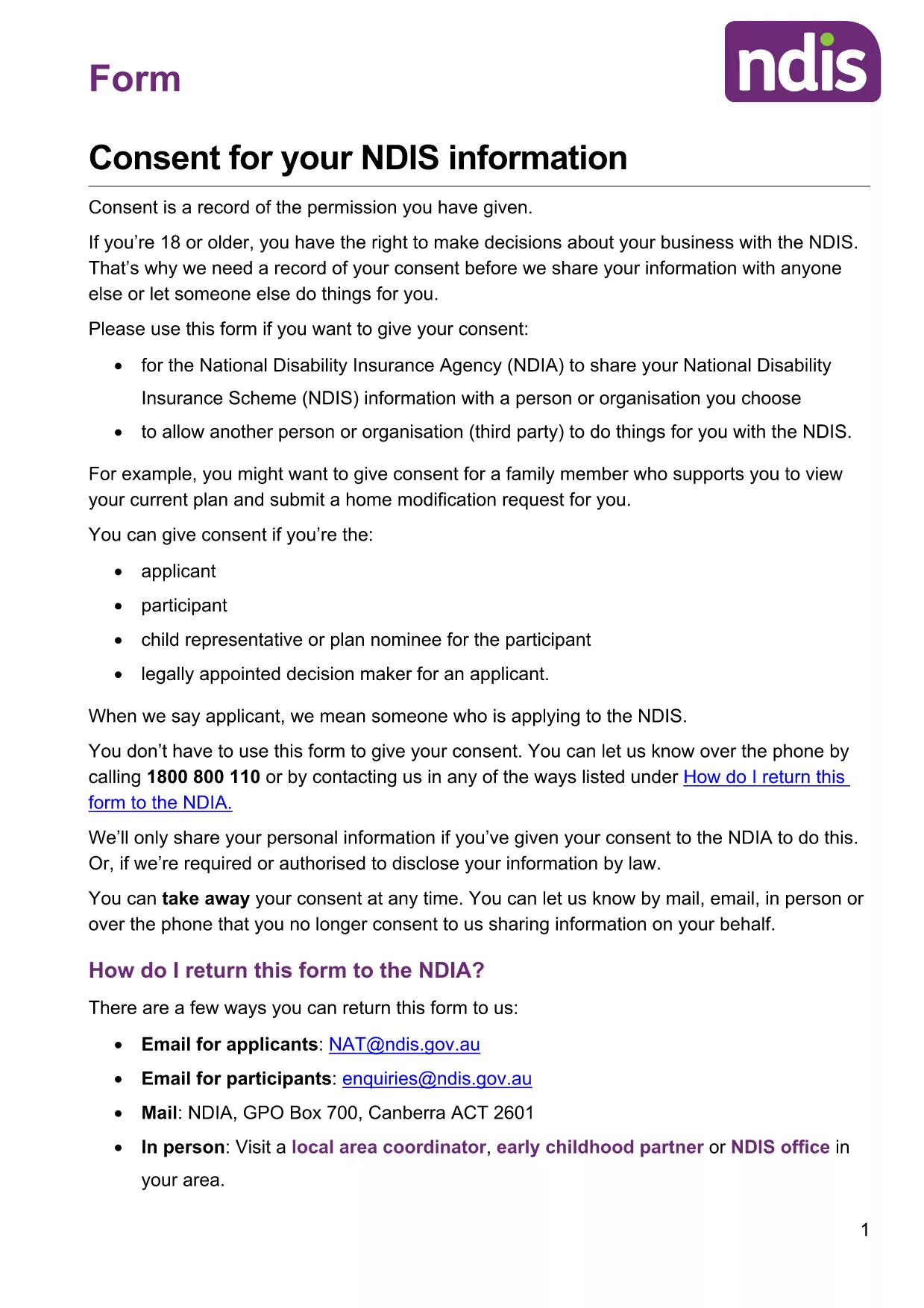
Applying for the National Student Financial Aid Scheme (NSFAS) in 2026? A signed consent form is a mandatory part of the application package. Our page gives you instant access to a fillable PDF consent form that meets NSFAS requirements, and you can complete it directly in your browser with the Formize PDF Filler.
The NSFAS consent form authorises the agency to share your personal and academic information with partner institutions and confirms that you understand the terms of the financial aid. Without a properly completed consent, your application may be delayed or rejected.
Instead of downloading the PDF and opening a separate editor, simply click the "Fill out this form" button on this page. The Formize PDF Filler app will load the document, allowing you to type, check boxes, and sign directly in the browser.
When you are ready, click the button below to open the fillable consent form. After completing all sections, download the final PDF and attach it to your NSFAS 2026 application.
Yes. By clicking the "Fill out this form" link you open the document in Formize’s web‑based PDF filler, which lets you type, check boxes, and sign without any extra software.
The Formize filler stores your input locally in the browser. Use the "Save" button to download a draft PDF, then reopen it later to continue.
No. All actions are performed in the browser, so a separate PDF reader is not required.
As long as every required field is filled and the signature is clear, the PDF meets NSFAS’s submission standards.
Formize processes the PDF locally in your browser; no data is uploaded to external servers unless you choose to share it.
You can use the "Undo" button or simply re‑type the field. After correcting, download the new version before submitting.
PDF 문서를 보고 작성하기 위한 기존 기능 세트와 웹 애플리케이션 및 반응형 레이아웃의 이점을 결합하면 몇 분 만에 NSFAS consent form을(를) 완료할 수 있습니다.
온라인에서 PDF 양식을 채우는 가장 쉬운 방법
필링 세션 삭제
편집 세션 삭제