


{키워드} 템플릿
PDF 문서를 보고 작성하기 위한 기존 기능 세트와 웹 애플리케이션 및 반응형 레이아웃의 이점을 결합하면 몇 분 만에 Transnet application form을(를) 완료할 수 있습니다.
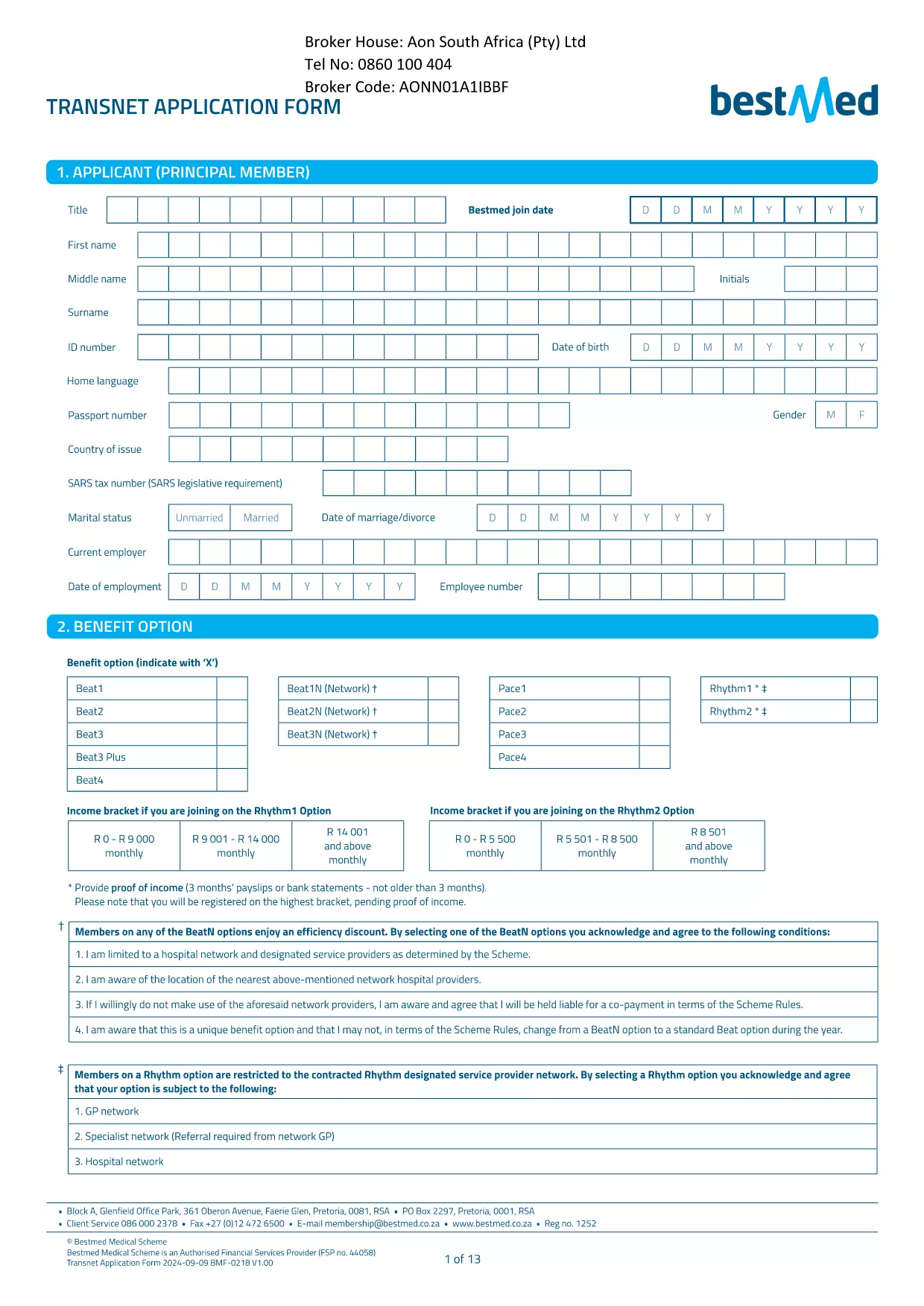
Looking for the official Transnet application form for South Africa? You’ve come to the right place. Our page lets you download the PDF, open it in the Formize PDF Filler, and complete every field online—no extra software required.
• Instant access – the PDF loads directly in your browser.
• Secure & compliant – data is encrypted while you fill it out.
• Save & edit anytime – return to the form before you submit.
Follow these simple steps to get your application submitted quickly:
Even experienced applicants can slip up. Keep these tips in mind:
When you’re satisfied with your entries, click the Download Completed Form button to keep a copy for your records. Then follow Transnet’s submission instructions—usually via email or the corporate portal.
Need another form? Browse our library for more South African government and corporate PDFs.
Yes, the PDF is provided at no cost. You can download and fill it online using Formize.
Absolutely. Open the saved PDF again with the Formize PDF Filler to make changes before final submission.
The completed form is saved as a standard PDF, compatible with any PDF viewer.
No. The Formize PDF Filler works in any modern browser—no extra software is required.
Formize uses SSL encryption for all data entered in the browser, ensuring your personal information stays protected.
Simply reopen the saved PDF in the Formize filler, correct the error, and re‑save or re‑submit.
Check the specific posting or Transnet’s HR portal for any deadline information; the form itself does not enforce a date.
The page provides the PDF only. Submission must follow Transnet’s own instructions, usually via email or their internal portal.
PDF 문서를 보고 작성하기 위한 기존 기능 세트와 웹 애플리케이션 및 반응형 레이아웃의 이점을 결합하면 몇 분 만에 Transnet application form을(를) 완료할 수 있습니다.
온라인에서 PDF 양식을 채우는 가장 쉬운 방법
필링 세션 삭제
편집 세션 삭제