


{키워드} 템플릿
PDF 문서를 보고 작성하기 위한 기존 기능 세트와 웹 애플리케이션 및 반응형 레이아웃의 이점을 결합하면 몇 분 만에 request form pdf을(를) 완료할 수 있습니다.
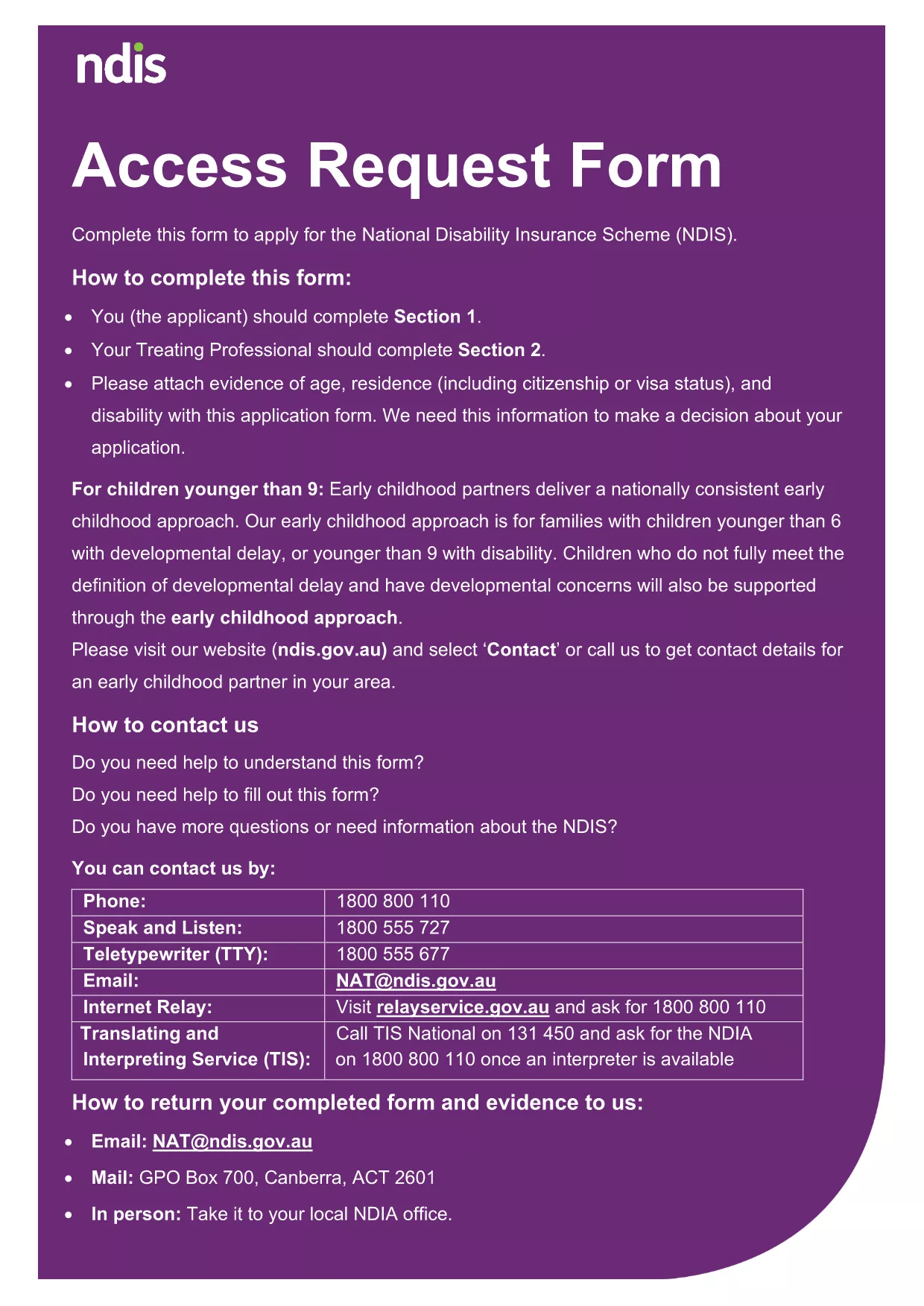
Looking for a quick, hassle‑free way to complete a request form? Our fillable Request Form PDF lets you fill out the document directly in your browser—no printer, no scanner, no extra software.
The form is fully compatible with the Formize PDF Filler app, which loads instantly and provides a smooth, guided experience. Whether you need to submit an access request, a service request, or any other official document, this template meets the standards of government and private‑sector agencies.
Follow the simple steps below; you won’t need any PDF editor.
If you prefer a hard copy, click the Download PDF button after you’ve saved your data. The printed version retains all the information you entered.
No. The Formize PDF Filler runs in your browser, so any modern browser is enough.
Yes. All data stays in your browser session and is never stored on external servers unless you choose to download or submit it.
Absolutely. Open the saved PDF with the Formize filler again and continue editing.
After completing the form, click "Save & Download" and print the PDF from any standard PDF viewer.
Yes. The filler is responsive and works on smartphones and tablets.
The template is generic and can be adapted for many request types. Just fill in the relevant details.
PDF 문서를 보고 작성하기 위한 기존 기능 세트와 웹 애플리케이션 및 반응형 레이아웃의 이점을 결합하면 몇 분 만에 request form pdf을(를) 완료할 수 있습니다.
온라인에서 PDF 양식을 채우는 가장 쉬운 방법
필링 세션 삭제
편집 세션 삭제