


{키워드} 템플릿
PDF 문서를 보고 작성하기 위한 기존 기능 세트와 웹 애플리케이션 및 반응형 레이아웃의 이점을 결합하면 몇 분 만에 Form 10BBE을(를) 완료할 수 있습니다.
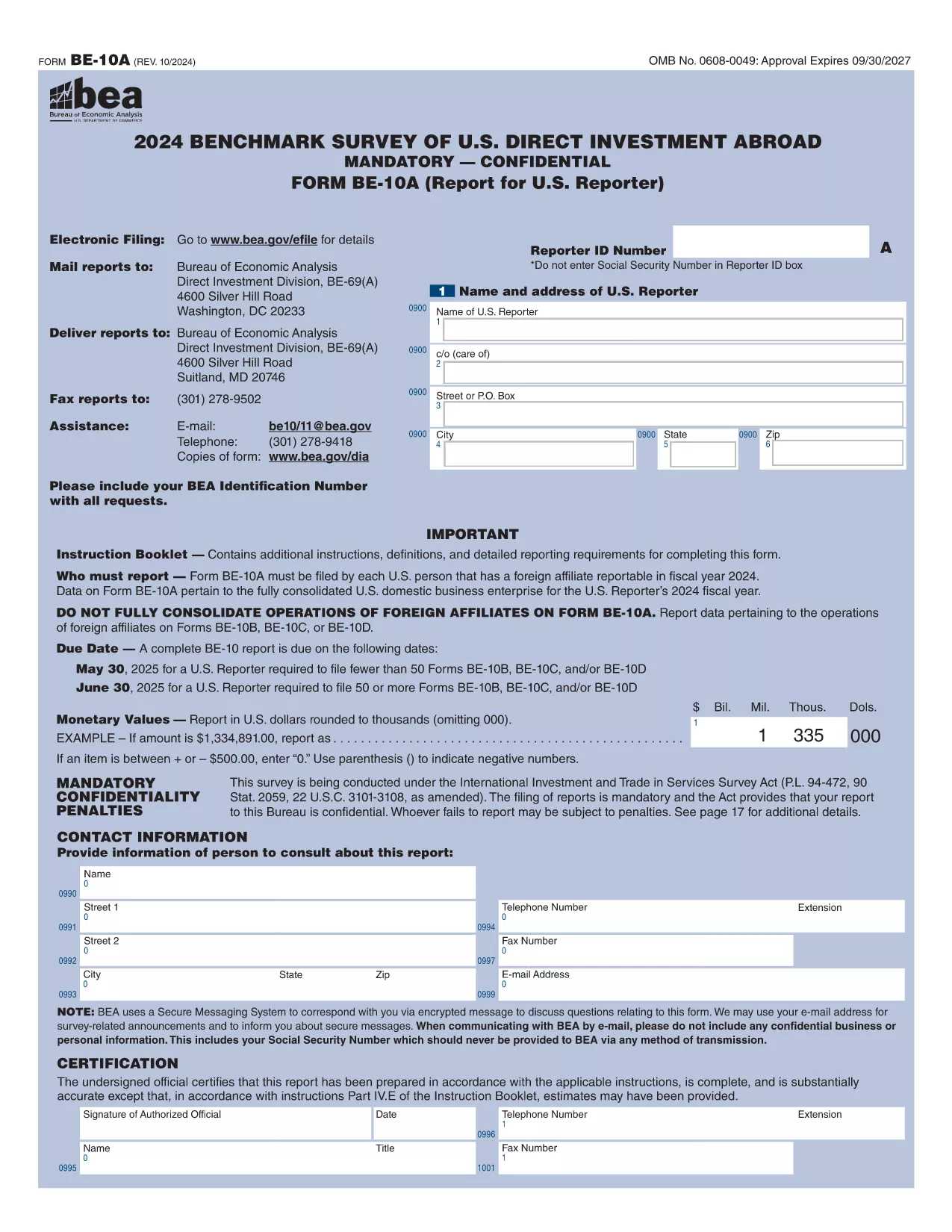
The Form 10BBE is part of the BE‑10 benchmark survey administered by the U.S. Bureau of Economic Analysis (BEA). It collects detailed financial and operating data for majority‑owned foreign affiliates that meet specific asset, sales, or net‑income thresholds.
Using Formize’s online PDF filler, you can complete the form directly in your browser—no Adobe Acrobat Pro or other PDF editor required. Simply click the “Fill out this form” button, wait for the Formize PDF Filler to load, and start entering your information.
Below you’ll find everything you need to know about the form, step‑by‑step instructions, and answers to the most common questions.
Form 10BBE (often referenced as BE‑10B) gathers data on foreign affiliates whose assets, sales, or net income exceed $80 million. The information helps the BEA compile the U.S. Direct Investment Abroad statistics used by policymakers, researchers, and businesses.
Follow the simple process below to fill out the form quickly and accurately using Formize.
Click the button below to open the fillable PDF in Formize’s secure online editor. All changes are saved automatically, and you can export the completed form as a PDF ready for e‑filing.
Find quick answers to the most frequently asked questions further down the page.
All U.S. multinational enterprises with majority‑owned foreign affiliates whose assets, sales, or net income exceed $80 million must file Form 10BBE as part of the BE‑10 benchmark survey.
Yes. After completing the fillable PDF with Formize, you can upload the saved file to the BEA e‑file system for electronic submission.
The form reports data for the most recent fiscal year ending in the calendar year specified in the survey notice (typically the year before the filing deadline).
Federal law protects the confidentiality of all data submitted to the BEA. Your information is used only for statistical purposes and is not disclosed publicly.
You can file an amendment using the BEA’s “Form 10BBE Amendment” process. Contact the BEA survey office for the correct procedure.
No. Formize’s online PDF filler works in any modern browser, and you only need the free Adobe Acrobat Reader to view the final PDF.
For reporters filing 50 or more BE‑10 forms, the deadline is June 30 2025. For fewer than 50, the deadline is May 30 2025.
The detailed instruction booklet is available on the BEA website alongside the fillable PDF. It explains each line item and provides examples.
PDF 문서를 보고 작성하기 위한 기존 기능 세트와 웹 애플리케이션 및 반응형 레이아웃의 이점을 결합하면 몇 분 만에 Form 10BBE을(를) 완료할 수 있습니다.
온라인에서 PDF 양식을 채우는 가장 쉬운 방법
필링 세션 삭제
편집 세션 삭제