


{키워드} 템플릿
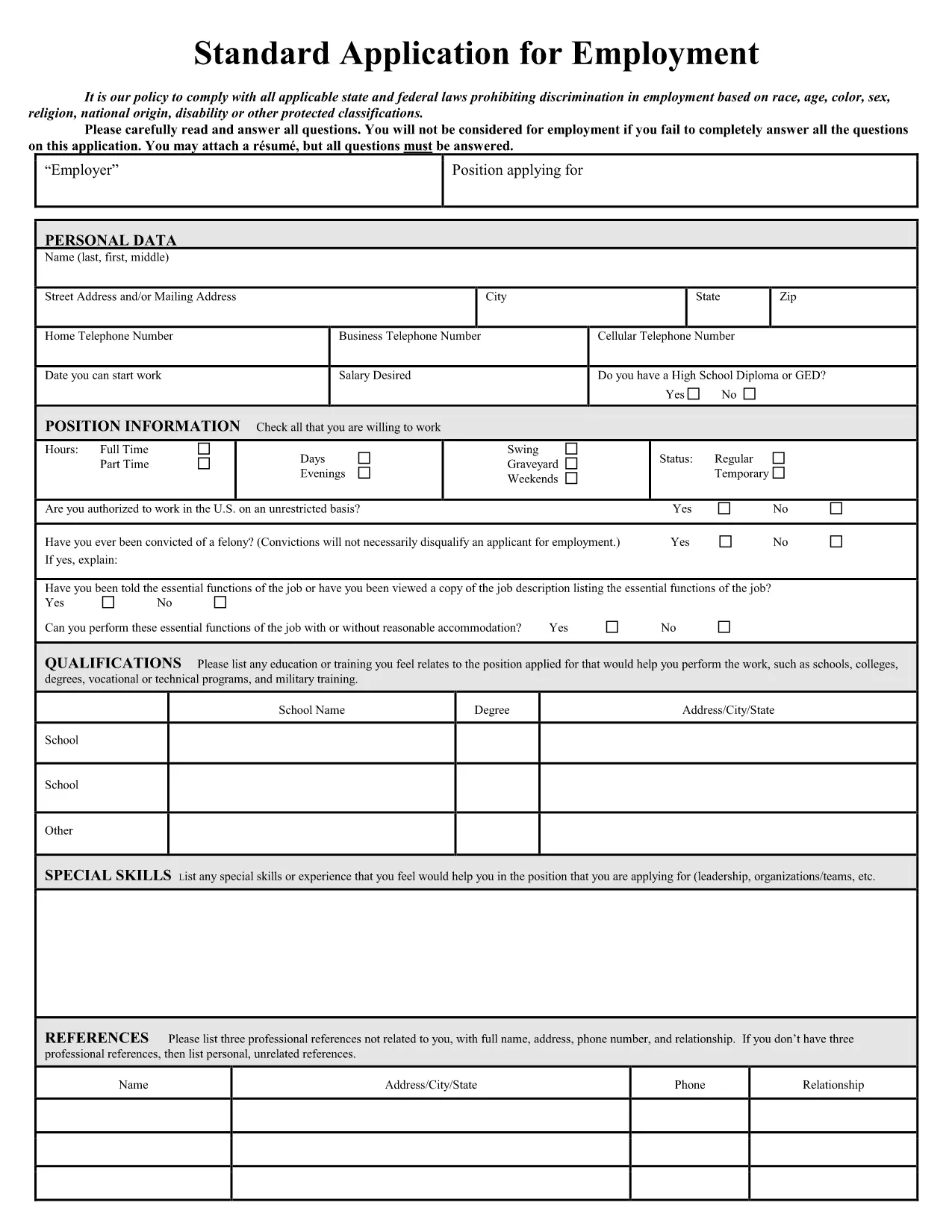
PDF 문서를 보고 작성하기 위한 기존 기능 세트와 웹 애플리케이션 및 반응형 레이아웃의 이점을 결합하면 몇 분 만에 application for tc을(를) 완료할 수 있습니다.
Looking for a quick, secure way to complete your application for TC? Our fillable PDF form lets you enter all required information directly in your browser, save your progress, and download a completed document ready for submission.
The TC (Transportation Certificate) application is used by individuals and businesses to request a certification that validates compliance with transportation regulations. Whether you need a certificate for freight, passenger services, or vehicle compliance, the form captures essential details such as personal information, vehicle data, and compliance history.
Follow these simple steps to complete the form without installing any software:
If you prefer to work offline, you can download the original fillable PDF. Our version is hosted securely and matches the official layout used by the Department of Transportation.
Download the TC Application PDF
Below are answers to the most common queries about the TC application process.
No. The Formize PDF Filler works in any modern browser, so you don't need additional software.
Yes. Use the "Save Draft" button to download a partially completed PDF and reopen it later in Formize.
Most agencies accept a printed copy of the completed PDF. Check the specific submission guidelines for electronic acceptance.
Edit the field directly in the Formize app, then re‑save the document. If you have already downloaded the PDF, you can open it in any PDF editor to correct errors.
Processing times vary by jurisdiction, but most applications are reviewed within 5‑10 business days after submission.
Yes, a processing fee is required. The exact amount is listed on the form’s payment section.
PDF 문서를 보고 작성하기 위한 기존 기능 세트와 웹 애플리케이션 및 반응형 레이아웃의 이점을 결합하면 몇 분 만에 application for tc을(를) 완료할 수 있습니다.
온라인에서 PDF 양식을 채우는 가장 쉬운 방법
필링 세션 삭제
편집 세션 삭제