


{키워드} 템플릿
PDF 문서를 보고 작성하기 위한 기존 기능 세트와 웹 애플리케이션 및 반응형 레이아웃의 이점을 결합하면 몇 분 만에 Ohio University admission form을(를) 완료할 수 있습니다.
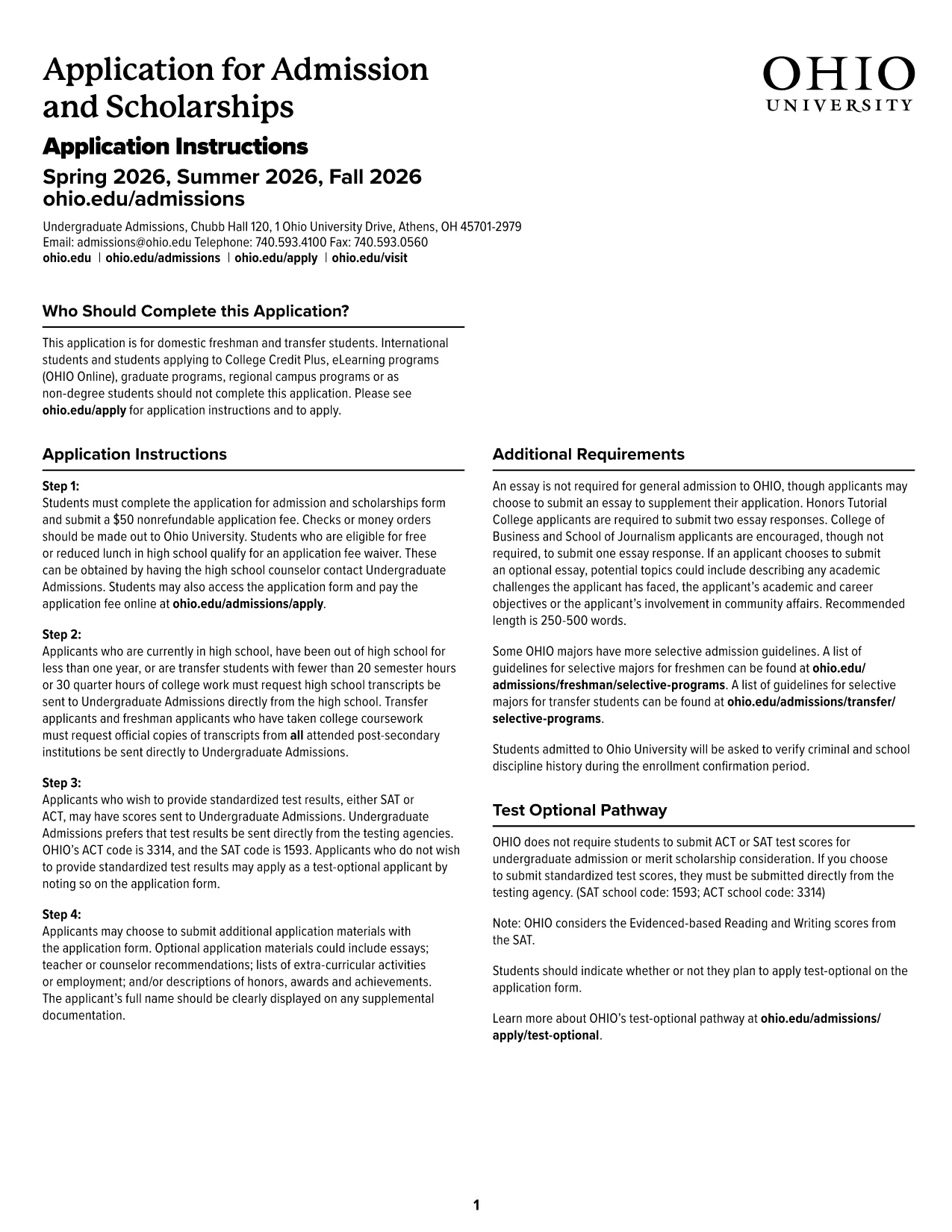
Applying to Ohio University has never been easier. Our official Ohio University Admission Application is available as a fillable PDF that you can complete directly in your browser using the Formize PDF Filler app. No Adobe Acrobat download, no printing, and no hassle.
The fillable PDF is designed to match the university’s official paper form, ensuring that every required field is captured accurately. It includes built‑in validation, drop‑down menus, and auto‑formatting for dates and numbers, which reduces errors and speeds up processing.
Follow the simple steps below to submit a complete, error‑free application:
Even with a user‑friendly interface, a few pitfalls can delay your admission:
After you click Submit, Formize securely transmits the completed PDF to the Ohio University Undergraduate Admissions office. You will receive a confirmation email with a copy of your application for your records.
If you need to make changes after submission, contact the admissions office at admissions@ohio.edu within 48 hours.
No. The Formize PDF Filler works in any modern browser – no additional software is required.
Yes. Use the "Save Draft" button to download a copy of the partially completed PDF and reload it later.
Only PDF, JPG, or PNG files are accepted. Each file must be under 5 MB.
Formize uses SSL encryption and does not store your personal data after submission.
Contact Ohio University Admissions at admissions@ohio.edu within 48 hours to request a correction.
No. The fillable PDF and the Formize service are completely free for applicants.
Yes, the form includes sections for citizenship, visa status, and financial sponsorship.
You will receive an email confirmation with a PDF copy of your submitted application.
PDF 문서를 보고 작성하기 위한 기존 기능 세트와 웹 애플리케이션 및 반응형 레이아웃의 이점을 결합하면 몇 분 만에 Ohio University admission form을(를) 완료할 수 있습니다.
온라인에서 PDF 양식을 채우는 가장 쉬운 방법
필링 세션 삭제
편집 세션 삭제