
언어 선택

FAA Form 8610-2 – Fillable PDF for Airman Certificate & Rating Application

  1. 언어 영어
  2. 국가 미국
  3. 활동 Aviation Certification
  4. 부서 Federal Aviation Administration
FAA Form 8610-2 – Fillable PDF for Airman Certificate & Rating Application

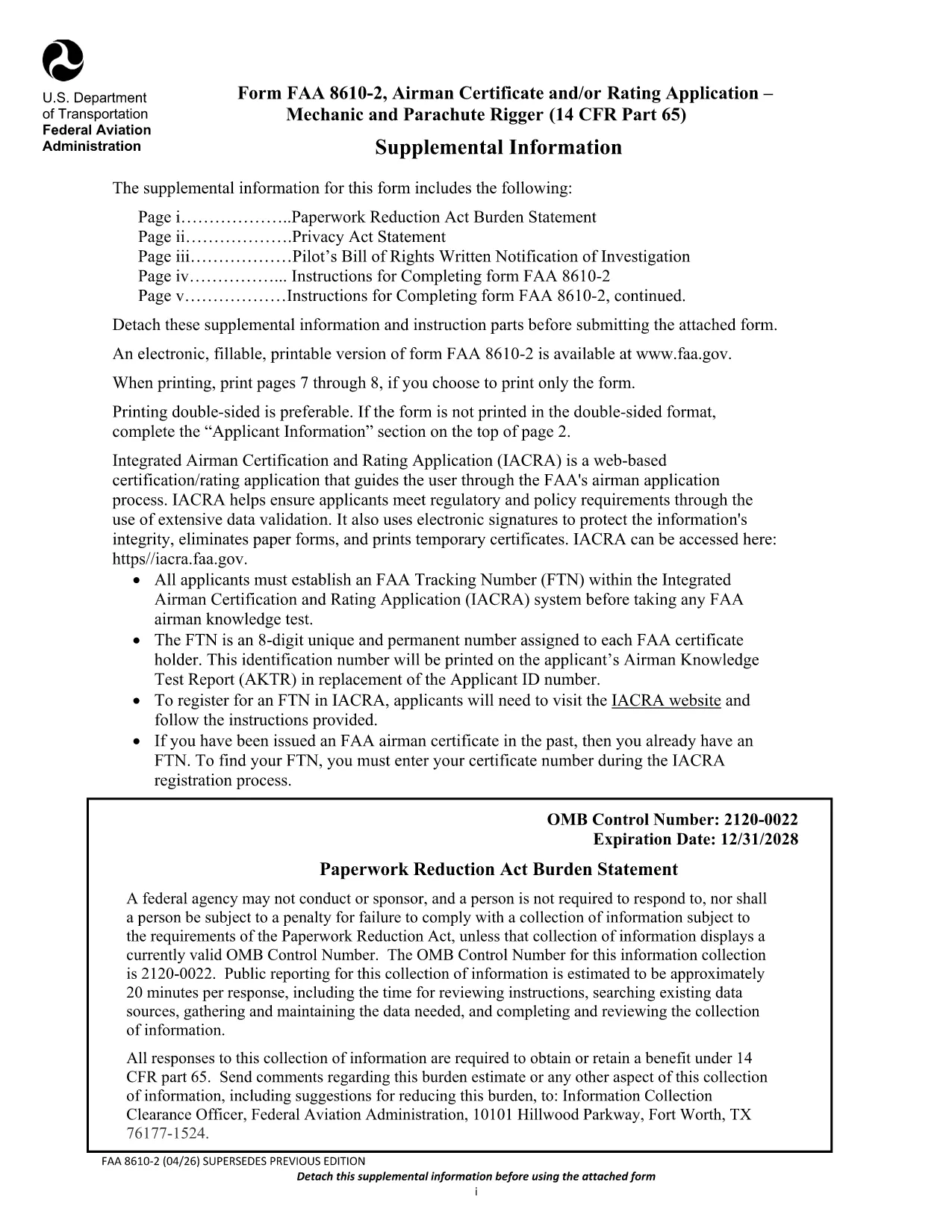
The FAA Form 8610-2 is the official Airman Certificate and/or Rating Application for mechanic and parachute rigger certifications (14 CFR Part 65). Whether you’re applying for an A&P, mechanic, or rigger rating, this form is required before you can schedule your oral and practical exams.

What Is FAA Form 8610-2?

Form 8610-2 collects personal information, employment history, and the specific ratings you are requesting. It is used by Flight Standards District Offices (FSDOs) and International Flight Standards Offices (IFOs) to verify eligibility and issue a tracking number (FTN) through the IACRA system.

How to Fill Out Form 8610-2 Online with Formize

Instead of downloading, printing, and scanning, simply click the “Fill out this form” button on this page. The Formize PDF Filler loads in your browser, letting you type, select check‑boxes, and save your progress instantly.

  • Step 1: Click the button and wait for the Formize app to load.
  • Step 2: Complete each field – the filler highlights required sections.
  • Step 3: Review, then click “Save & Download” to get a completed PDF copy.
  • Step 4: Print or email the file to your local FSDO for signature.

Common Mistakes to Avoid When Completing the Form

Even a small error can delay your certification. Avoid these pitfalls:

  • Leaving the top‑left “Mechanic”, “Airframe”, or “Powerplant” boxes checked – the FAA inspector fills them.
  • Providing incomplete experience worksheets (Tables I‑III). Use the exact language from 14 CFR §65.77.
  • Submitting an outdated FTN. Create a new IACRA account if you haven’t already.
  • Forgetting to attach a Real‑ID or passport copy when applying for a rating change.

Where to Submit Your Completed Form

After you’ve saved the filled PDF, bring the original and copies to your nearest Flight Standards District Office (FSDO) or International Flight Standards Office (IFO). The inspector will review, sign, and forward the application to the FAA certification database.

Download the Official Fillable PDF

Need the original PDF for offline use or reference? You can download the latest FAA‑issued form below.

Download FAA Form 8610-2 (PDF)

자주하는 질문
  • Do I need a PDF editor to fill Form 8610-2?

    No. With Formize you can fill the form directly in your browser—no extra software required.

  • Can I submit the form electronically?

    The FAA still requires a hard copy signature at the FSDO, but you can email the completed PDF ahead of your appointment.

  • What is an FTN and why do I need it?

    An FTN (FAA Tracking Number) is generated in IACRA and links your written and practical exam results to your certification record.

  • How long is the FAA Form 8610-2 valid?

    The form is active until the expiration date shown on the PDF (currently 12/31/2028). Use the latest version for any new application.

  • What documents should I bring to the FSDO?

    Bring a government‑issued ID (Real‑ID, passport, or birth certificate), your FTN, experience worksheets (Tables I‑III), and any supporting letters of recommendation.

  • Can I apply for both airframe and powerplant ratings on the same form?

    Yes. Select the appropriate boxes on the form and provide experience for each rating in the corresponding tables.

  • Is there a fee to submit Form 8610-2?

    The form itself is free, but you will pay testing fees when you schedule your oral and practical exams.

어떻게

4개의 간단한 단계를 통해 온라인으로 FAA Form 8610-2를 무료로 작성하는 방법:

  1. 1
    Open the Formize Filler
    Click the “Fill out this form” button on the page. The Formize PDF Filler will open in a new browser tab.
  2. 2
    Enter Your Information
    Type directly into each field. Required sections are highlighted in red. Use dropdowns for rating selections.
  3. 3
    Save and Download
    When you’ve completed all sections, click “Save & Download”. A filled‑out PDF will be saved to your device.
  4. 4
    Print or Email to Your FSDO
    Print the saved PDF (or email it) and bring it to your local Flight Standards District Office for the final signature.
Formize PDF 필러 앱
에 대한

{키워드} 템플릿

PDF 문서를 보고 작성하기 위한 기존 기능 세트와 웹 애플리케이션 및 반응형 레이아웃의 이점을 결합하면 몇 분 만에 FAA Form 8610-2을(를) 완료할 수 있습니다.
특징

PDF 필러

온라인에서 PDF 양식을 채우는 가장 쉬운 방법

  • FAA Form 8610-2를 빠르게 작성하세요.
    온라인에서 FAA Form 8610-2을(를) 빠르게 채우는 방법을 찾고 계십니까? 온라인 무료 PDF 양식 필러를 사용하면 1분 이내에 이 PDF 문서를 편집하고 채우는 방법을 알 수 있습니다.
  • 사용하기 쉬운 온라인 PDF 편집기
    다시 스캔하여 다시 보내기 전에 편집할 수 있도록 PDF 파일을 인쇄하는 데 지쳤습니까? 온라인에서 무료로 PDF 문서를 편집하세요. 온라인 PDF 편집기를 사용하여 시간과 종이를 절약하십시오.
  • 훌륭한 도구, 모든 플랫폼
    Mac에서 FAA Form 8610-2를 채우는 방법이나 PDF 필러를 무료로 사용하는 방법이 궁금하십니까? 당사의 온라인 PDF 도구는 모든 플랫폼에서 작동합니다.
  • 안전한 파일 저장
    완료된 "FAA Form 8610-2" 파일은 Amazon 클라우드 호스팅에서 관리하는 보안 데이터베이스에 저장됩니다. 언제든지 시스템에서 파일을 삭제할 수 있습니다. 어쨌든 이러한 파일은 24시간 후에 자동으로 삭제됩니다.
  • FAA Form 8610-2님과 채팅
    무료 PDF 리더 도우미인 Chatize에서 "FAA Form 8610-2"와 채팅하세요. "FAA Form 8610-2"에서 질문하고 답변을 받으세요. 위의 문서와 채팅 버튼을 클릭하세요.

필링 세션 삭제

선택한 필링 세션을 삭제하시겠습니까?이 경우 양식 작성 진행 상황이 손실됩니다.

편집 세션 삭제

선택한 편집 세션을 삭제하시겠습니까? 이 경우 양식 작성 및 편집 진행 상황이 손실됩니다.