


{키워드} 템플릿
PDF 문서를 보고 작성하기 위한 기존 기능 세트와 웹 애플리케이션 및 반응형 레이아웃의 이점을 결합하면 몇 분 만에 CA-7B form을(를) 완료할 수 있습니다.
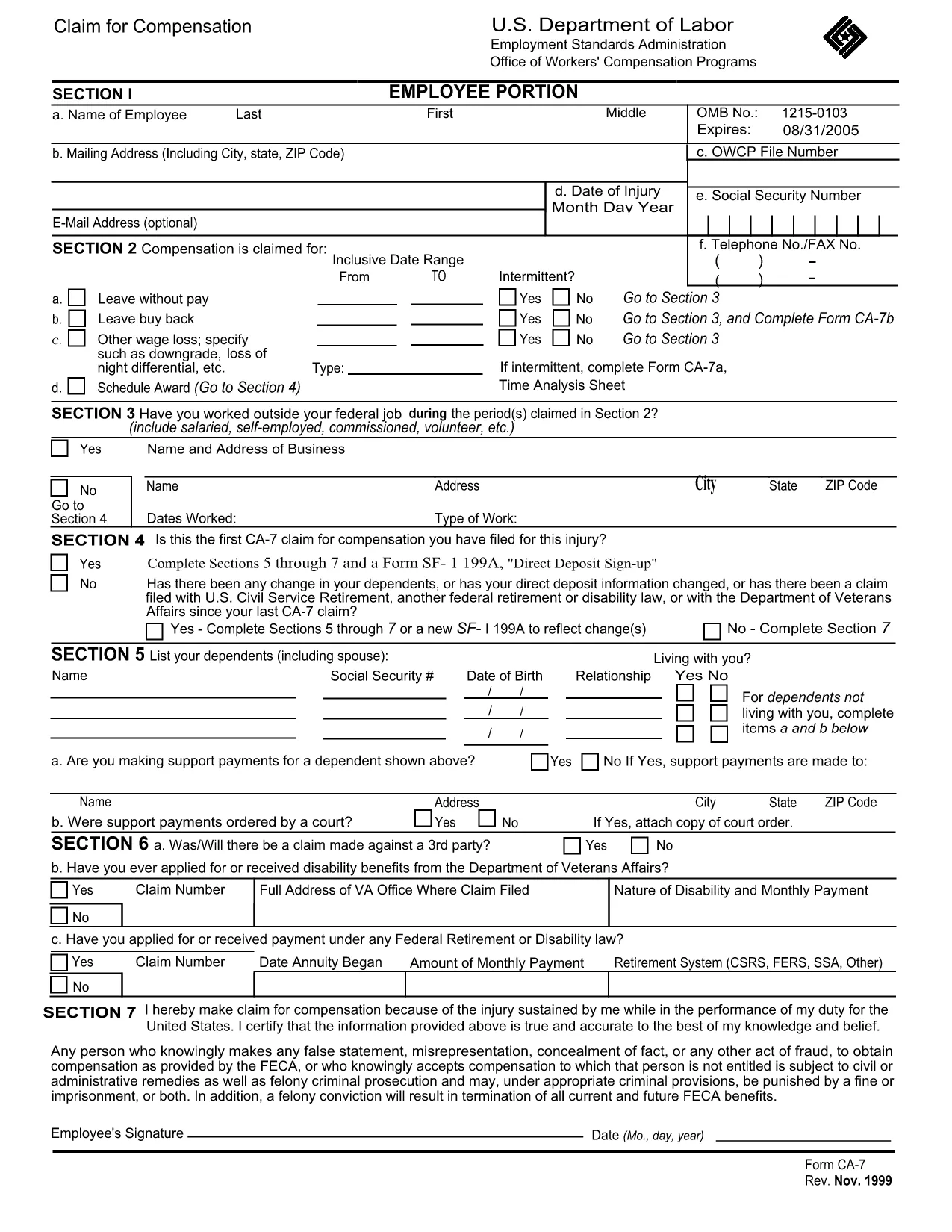
The CA-7B is the federal employee’s claim form used to request continuing compensation after a work‑related injury or illness. It is part of the Federal Employees' Compensation Act (FECA) and must be completed accurately to receive benefits.
The CA-7B captures personal information, injury details, medical treatment, and the type of compensation you are seeking. It is required when you have already filed a CA-7 and need to claim additional or ongoing benefits.
Instead of printing, filling, and scanning, you can fill the form directly in your browser using Formize’s PDF Filler. Follow the simple steps below.
Click the button below to open the fillable PDF in the Formize app. No software download is required.
If you have questions about eligibility, medical documentation, or submission deadlines, contact your agency’s Workers’ Compensation office or the Department of Labor’s Office of Federal Employees’ Compensation.
CA-7 is the initial claim for compensation. CA-7B is used to request continuing or additional benefits after the first claim has been filed.
Yes. Using Formize’s online PDF filler, you can complete and save the form without printing.
A current medical report supporting your claim is required. Attach it as a separate PDF when you submit the CA-7B.
The claim should be filed within 180 days of the injury, but extensions may be granted under certain circumstances.
Correct the error in the Formize editor before saving. If you have already submitted, contact your agency’s Workers’ Compensation office for a correction.
No. Formize provides free online filling for government PDF forms like the CA-7B.
Yes. Use the "Save" button in the Formize app to download a draft version, then reopen it later to continue.
PDF 문서를 보고 작성하기 위한 기존 기능 세트와 웹 애플리케이션 및 반응형 레이아웃의 이점을 결합하면 몇 분 만에 CA-7B form을(를) 완료할 수 있습니다.
온라인에서 PDF 양식을 채우는 가장 쉬운 방법
필링 세션 삭제
편집 세션 삭제