


{키워드} 템플릿
PDF 문서를 보고 작성하기 위한 기존 기능 세트와 웹 애플리케이션 및 반응형 레이아웃의 이점을 결합하면 몇 분 만에 Tagalog application form을(를) 완료할 수 있습니다.
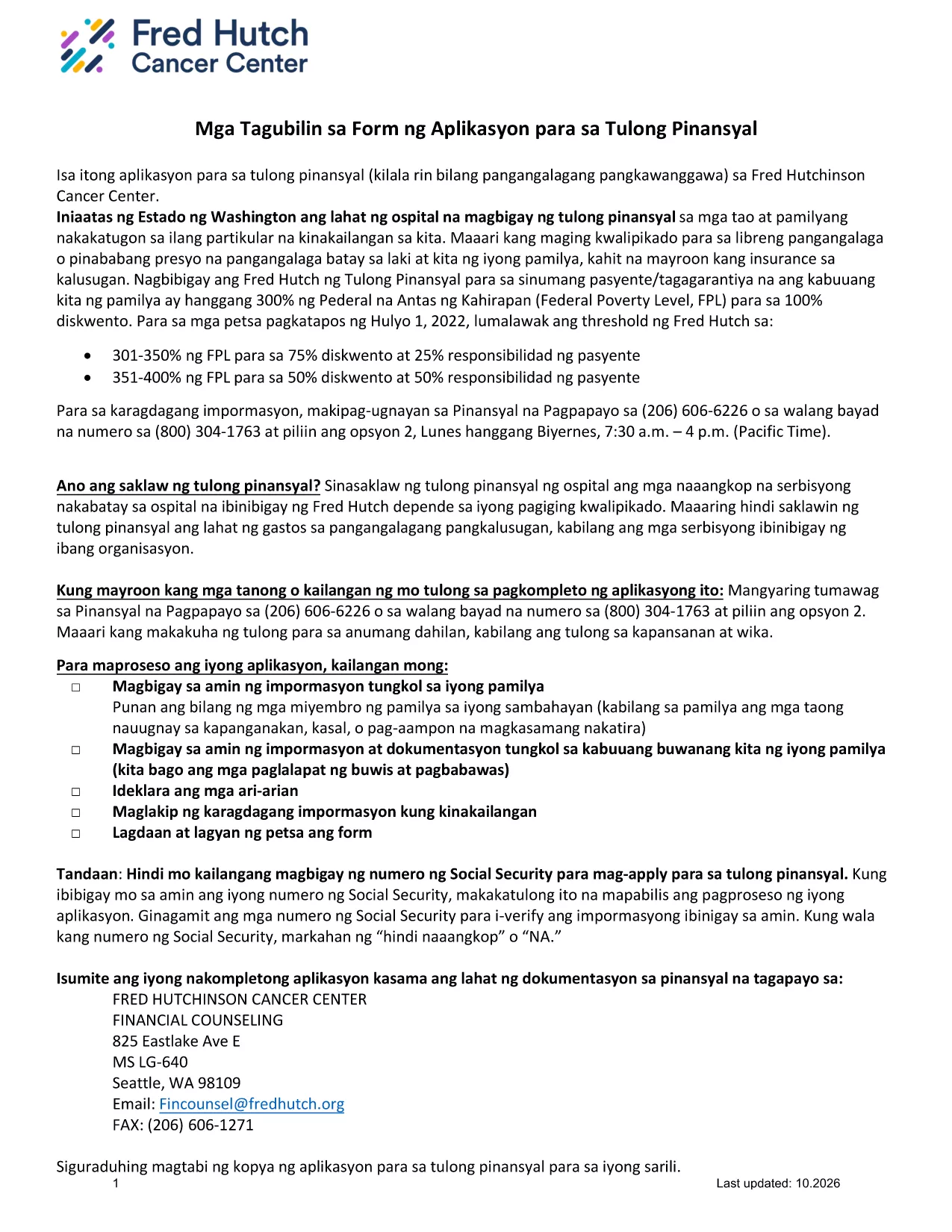
This page offers the official Tagalog application form for financial assistance. Instead of printing, scanning, or using a separate PDF editor, you can complete the form instantly in your browser with the Formize PDF Filler app.
The form is a standard financial‑assistance application used by several health‑care providers in the United States. It is written entirely in Tagalog, making it ideal for applicants who prefer to submit their information in their native language.
Follow the simple steps below to fill out the form without leaving this page:
If you need the original, non‑fillable PDF for reference or offline printing, you can download it directly from the link below.
Download Original Tagalog Application Form (PDF)
Review the FAQ section for answers to the most common questions, or contact the organization that provided the form for additional assistance.
No. The Formize PDF Filler works directly in your browser, so no additional software is required.
Yes. After saving the filled PDF, you can print it like any other document.
"NA" stands for Not Applicable. Use it only when a question truly does not apply to your situation.
Formize uses secure HTTPS encryption, and the form is processed locally in your browser. Your data is not stored on our servers unless you choose to upload it.
Yes. Open the saved PDF again with Formize or any PDF editor that supports fillable fields to make changes.
Refresh the page and reload the filler. If the problem persists, download the original PDF, fill it manually, and contact the organization that provided the form.
No. Filling out and downloading the form with Formize is completely free.
PDF 문서를 보고 작성하기 위한 기존 기능 세트와 웹 애플리케이션 및 반응형 레이아웃의 이점을 결합하면 몇 분 만에 Tagalog application form을(를) 완료할 수 있습니다.
온라인에서 PDF 양식을 채우는 가장 쉬운 방법
필링 세션 삭제
편집 세션 삭제