


{키워드} 템플릿
PDF 문서를 보고 작성하기 위한 기존 기능 세트와 웹 애플리케이션 및 반응형 레이아웃의 이점을 결합하면 몇 분 만에 application form editor을(를) 완료할 수 있습니다.
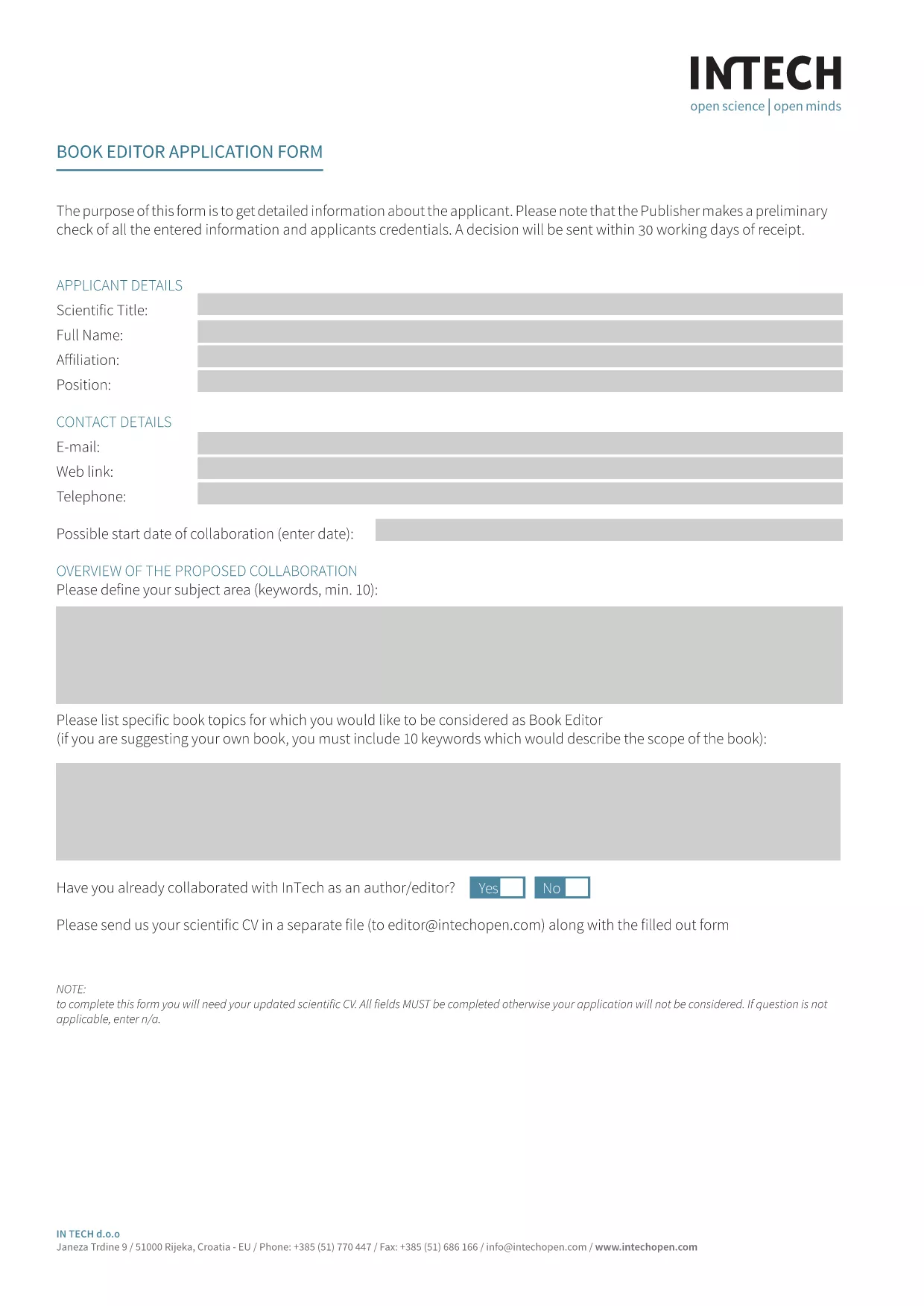
Looking for a fast, secure way to complete the Book Editor Application Form without printing or scanning? Our Application Form Editor turns the PDF into an interactive, fillable document that you can complete directly in your browser.
An application form editor is a web‑based tool that converts a static PDF into a live, editable form. Users can type into text fields, select checkboxes, and add signatures—all while the original layout stays intact. With Formize, the editor loads instantly, so you never have to download a separate program.
Simply click the "Fill out this form" button below. The Formize PDF Filler app will appear, load the PDF, and you can start typing right away.
After you submit, you can instantly download a PDF copy for your records or share it with your hiring committee. No extra software, no printing, no scanning – just a clean, professional document.
Ready to get started? Click the button below and let Formize do the heavy lifting.
No. The Formize PDF Filler works in any modern browser, so you don’t need Acrobat or any extra software.
Yes. The editor auto‑saves your entries locally. When you return, simply reload the page and continue where you left off.
All data is processed in your browser and only transmitted when you click Submit. Formize uses SSL encryption for every connection.
You can edit any field at any time before submitting. Use the backspace or delete keys to correct entries.
Absolutely. After you download the finished PDF, you can print it on any printer.
No. The fillable PDF editor is free and unlimited for this form.
No. The original layout, fonts, and branding stay exactly the same – only the form fields become interactive.
PDF 문서를 보고 작성하기 위한 기존 기능 세트와 웹 애플리케이션 및 반응형 레이아웃의 이점을 결합하면 몇 분 만에 application form editor을(를) 완료할 수 있습니다.
온라인에서 PDF 양식을 채우는 가장 쉬운 방법
필링 세션 삭제
편집 세션 삭제