
언어 선택

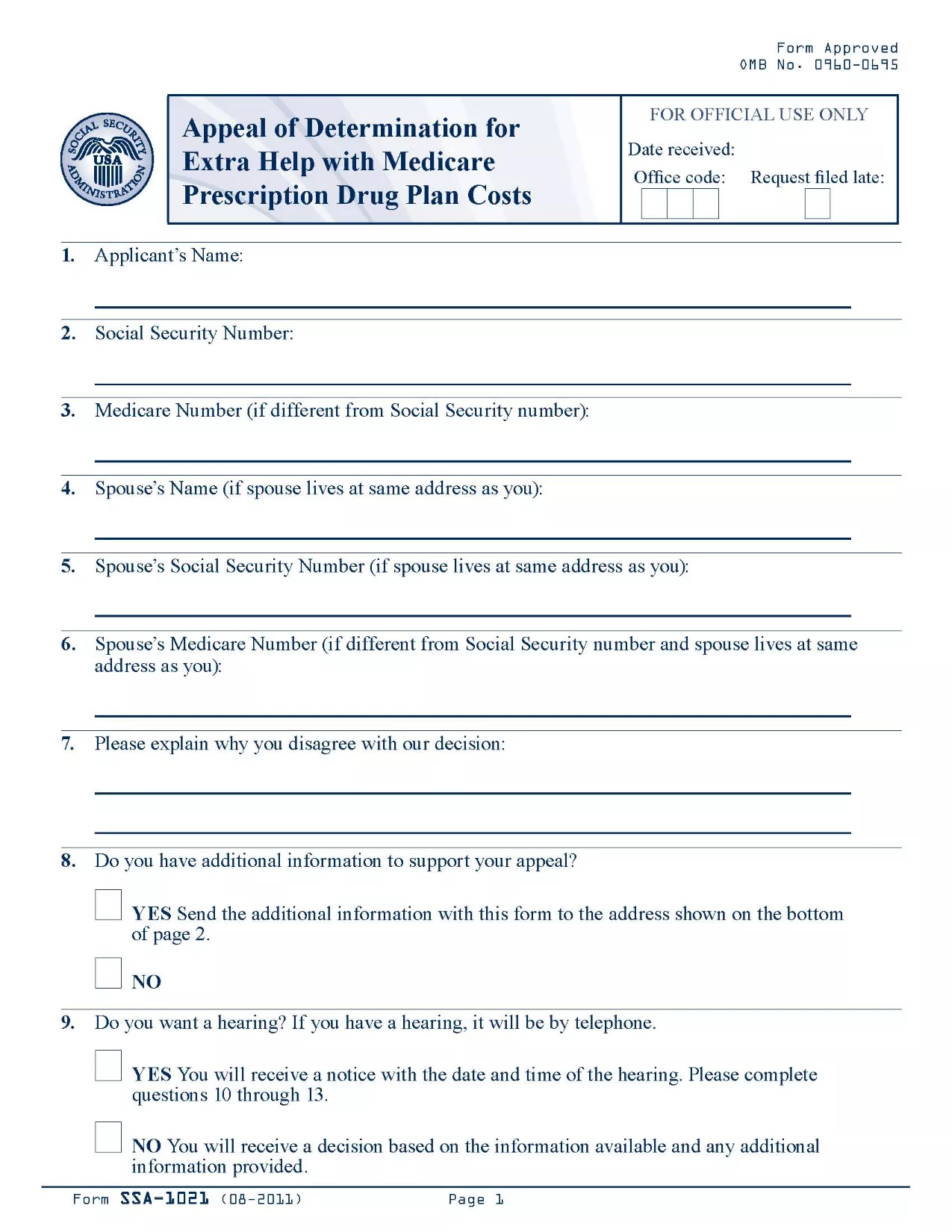
SSA-1021 Appeal of Determination Form (Fillable PDF)

  1. 언어 영어
  2. 국가 미국
  3. 활동 사회 보장
이 양식을 작성하십시오
SSA-1021 Appeal of Determination Form (Fillable PDF)

The SSA-1021 is the official Social Security Administration (SSA) form used to appeal a denial of Extra Help with Medicare prescription drug costs. If you received a determination that you are not eligible for the Extra Help program, you can use this form to request a review.

Formize makes the process simple: the PDF is fully fillable online, so you never have to print, scan, or hand‑write anything. Just click the button, fill the fields, and download or save a completed copy.

What is the SSA-1021 Form?

SSA-1021, titled “Appeal of Determination for Extra Help With Medicare Prescription Drug Plan Costs,” collects the information the SSA needs to reconsider your eligibility. It includes sections for personal details, the original determination notice, and the reasons for your appeal.

How to Complete the SSA-1021 Online

Follow the step‑by‑step guide in the How To section below. The Formize PDF filler loads automatically after you click “Fill out this form.”

Common Mistakes to Avoid

  • Leaving any required field blank – the SSA will reject an incomplete form.
  • Providing inaccurate personal information – errors can delay the review.
  • Failing to attach supporting documents (income statements, prescription bills, etc.).

Where to Submit Your Appeal

After completing the form, you can either mail it to the address on your determination notice or upload the PDF through your My Social Security account.

Download the Official PDF

The official, up‑to‑date PDF is available for download below. Clicking the button opens the Formize fillable version, so you can start right away.

지침

자주하는 질문
  • What is the deadline to submit an SSA-1021 appeal?

    You must file the appeal within 60 days of the date on your denial notice. Late filings may be rejected.

  • Can I file the SSA-1021 online?

    Yes. With Formize you fill the PDF online, then download the completed form to upload through your My Social Security account or to print and mail.

  • Do I need a PDF editor to complete SSA-1021?

    No. The Formize PDF Filler provides a fully interactive, browser‑based editor—no extra software required.

  • What supporting documents should I include?

    Attach recent income statements, bank statements, prescription drug receipts, and any letters from your Medicare Part D plan that explain the denial.

  • Will filling the form online make the review faster?

    Submitting a complete, legible PDF reduces processing time because the SSA does not need to request clarification.

  • Is the Formize service free?

    Yes. Formize provides free access to fillable government PDFs; there are no hidden fees.

  • Can I edit the form after downloading it?

    Once you download the completed PDF, you can still open it in any standard PDF viewer to add a digital signature if required.

  • What if I make a mistake while filling the form?

    Simply click the “Reset” button in the filler to clear a field, or use the backspace key to correct the entry before saving.

어떻게

5개의 간단한 단계를 통해 온라인으로 SSA-1021를 무료로 작성하는 방법:

  1. 1
    Click the Fillable Form Button
    On this page, click the bright “Fill out this form” button. The Formize PDF Filler app will open in a new tab.
  2. 2
    Wait for the Formize PDF Filler to Load
    The filler loads the SSA-1021 PDF instantly. A progress bar will show when the document is ready.
  3. 3
    Enter Your Information
    Type directly into each field. Use the tab key or click to move between sections. All fields are validated in real time.
  4. 4
    Attach Supporting Documents
    Use the “Attach File” button next to the relevant sections to upload income statements, prescription receipts, or any other proof.
  5. 5
    Review, Save, and Submit
    When you’re satisfied, click “Save & Download” to get a completed PDF. Print, mail, or upload it to your SSA online account.
Formize PDF 필러 앱
에 대한

사회 보장 양식

SSA-1021는 미국 사회보장국(SSA)에서 제공하는 다양한 혜택과 서비스를 신청하는 데 사용되는 문서인 사회보장 양식 중 하나입니다. SSA는 은퇴 혜택, 장애 혜택, 생존자 혜택, SSI(Supplemental Security Income)를 포함하여 적격 개인 및 가족에게 재정 지원을 제공하도록 설계된 프로그램을 관리하는 연방 기관입니다.

몇 가지 일반적인 사회보장 양식은 다음과 같습니다.

사회보장 퇴직 급여 신청서: 이 양식은 개인의 근로 이력 및 소득에 따라 퇴직 급여를 신청하는 데 사용됩니다.

사회 보장 장애 혜택 신청서: 이 양식은 개인이 일을 할 수 없는 신체적 또는 정신적 상태가 있는 경우 장애 혜택을 신청하는 데 사용됩니다.

사회 보장 유족 혜택 신청서: 이 양식은 개인의 배우자나 부모가 사망하고 유족 혜택을 받을 자격이 있는 경우 유족 혜택을 신청하는 데 사용됩니다.

Medicare 등록 신청서: 이 양식은 65세 이상 개인과 특정 장애 또는 질병이 있는 사람을 위한 연방 건강 보험 프로그램인 Medicare에 등록하는 데 사용됩니다.

주소 변경 양식: 이 양식은 SSA로 개인의 주소를 업데이트하는 데 사용됩니다.

소득 기록 요청 양식: 이 양식은 사회 보장 혜택을 계산하는 데 사용되는 개인의 소득 기록 사본을 요청하는 데 사용됩니다.

이 양식은 온라인, 우편 또는 지역 사회보장국 사무실에서 직접 작성할 수 있습니다. 적시에 정확한 사회 보장 혜택 처리를 위해 필요한 모든 양식을 주의 깊게 검토하고 작성하는 것이 중요합니다.

특징

PDF 필러

온라인에서 PDF 양식을 채우는 가장 쉬운 방법

  • SSA-1021를 빠르게 작성하세요.
    온라인에서 SSA-1021을(를) 빠르게 채우는 방법을 찾고 계십니까? 온라인 무료 PDF 양식 필러를 사용하면 1분 이내에 이 PDF 문서를 편집하고 채우는 방법을 알 수 있습니다.
  • 사용하기 쉬운 온라인 PDF 편집기
    다시 스캔하여 다시 보내기 전에 편집할 수 있도록 PDF 파일을 인쇄하는 데 지쳤습니까? 온라인에서 무료로 PDF 문서를 편집하세요. 온라인 PDF 편집기를 사용하여 시간과 종이를 절약하십시오.
  • 훌륭한 도구, 모든 플랫폼
    Mac에서 SSA-1021를 채우는 방법이나 PDF 필러를 무료로 사용하는 방법이 궁금하십니까? 당사의 온라인 PDF 도구는 모든 플랫폼에서 작동합니다.
  • 안전한 파일 저장
    완료된 "SSA-1021" 파일은 Amazon 클라우드 호스팅에서 관리하는 보안 데이터베이스에 저장됩니다. 언제든지 시스템에서 파일을 삭제할 수 있습니다. 어쨌든 이러한 파일은 24시간 후에 자동으로 삭제됩니다.
  • SSA-1021님과 채팅
    무료 PDF 리더 도우미인 Chatize에서 "SSA-1021"와 채팅하세요. "SSA-1021"에서 질문하고 답변을 받으세요. 위의 문서와 채팅 버튼을 클릭하세요.

필링 세션 삭제

선택한 필링 세션을 삭제하시겠습니까?이 경우 양식 작성 진행 상황이 손실됩니다.

편집 세션 삭제

선택한 편집 세션을 삭제하시겠습니까? 이 경우 양식 작성 및 편집 진행 상황이 손실됩니다.