
언어 선택

SSA-1696-SUP2 Appointment of Representative – Fillable PDF

  1. 언어 영어
  2. 국가 미국
  3. 활동 사회 보장
SSA-1696-SUP2 Appointment of Representative – Fillable PDF

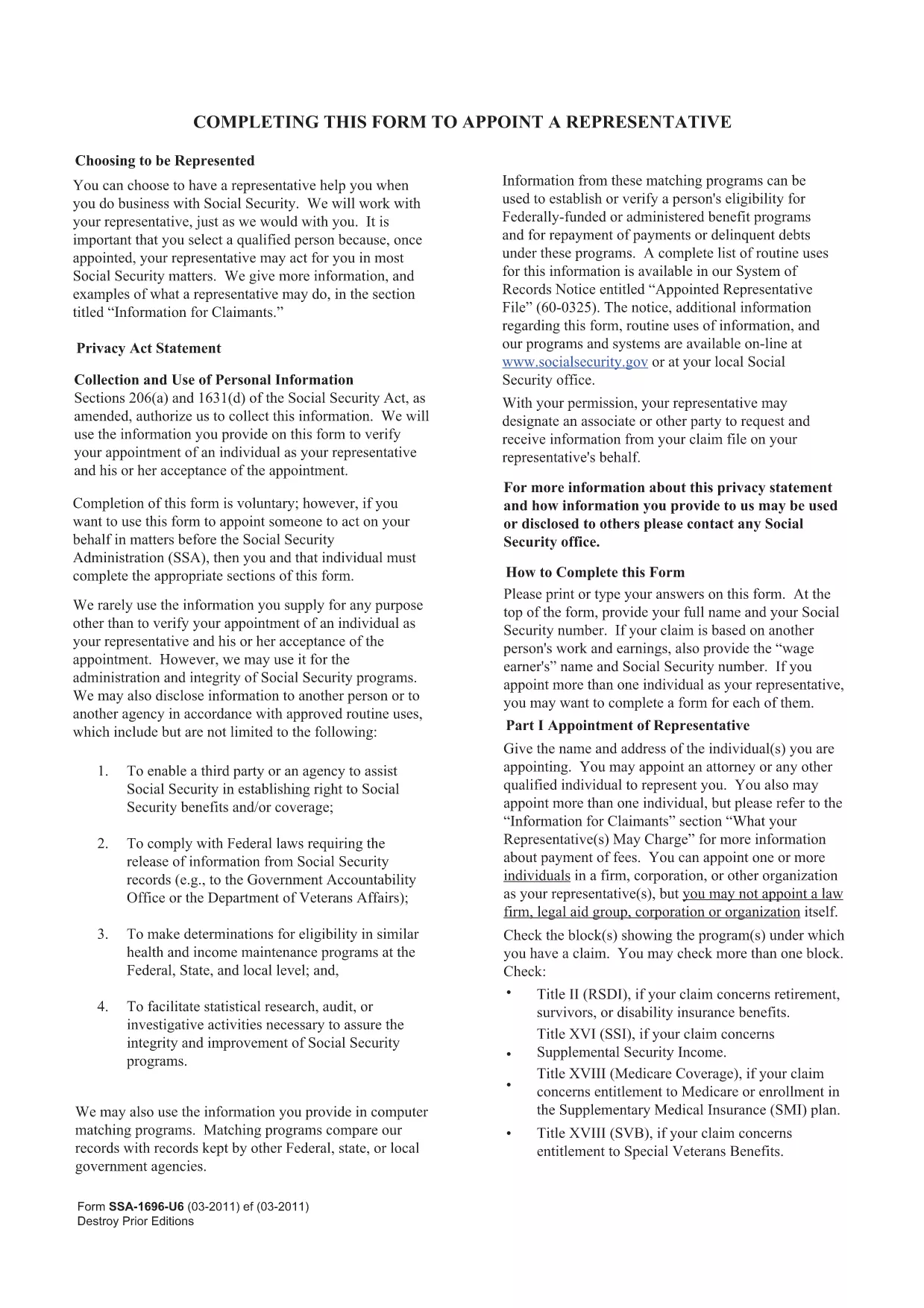
The SSA-1696-SUP2 is the official Appointment of Representative form used by the Social Security Administration (SSA). It authorizes a designated individual to act on your behalf for Social Security matters such as claims, appeals, and benefit inquiries.

What Is the SSA-1696-SUP2 Form?

This form lets you name a representative—an attorney, accredited organization, or trusted family member—to communicate with the SSA for you. The SSA requires a signed, legible copy for every case where a third party is involved.

How to Fill Out the Form Online

Instead of downloading the PDF and opening it in a separate editor, simply click the "Fill out this form" button on this page. The Formize PDF Filler app will load directly in your browser, allowing you to complete each field instantly.

  • All fields are interactive and auto‑save as you type.
  • Electronic signatures are accepted where applicable.
  • When finished, you can download the completed PDF for your records or submit it directly to the SSA.

Common Mistakes & Tips

  • Illegible handwriting: Using the online filler eliminates this risk.
  • Missing signatures: The Formize app prompts you to sign before allowing a download.
  • Incorrect representative information: Double‑check the name, address, and contact details before saving.

Download & Save Your Completed Form

After you submit, click the Download PDF button to store a copy on your device. Keep this file for future reference or to attach to any correspondence with the SSA.

Need help? Review the FAQs below or contact the Social Security Administration directly.

자주하는 질문
  • Who can be appointed as a representative on SSA-1696-SUP2?

    Any attorney, accredited representative, or trusted individual (family member, friend) can be named, provided they have the necessary contact information.

  • Do I need to mail the completed form to the SSA?

    You can mail, fax, or upload the completed PDF through your SSA online account. Check the SSA’s instructions for your specific case.

  • Can I change my representative after submitting the form?

    Yes. Submit a new SSA-1696-SUP2 with the updated representative information. The SSA will process the change once received.

  • Is an electronic signature accepted on this form?

    The SSA accepts electronic signatures when the form is completed using an approved fillable PDF tool such as Formize.

  • What should I do if I make a mistake after downloading the PDF?

    Open the downloaded file in the Formize filler again, correct the error, and re‑download the updated version. No need to start over.

  • Where can I find additional help for filling out SSA forms?

    Visit the Social Security Administration’s official website or call their toll‑free number at 1‑800‑772‑1213 for assistance.

어떻게

5개의 간단한 단계를 통해 온라인으로 SSA-1696-SUP2를 무료로 작성하는 방법:

  1. 1
    Click the Fill Out Button
    Press the "Fill out this form" button on the page to launch the Formize PDF Filler in your browser.
  2. 2
    Wait for the Filler to Load
    The app loads in a few seconds. All fields become editable and ready for input.
  3. 3
    Enter the Required Information
    Complete each section: claimant details, representative’s contact info, and the signature area.
  4. 4
    Review and Save
    Use the built‑in review tool to ensure every field is filled correctly, then click "Save & Download".
  5. 5
    Store Your Copy
    Download the finished PDF and keep it for your records or attach it to any SSA correspondence.
Formize PDF 필러 앱
에 대한

사회 보장 양식

SSA-1696-SUP2는 미국 사회보장국(SSA)에서 제공하는 다양한 혜택과 서비스를 신청하는 데 사용되는 문서인 사회보장 양식 중 하나입니다. SSA는 은퇴 혜택, 장애 혜택, 생존자 혜택, SSI(Supplemental Security Income)를 포함하여 적격 개인 및 가족에게 재정 지원을 제공하도록 설계된 프로그램을 관리하는 연방 기관입니다.

몇 가지 일반적인 사회보장 양식은 다음과 같습니다.

사회보장 퇴직 급여 신청서: 이 양식은 개인의 근로 이력 및 소득에 따라 퇴직 급여를 신청하는 데 사용됩니다.

사회 보장 장애 혜택 신청서: 이 양식은 개인이 일을 할 수 없는 신체적 또는 정신적 상태가 있는 경우 장애 혜택을 신청하는 데 사용됩니다.

사회 보장 유족 혜택 신청서: 이 양식은 개인의 배우자나 부모가 사망하고 유족 혜택을 받을 자격이 있는 경우 유족 혜택을 신청하는 데 사용됩니다.

Medicare 등록 신청서: 이 양식은 65세 이상 개인과 특정 장애 또는 질병이 있는 사람을 위한 연방 건강 보험 프로그램인 Medicare에 등록하는 데 사용됩니다.

주소 변경 양식: 이 양식은 SSA로 개인의 주소를 업데이트하는 데 사용됩니다.

소득 기록 요청 양식: 이 양식은 사회 보장 혜택을 계산하는 데 사용되는 개인의 소득 기록 사본을 요청하는 데 사용됩니다.

이 양식은 온라인, 우편 또는 지역 사회보장국 사무실에서 직접 작성할 수 있습니다. 적시에 정확한 사회 보장 혜택 처리를 위해 필요한 모든 양식을 주의 깊게 검토하고 작성하는 것이 중요합니다.

특징

PDF 필러

온라인에서 PDF 양식을 채우는 가장 쉬운 방법

  • SSA-1696-SUP2를 빠르게 작성하세요.
    온라인에서 SSA-1696-SUP2을(를) 빠르게 채우는 방법을 찾고 계십니까? 온라인 무료 PDF 양식 필러를 사용하면 1분 이내에 이 PDF 문서를 편집하고 채우는 방법을 알 수 있습니다.
  • 사용하기 쉬운 온라인 PDF 편집기
    다시 스캔하여 다시 보내기 전에 편집할 수 있도록 PDF 파일을 인쇄하는 데 지쳤습니까? 온라인에서 무료로 PDF 문서를 편집하세요. 온라인 PDF 편집기를 사용하여 시간과 종이를 절약하십시오.
  • 훌륭한 도구, 모든 플랫폼
    Mac에서 SSA-1696-SUP2를 채우는 방법이나 PDF 필러를 무료로 사용하는 방법이 궁금하십니까? 당사의 온라인 PDF 도구는 모든 플랫폼에서 작동합니다.
  • 안전한 파일 저장
    완료된 "SSA-1696-SUP2" 파일은 Amazon 클라우드 호스팅에서 관리하는 보안 데이터베이스에 저장됩니다. 언제든지 시스템에서 파일을 삭제할 수 있습니다. 어쨌든 이러한 파일은 24시간 후에 자동으로 삭제됩니다.
  • SSA-1696-SUP2님과 채팅
    무료 PDF 리더 도우미인 Chatize에서 "SSA-1696-SUP2"와 채팅하세요. "SSA-1696-SUP2"에서 질문하고 답변을 받으세요. 위의 문서와 채팅 버튼을 클릭하세요.

필링 세션 삭제

선택한 필링 세션을 삭제하시겠습니까?이 경우 양식 작성 진행 상황이 손실됩니다.

편집 세션 삭제

선택한 편집 세션을 삭제하시겠습니까? 이 경우 양식 작성 및 편집 진행 상황이 손실됩니다.