


{키워드} 템플릿
PDF 문서를 보고 작성하기 위한 기존 기능 세트와 웹 애플리케이션 및 반응형 레이아웃의 이점을 결합하면 몇 분 만에 I-694 form을(를) 완료할 수 있습니다.
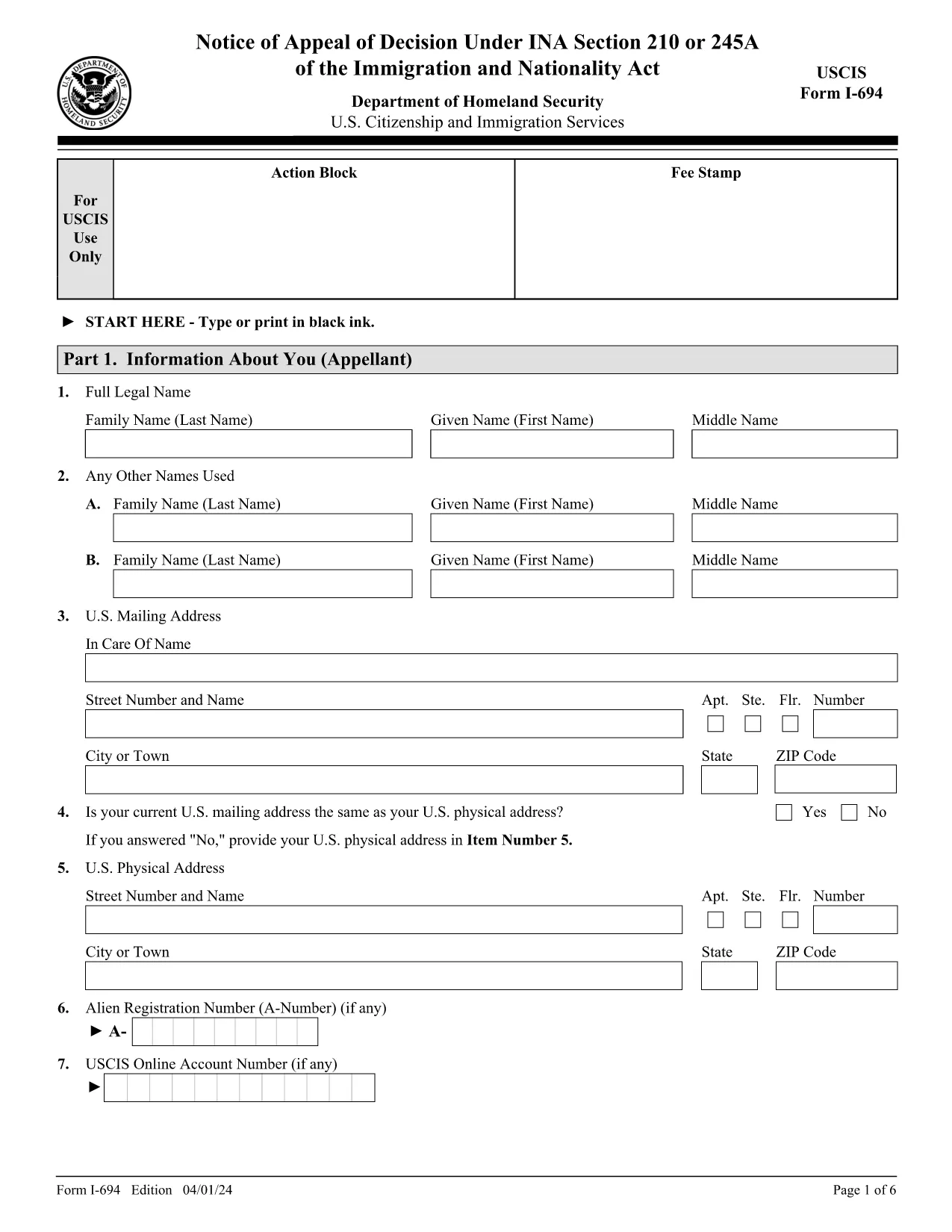
The Form I-694, Notice of Appeal of Decision Under INA Section 210 or 245A is used when you want to challenge a USCIS decision that affects your immigration status. With Formize, you can fill out the official form directly in your browser—no PDF editor required.
I-694 is the formal written appeal to the U.S. Citizenship and Immigration Services (USCIS). It must include a clear statement of why you believe the decision was incorrect, supporting evidence, and your signature.
Simply click the "Fill out this form" button on this page. The Formize PDF Filler will load the official USCIS PDF, and you can type directly into each field. When you’re done, download the completed PDF and submit it according to the instructions.
After completing the form, mail the signed I-694 and all supporting documents to the USCIS address listed in the form instructions. Check the USCIS website for the most current filing address.
Click the button below to launch the fillable version. The file is the exact PDF provided by USCIS.
No. Formize’s online PDF filler lets you complete the form directly in your browser without any additional software.
Yes. We use the exact PDF provided by USCIS, so all fields and formatting match the official version.
The Formize app automatically saves your entries locally. You can close the browser and reopen the form to continue where you left off.
Attach a copy of the decision you are appealing, any new evidence, and a signed statement explaining why the decision should be reversed.
USCIS typically reviews an I-694 within 30 days, but processing times can vary depending on the case type and workload.
No. The I-694 Notice of Appeal does not require a filing fee, but you must include any required evidence and the original decision notice.
PDF 문서를 보고 작성하기 위한 기존 기능 세트와 웹 애플리케이션 및 반응형 레이아웃의 이점을 결합하면 몇 분 만에 I-694 form을(를) 완료할 수 있습니다.
온라인에서 PDF 양식을 채우는 가장 쉬운 방법
필링 세션 삭제
편집 세션 삭제