

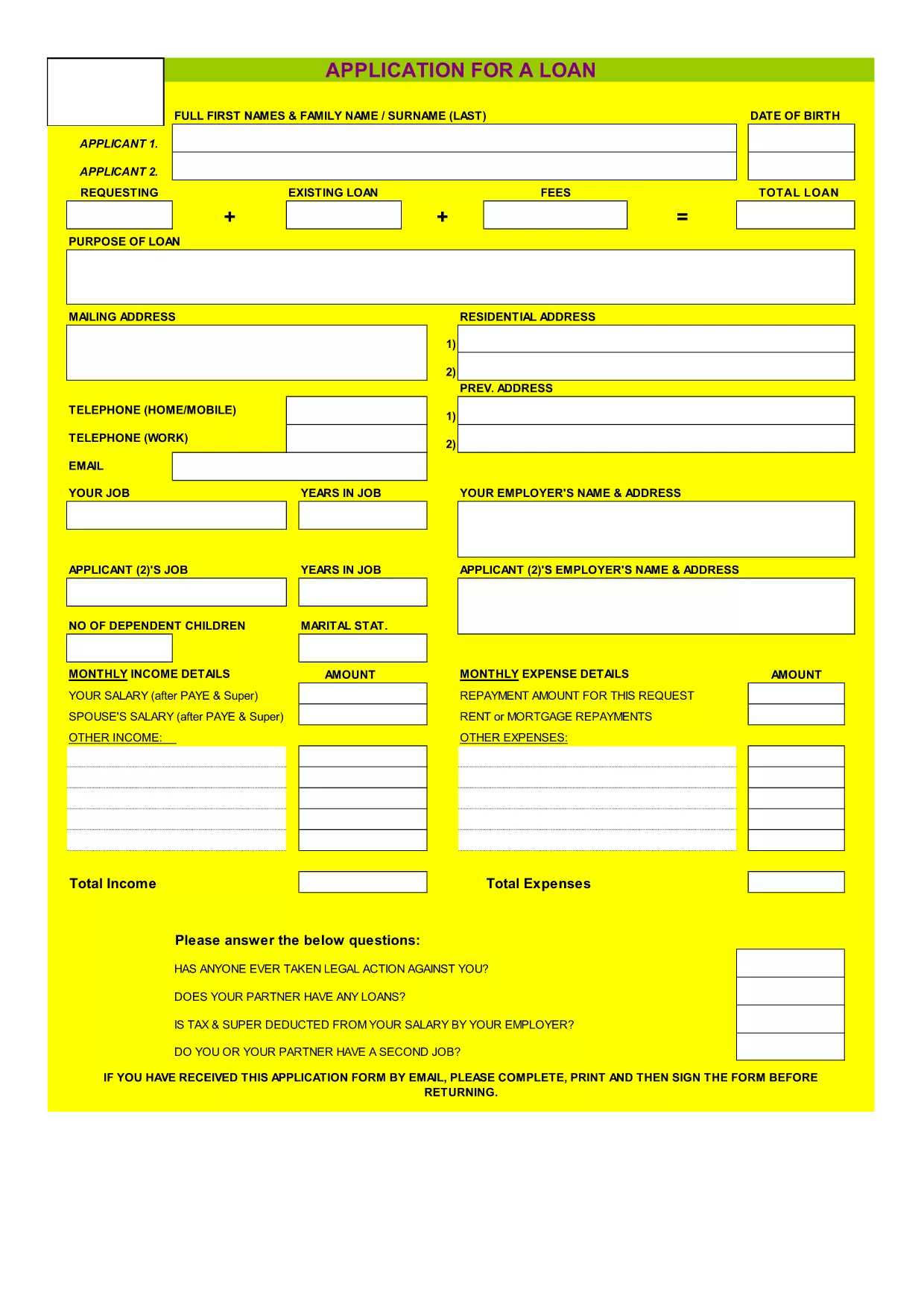

{키워드} 템플릿
PDF 문서를 보고 작성하기 위한 기존 기능 세트와 웹 애플리케이션 및 반응형 레이아웃의 이점을 결합하면 몇 분 만에 ZimLoan application form을(를) 완료할 수 있습니다.
Looking for a fast, secure way to apply for a ZimLoan? Our fillable PDF application form lets you fill out every field directly in your browser, save time, and eliminate printing errors. The form is hosted on Formize, so you can complete it online, download a signed copy, and send it to your lender in minutes.
The ZimLoan application requires detailed personal and financial information. Using a fillable PDF ensures:
Follow these simple steps to fill out the form directly on our page:
After downloading the signed PDF, email it to loans@zimloan.com or deliver a printed copy to any ZimLoan branch. Keep a copy for your records.
Need help? Review our FAQ section below for quick answers.
No. The form is fully fillable within the Formize PDF Filler app, which runs in any modern web browser.
Yes. Use the Save button to download a partially completed PDF, then reopen it later in the Formize filler to continue.
Attach PDFs, JPGs, or PNGs. Ensure each file is under 5 MB.
Formize uses SSL encryption, so your data is protected while you fill out the form.
Open the saved PDF again in the Formize filler, correct the error, and re‑save the updated version.
Visit the ZimLoan website or contact your loan officer for the latest eligibility and documentation requirements.
PDF 문서를 보고 작성하기 위한 기존 기능 세트와 웹 애플리케이션 및 반응형 레이아웃의 이점을 결합하면 몇 분 만에 ZimLoan application form을(를) 완료할 수 있습니다.
온라인에서 PDF 양식을 채우는 가장 쉬운 방법
필링 세션 삭제
편집 세션 삭제